 Rivet
RivetRivetHub on Omarchy
Your Omarchy.
With a memory.
A hub on your own machine for your agent sessions, tool calls, and outputs — themed to match your desktop. Set it up locally, then let your next session pick up where this one ends.
Find your colors
One workspace, every palette.
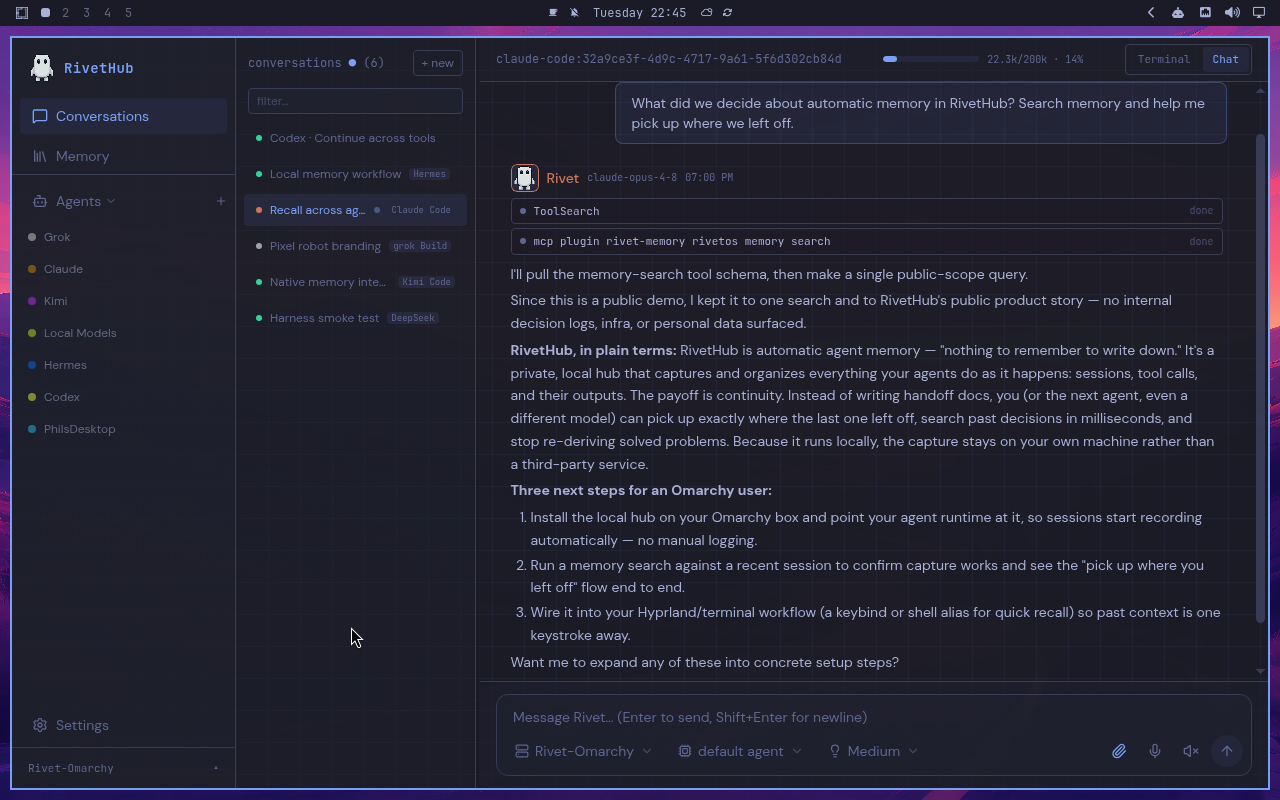
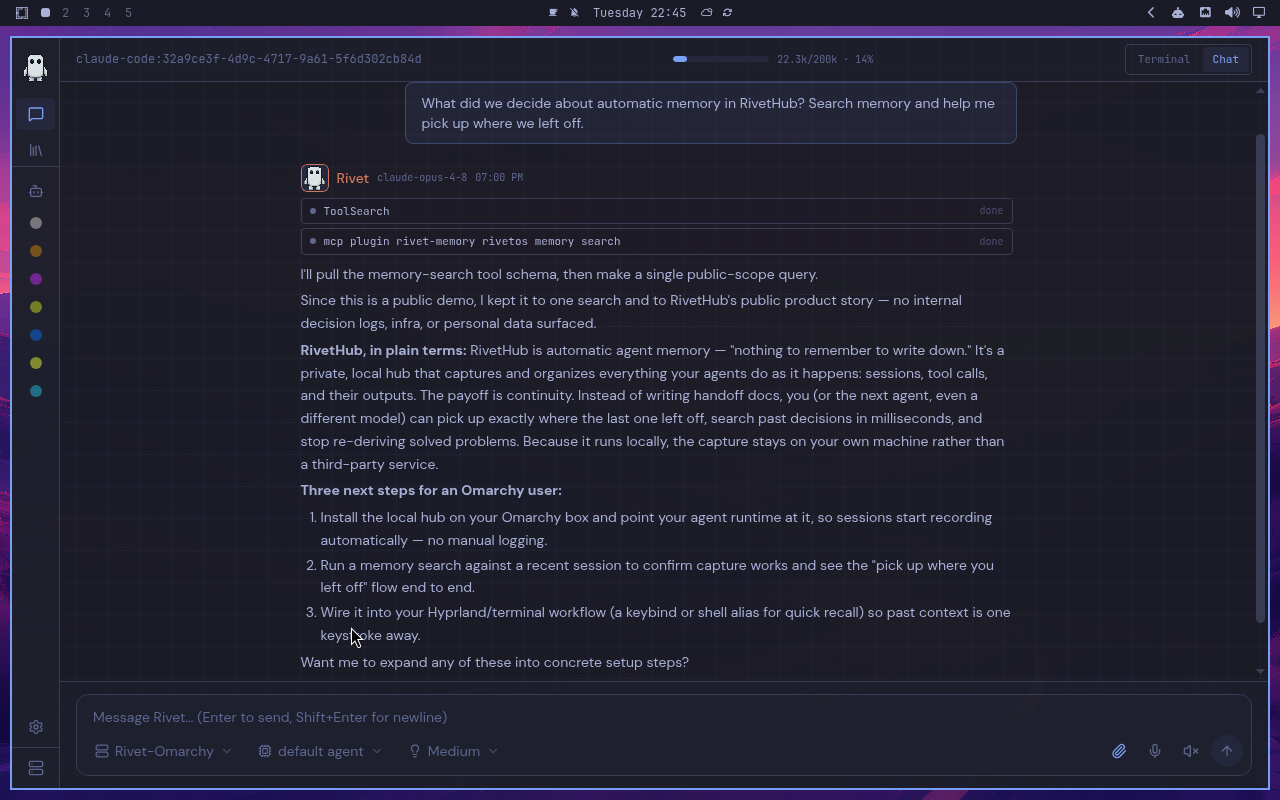
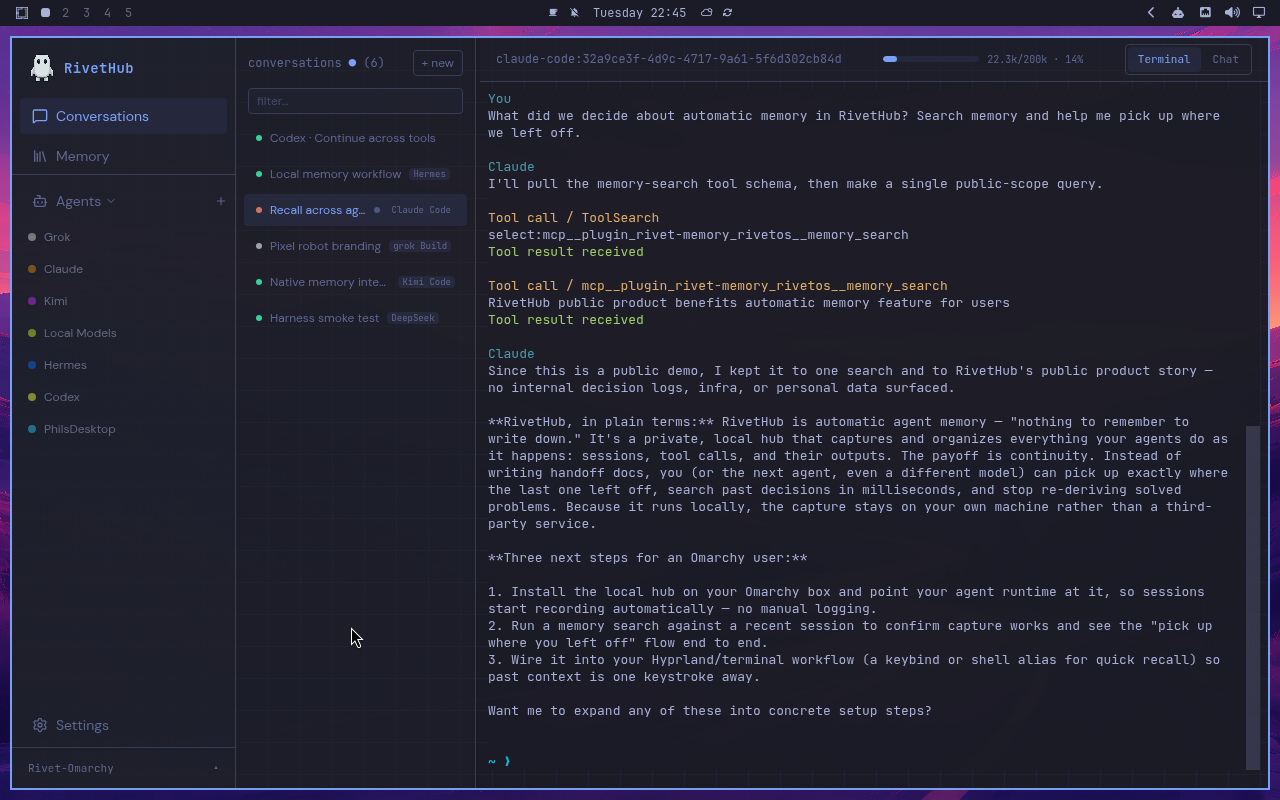
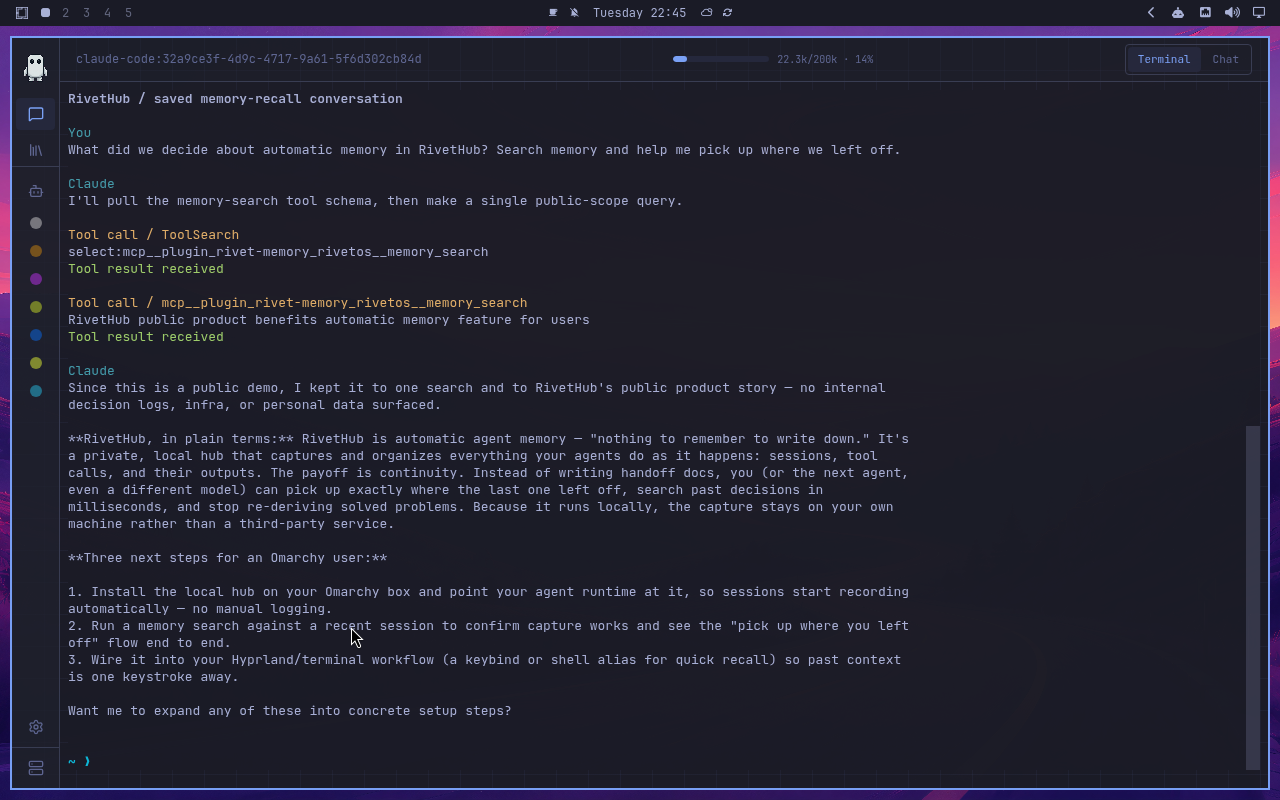
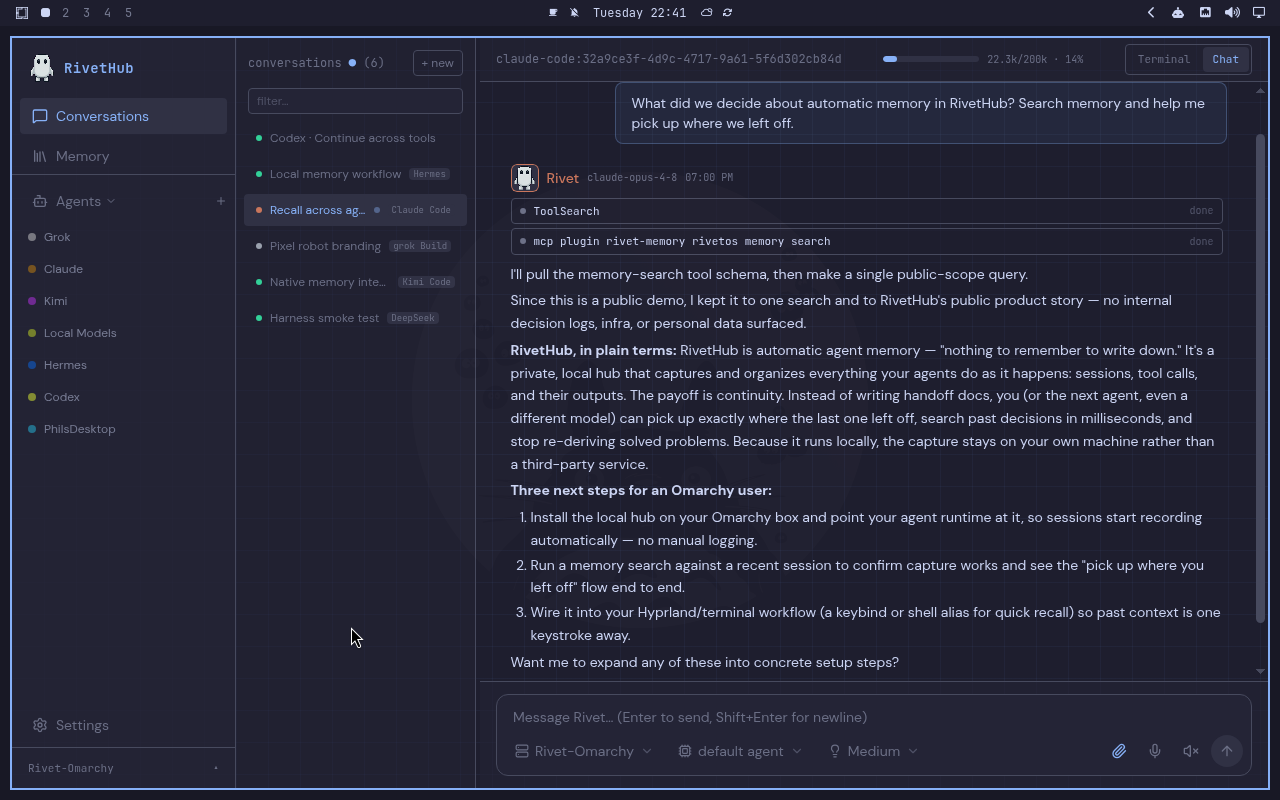
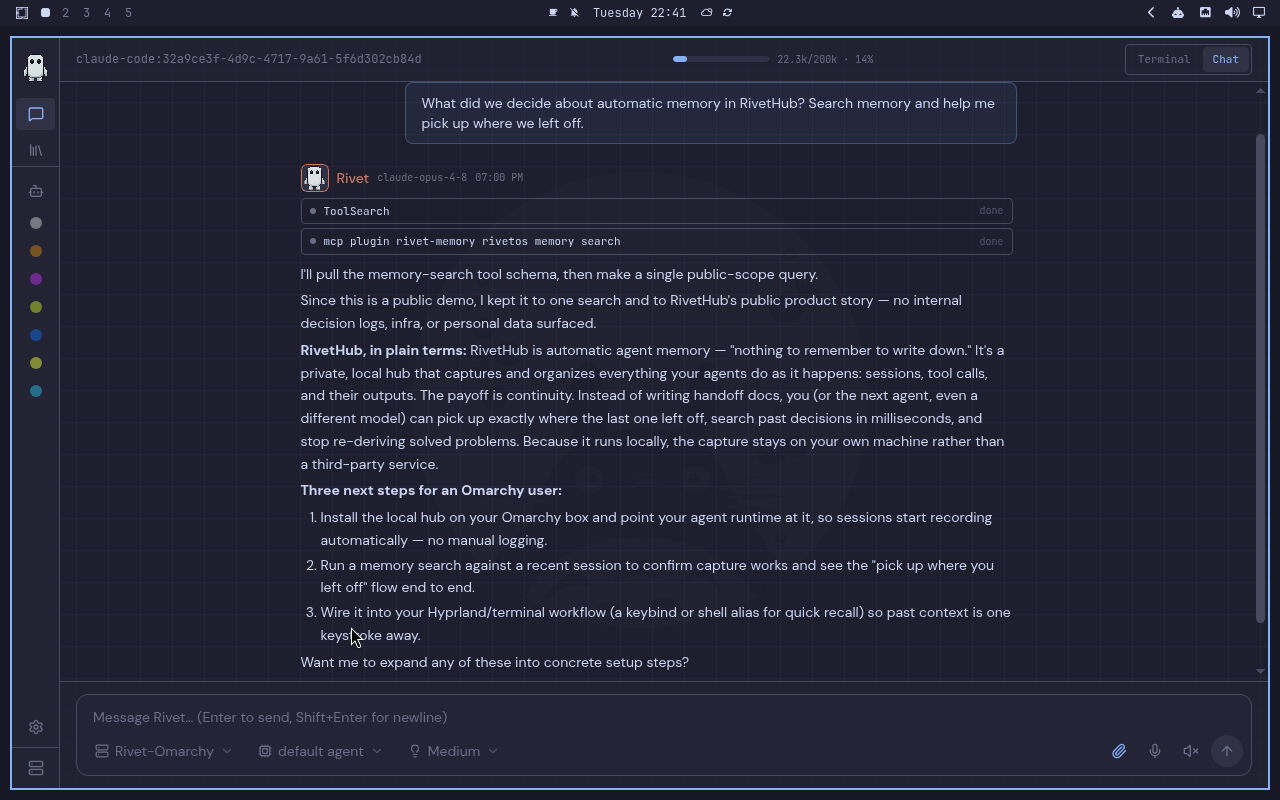
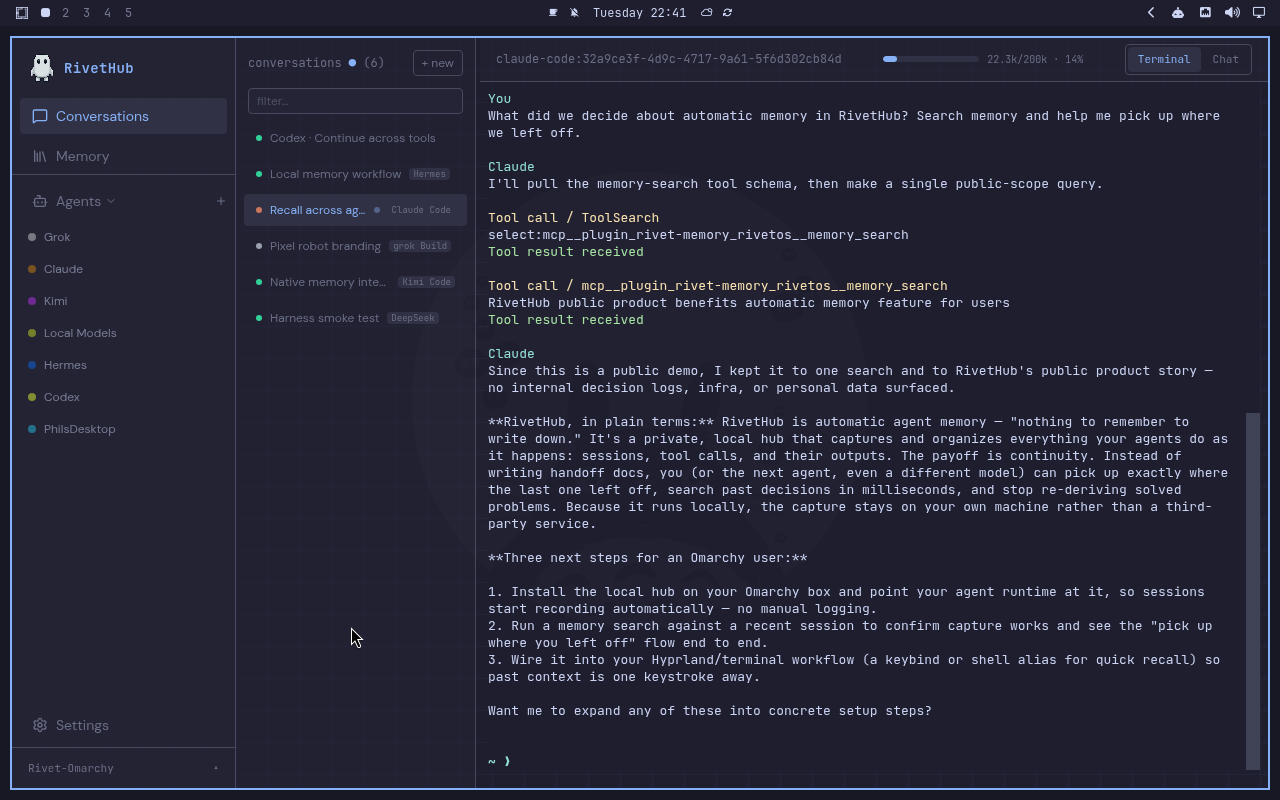
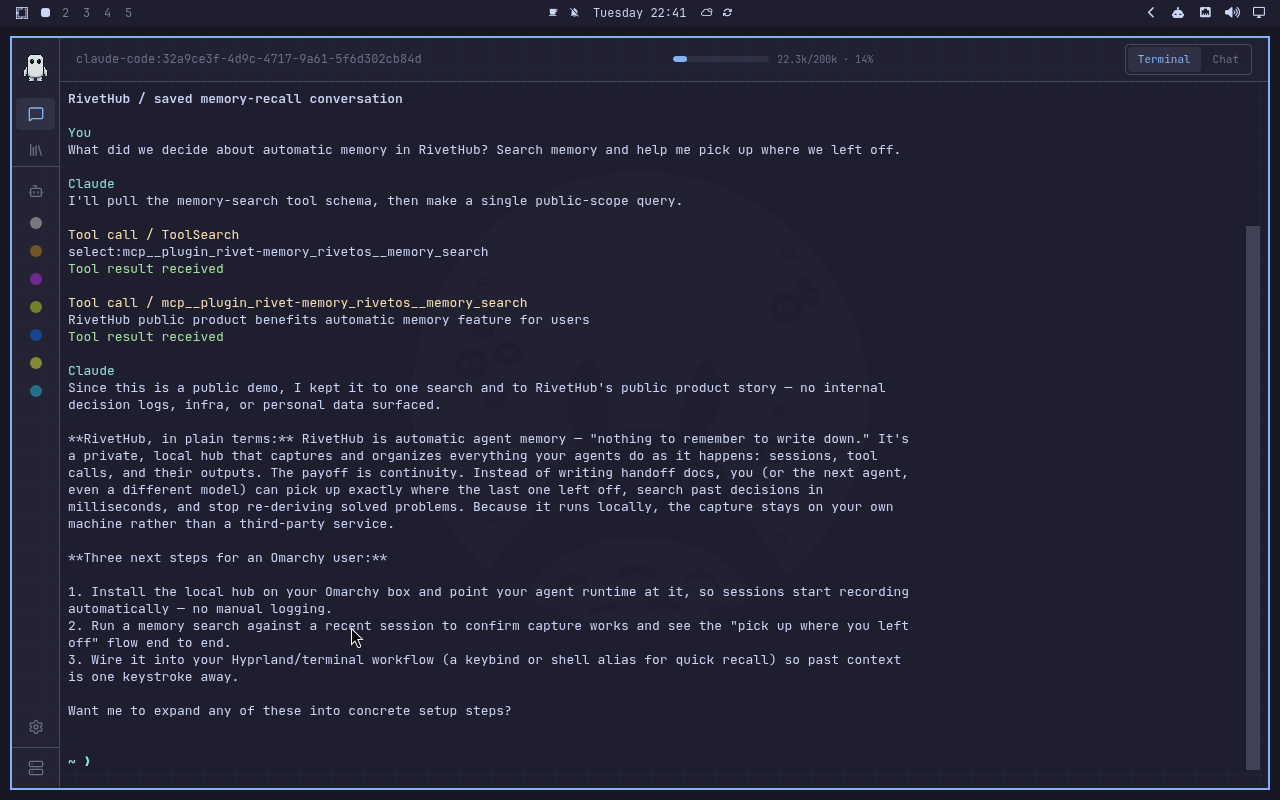
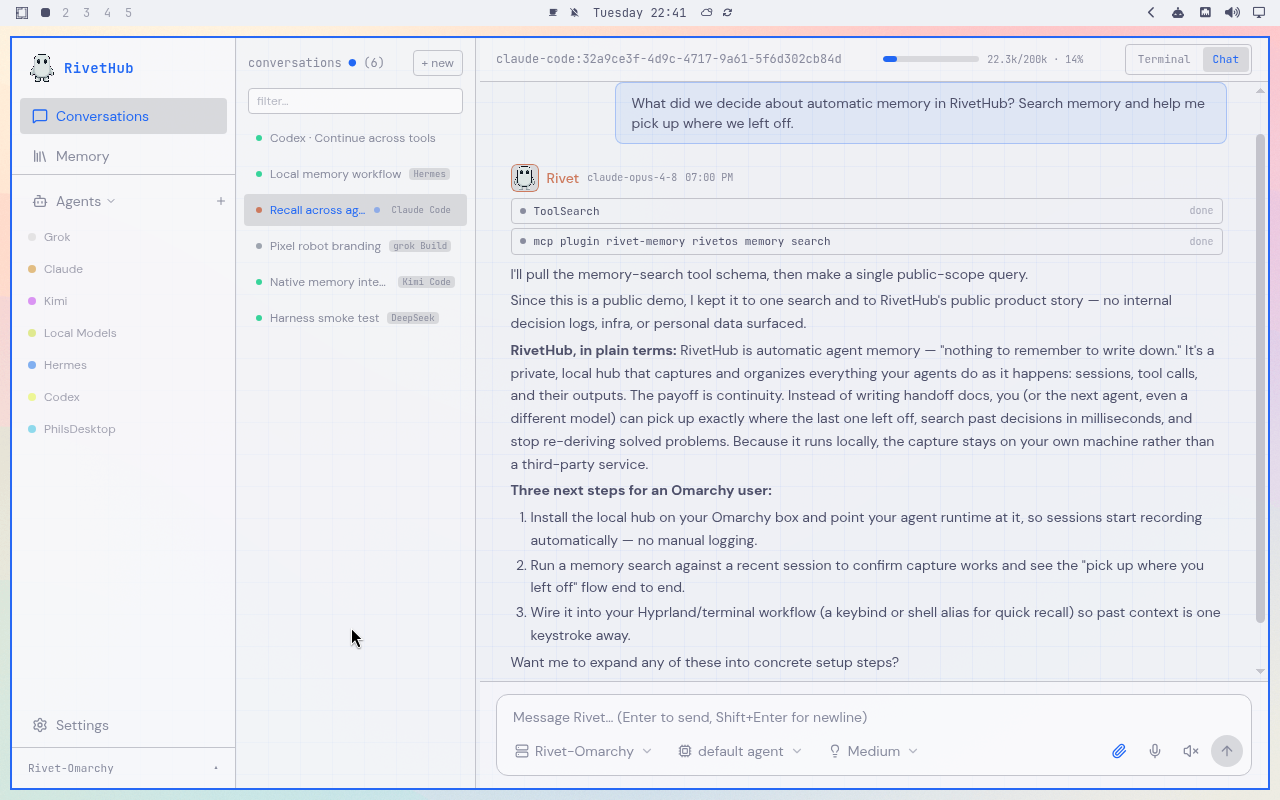
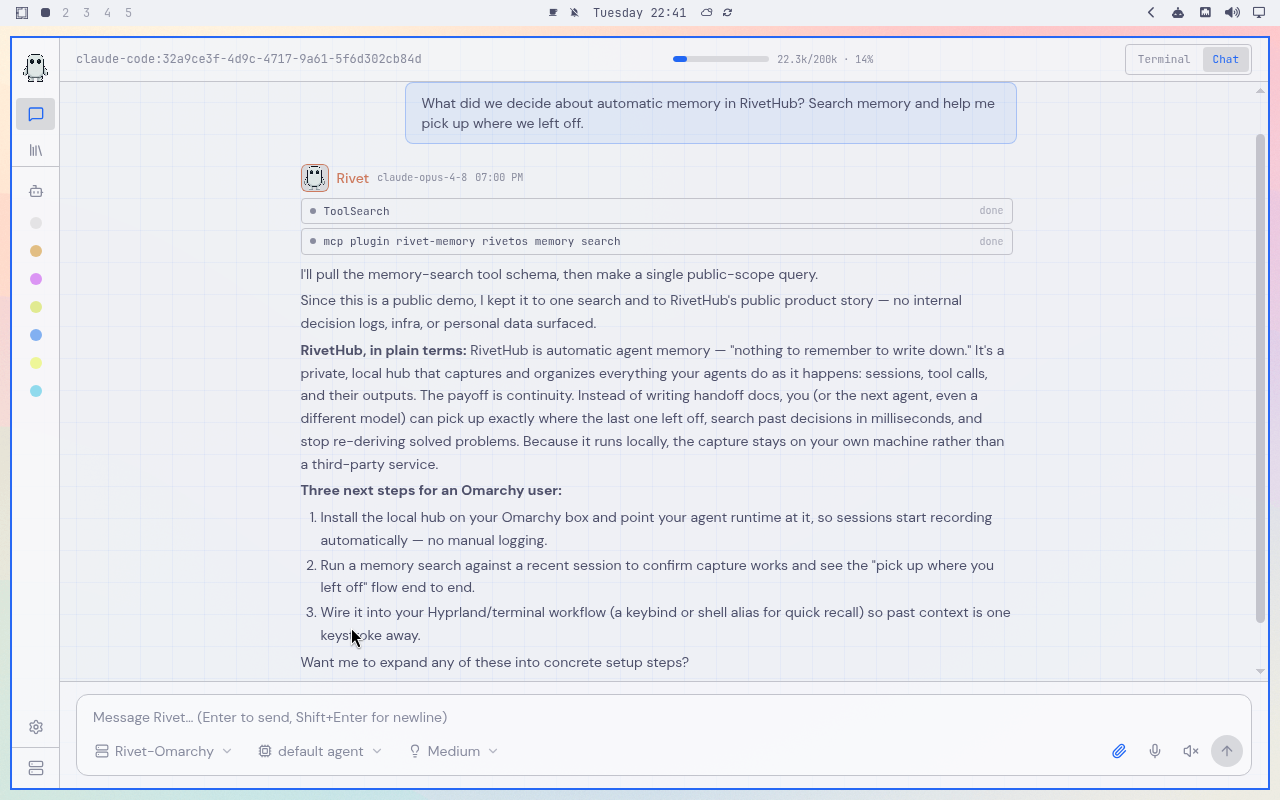
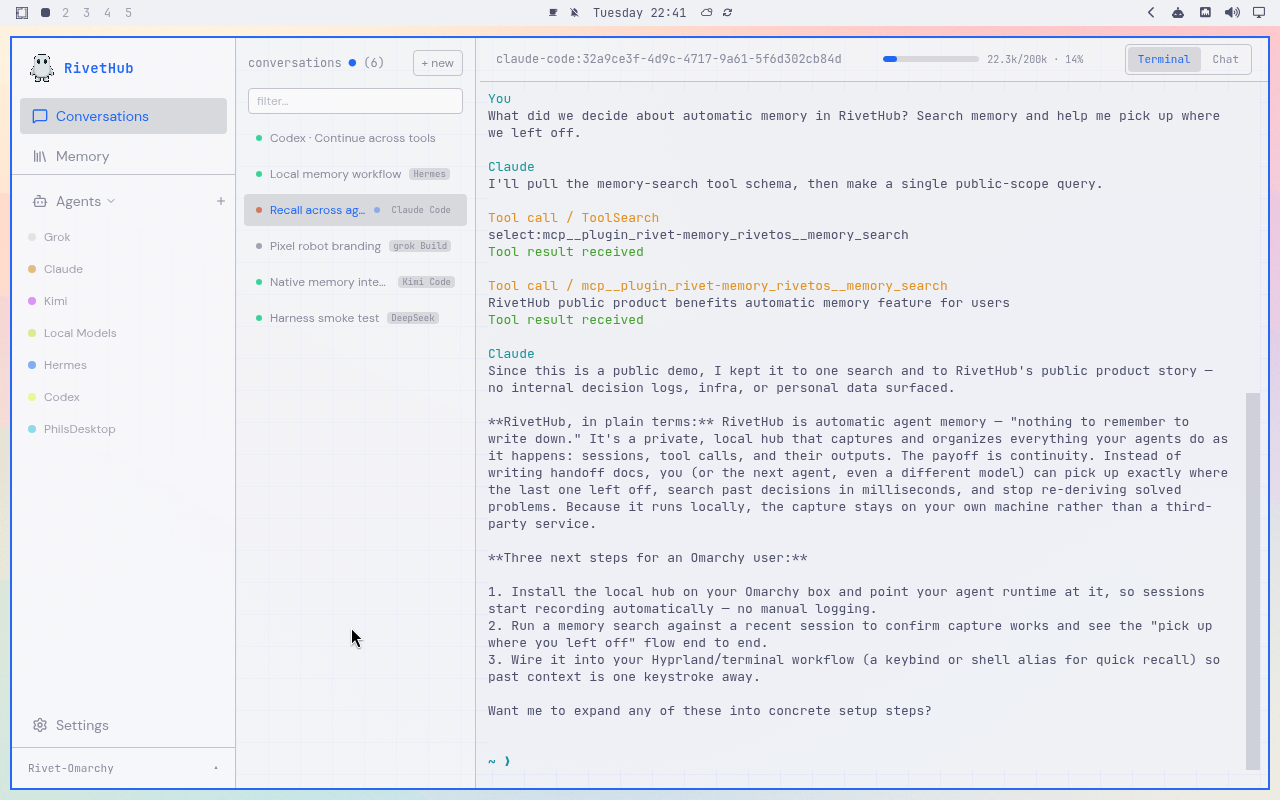
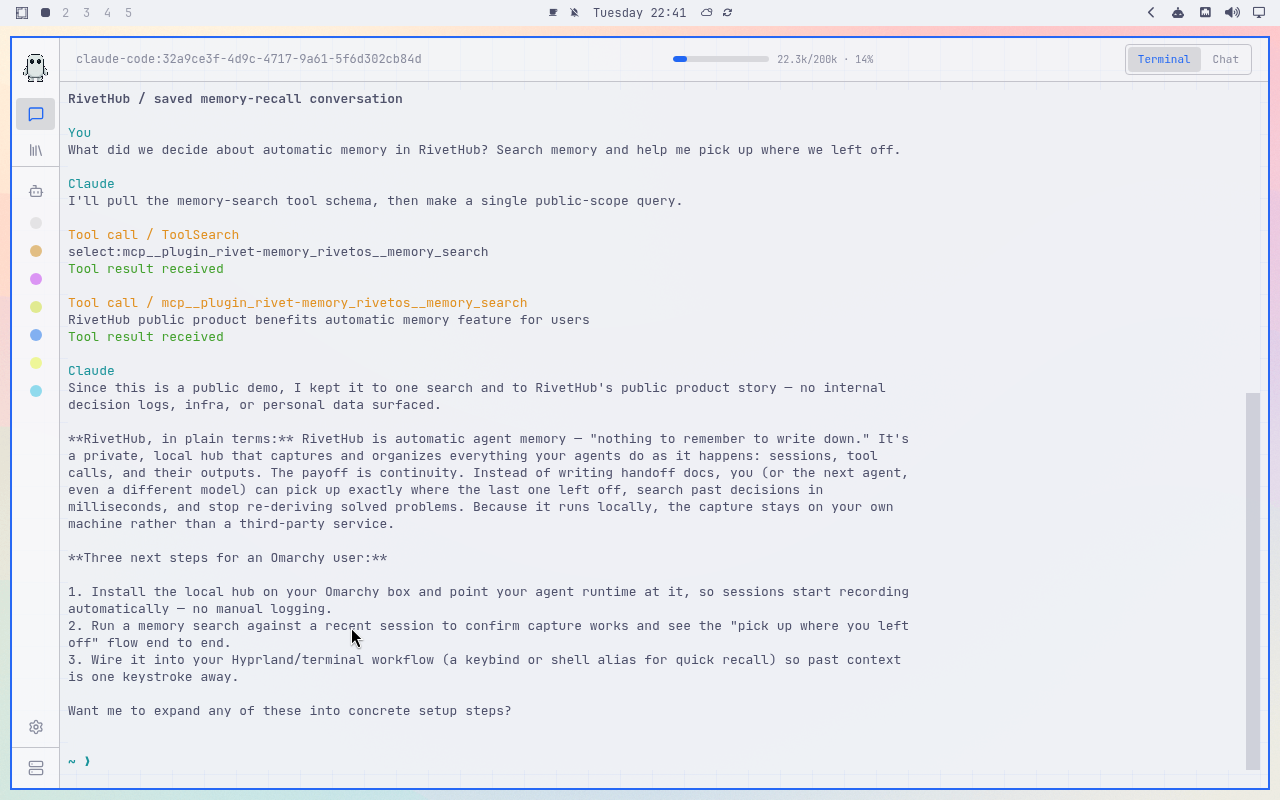
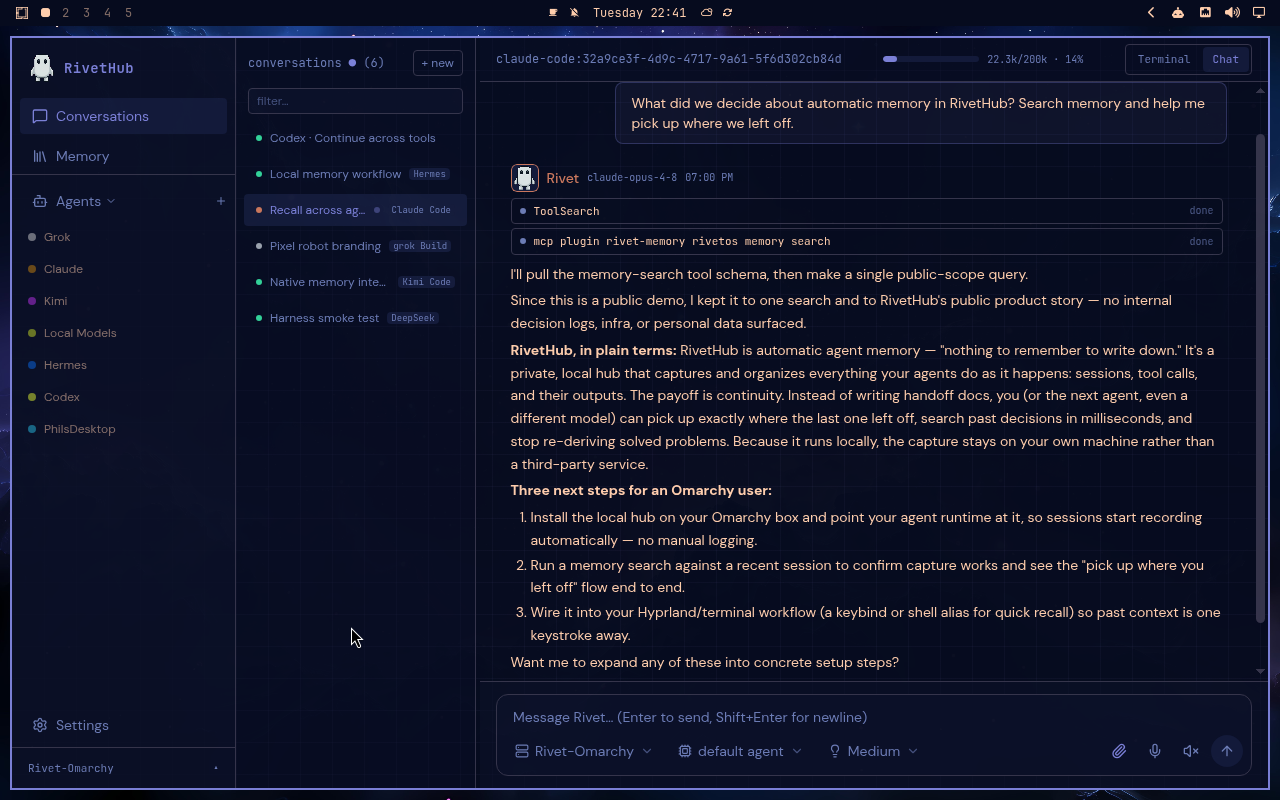
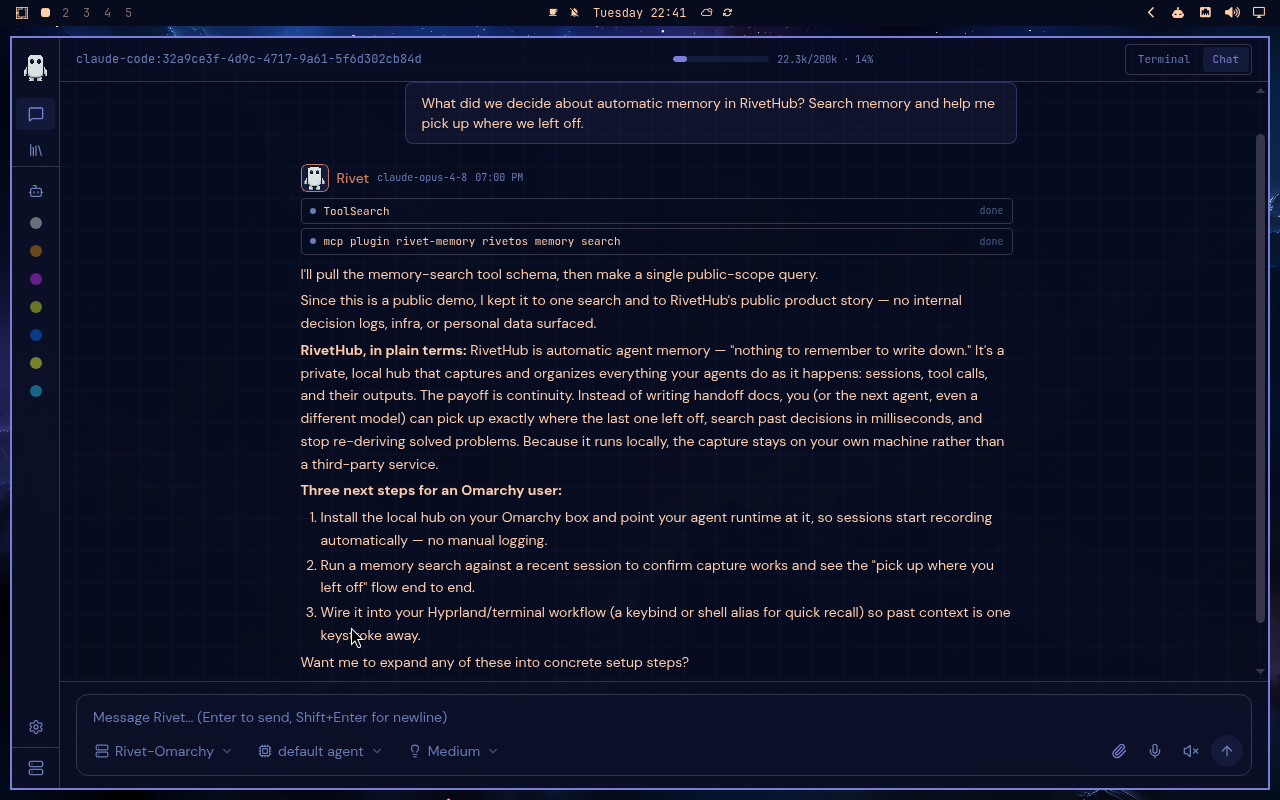
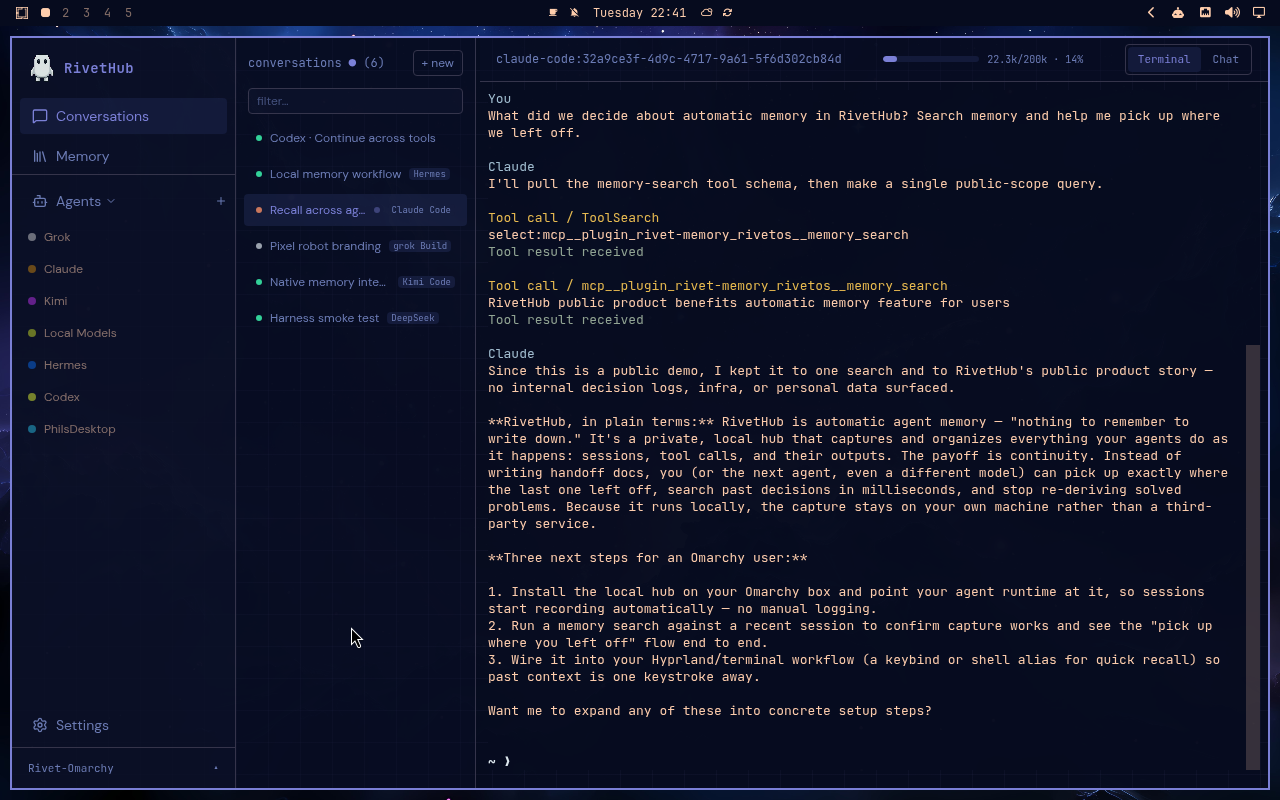
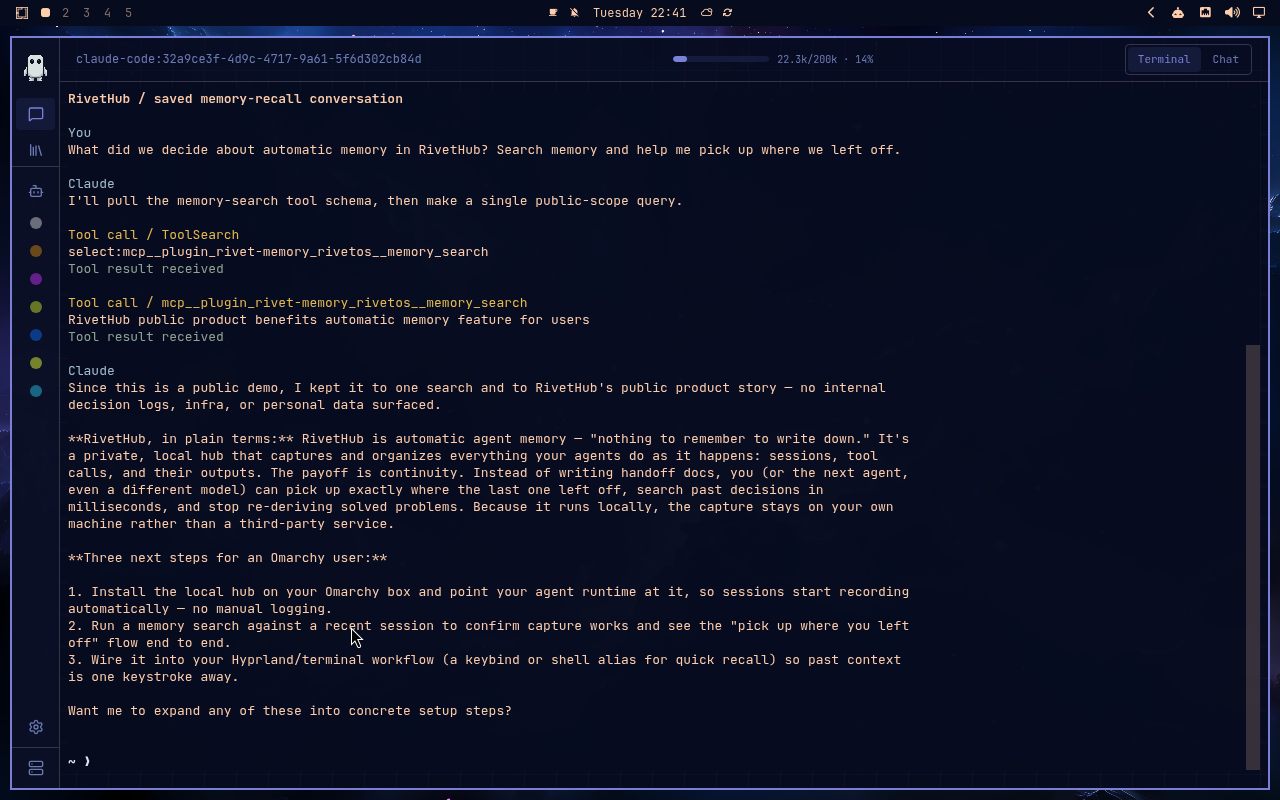
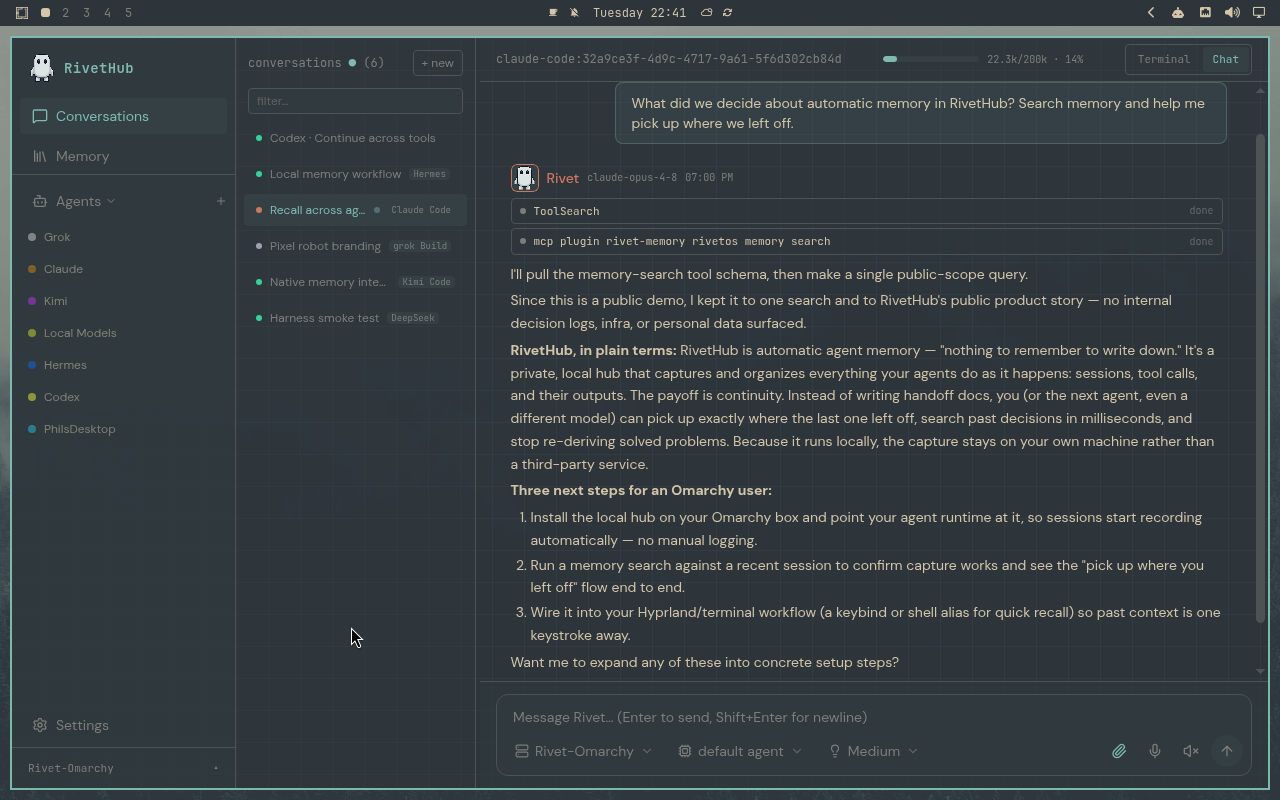
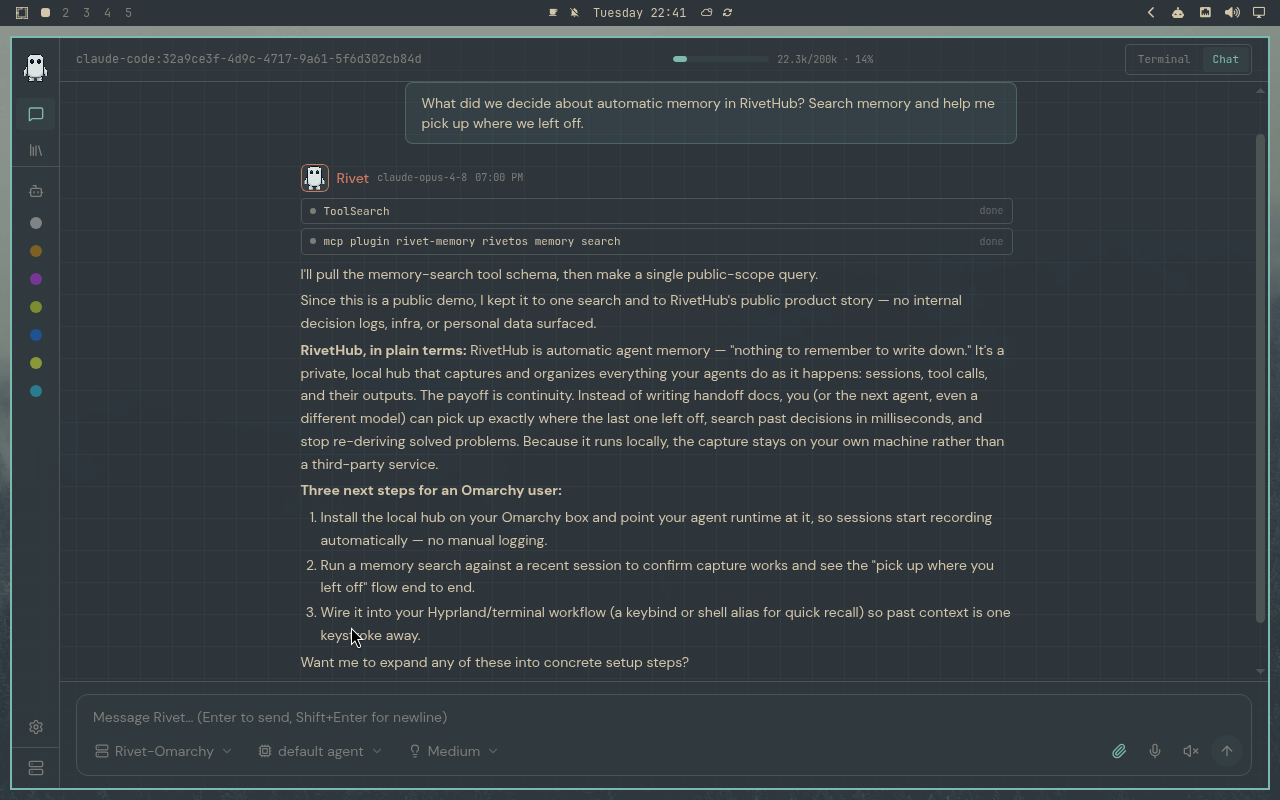
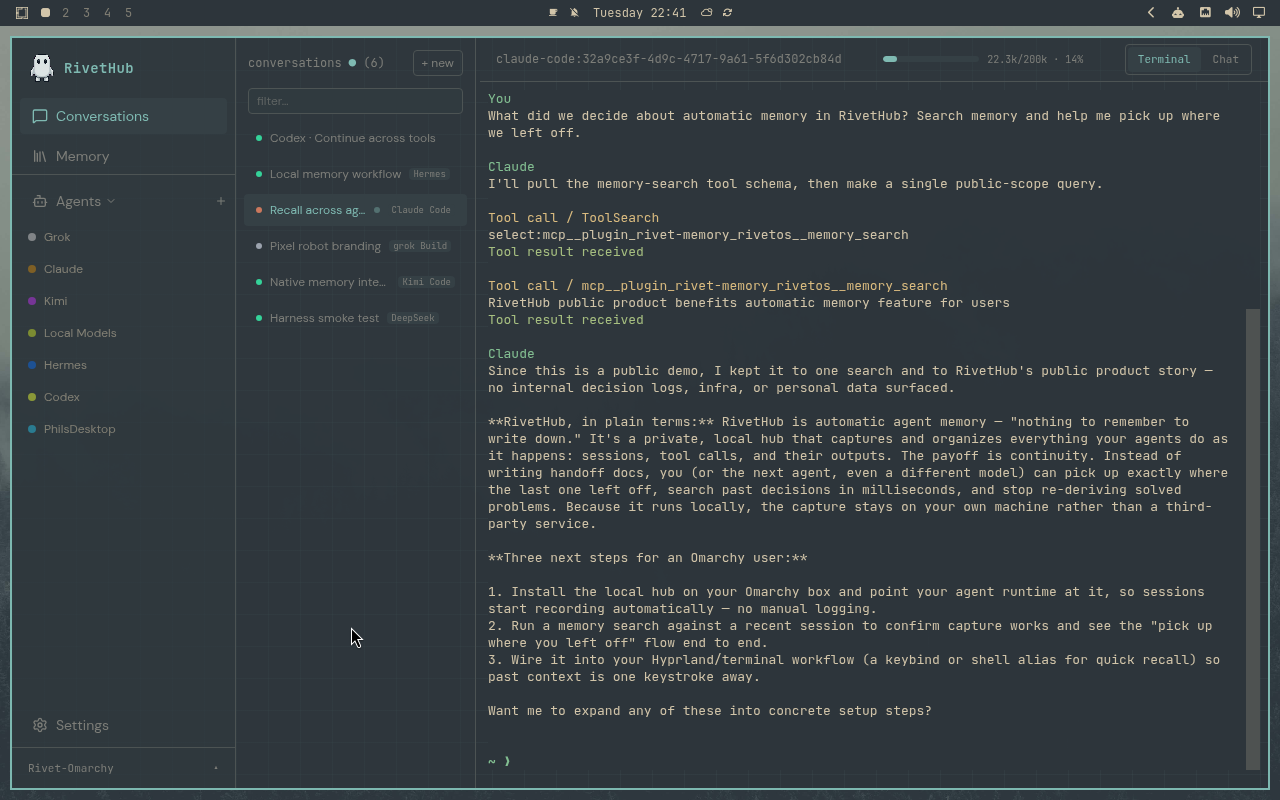
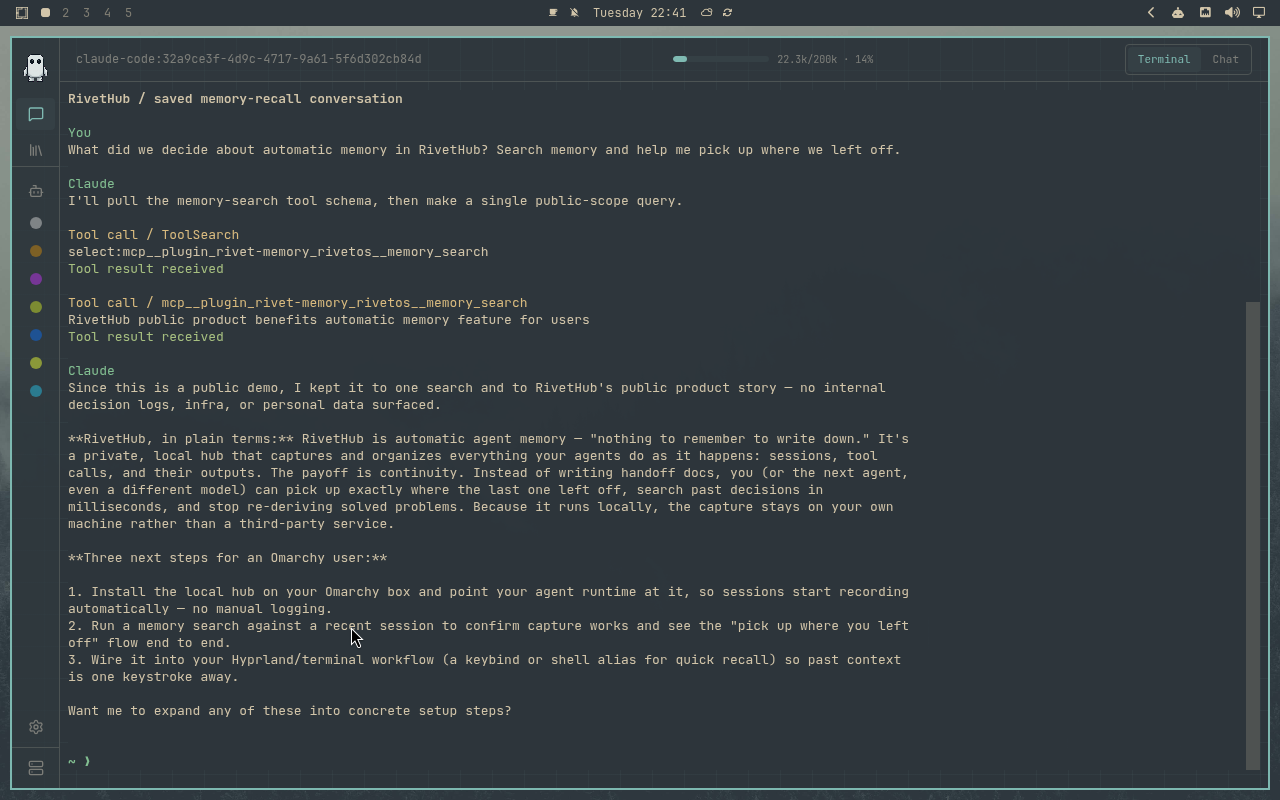
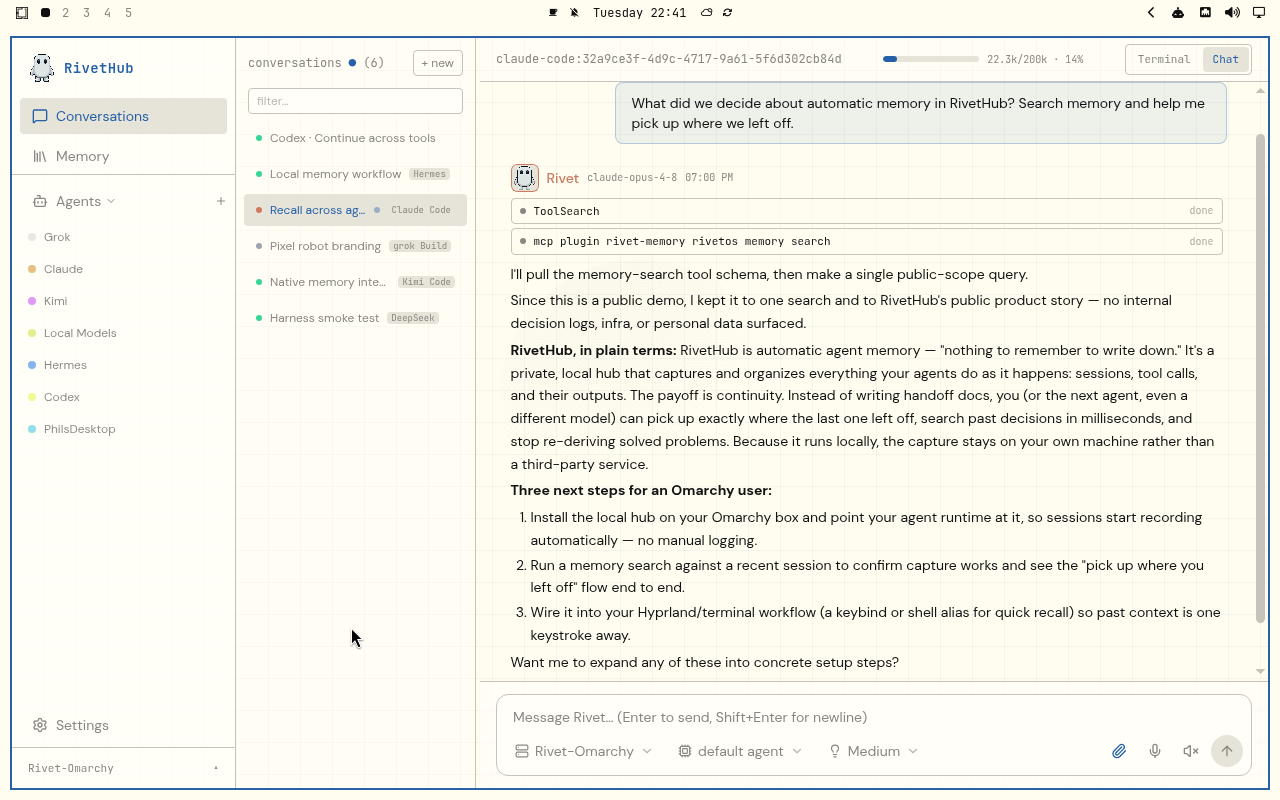
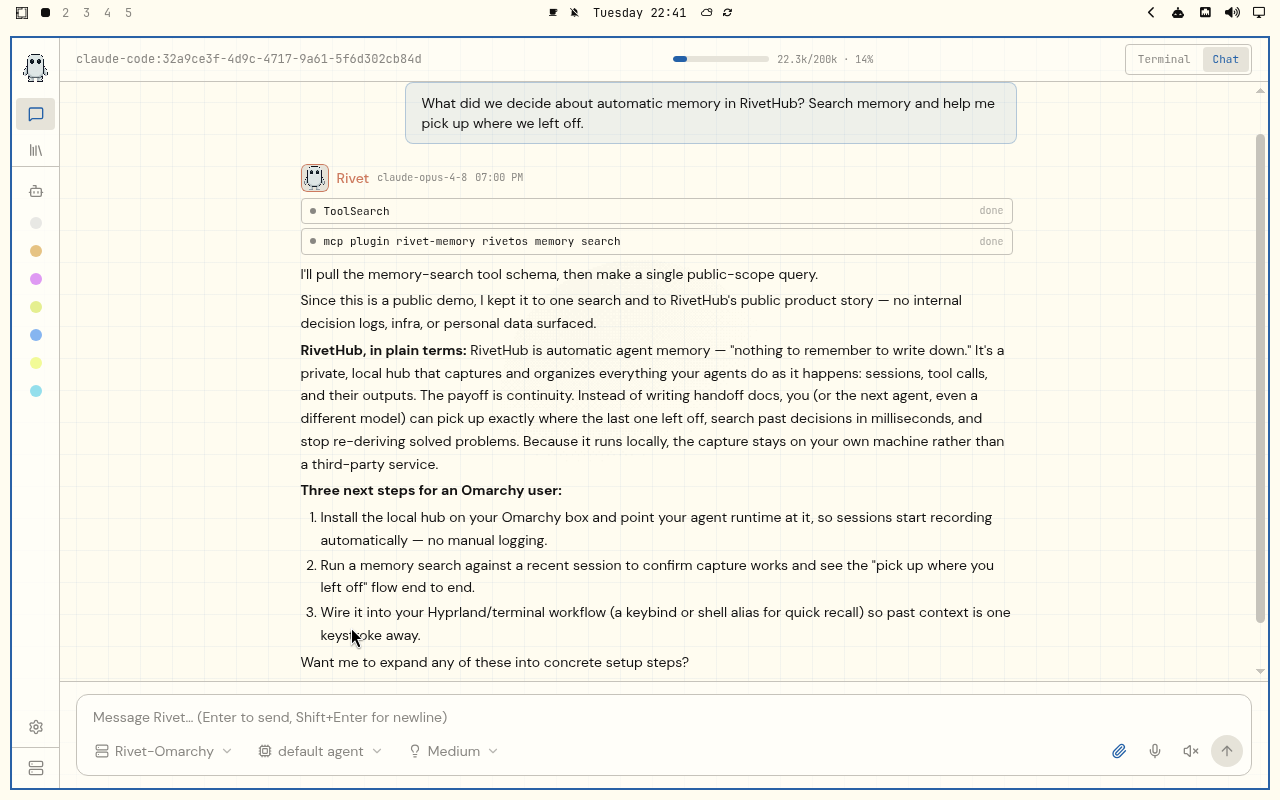
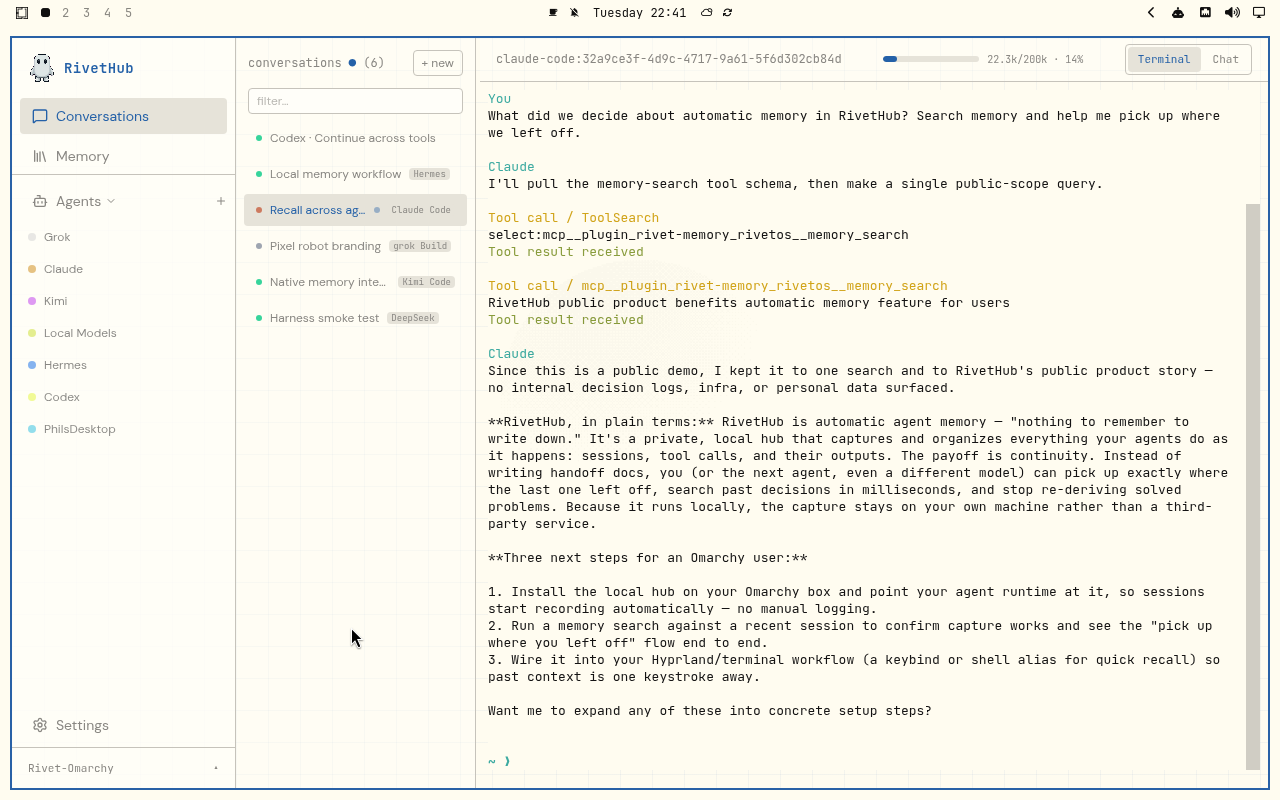
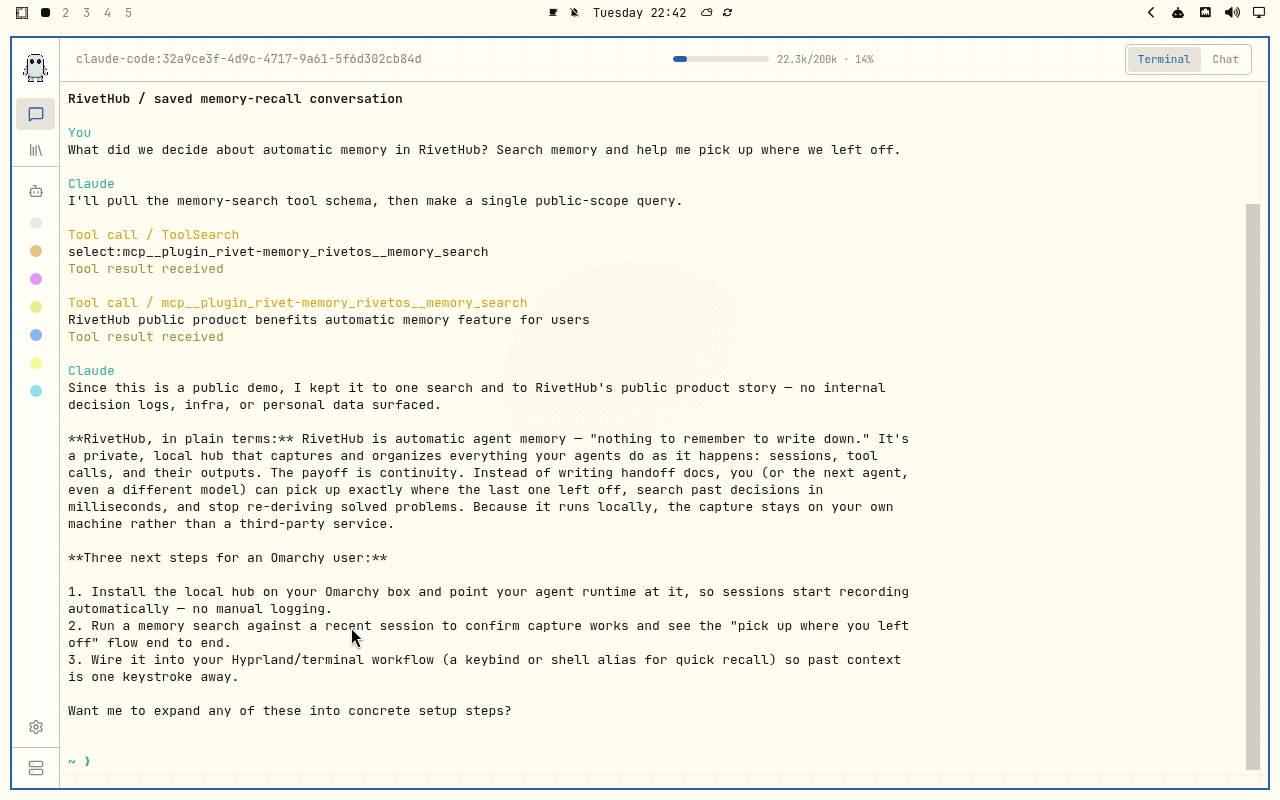
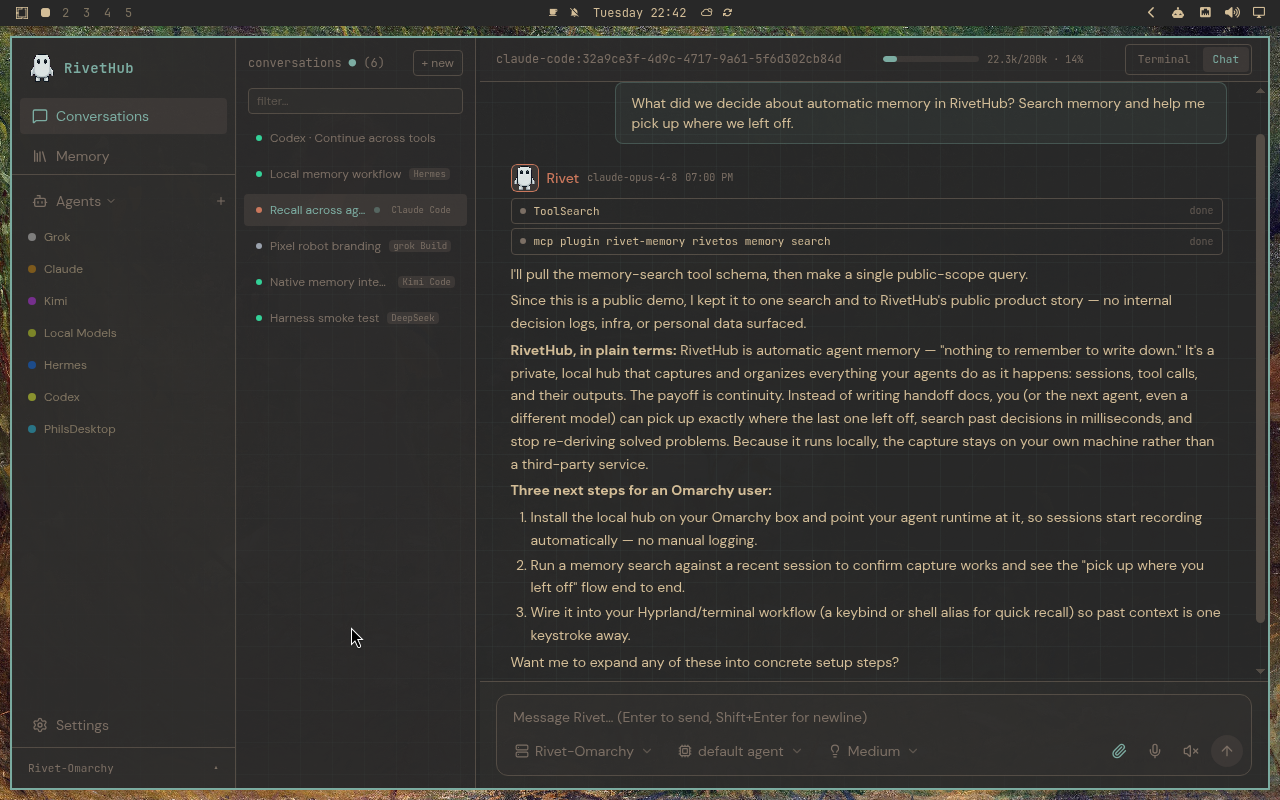
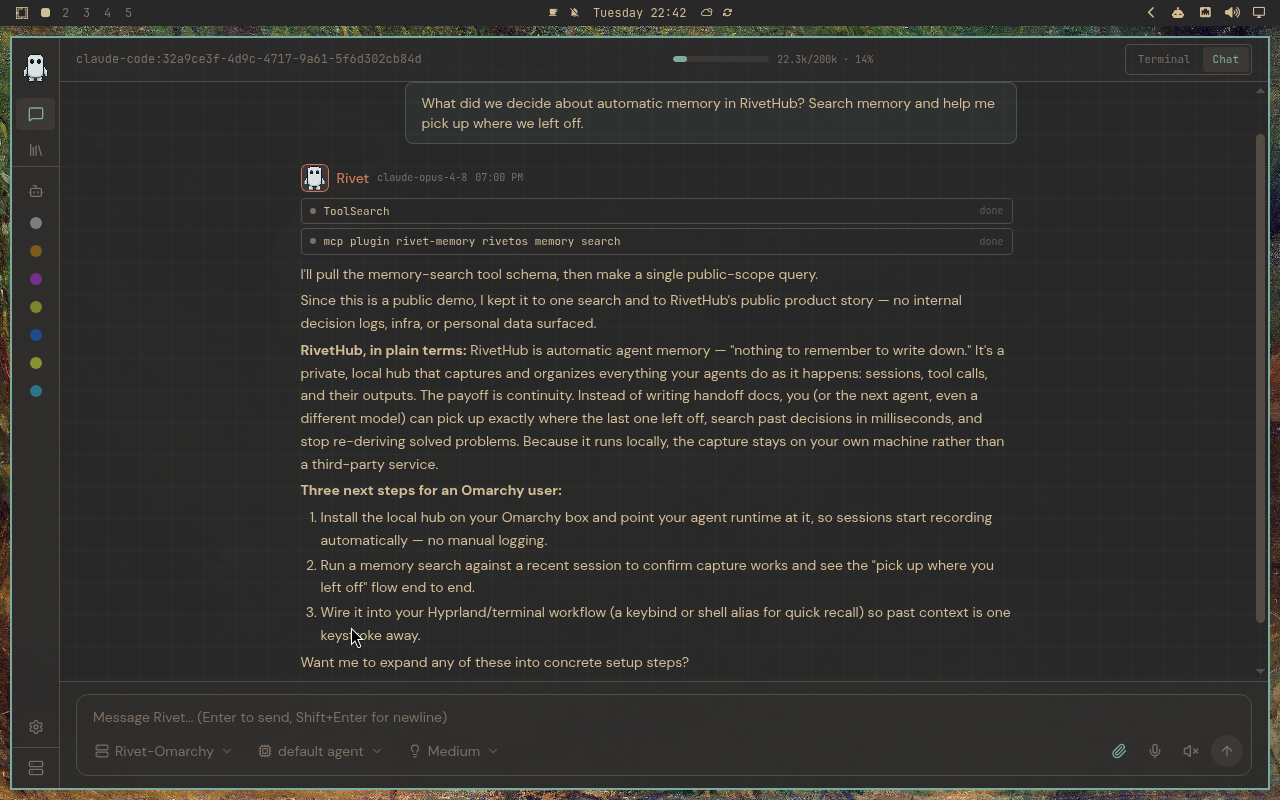
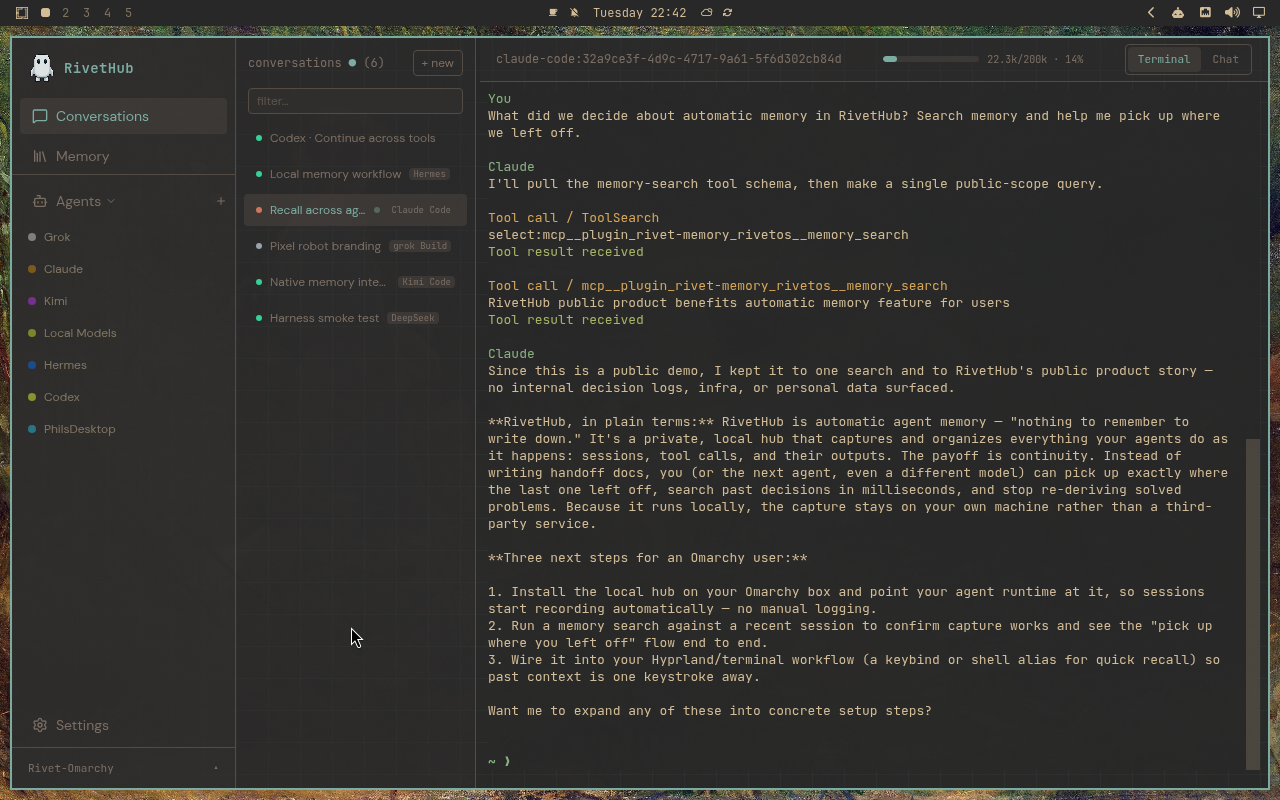
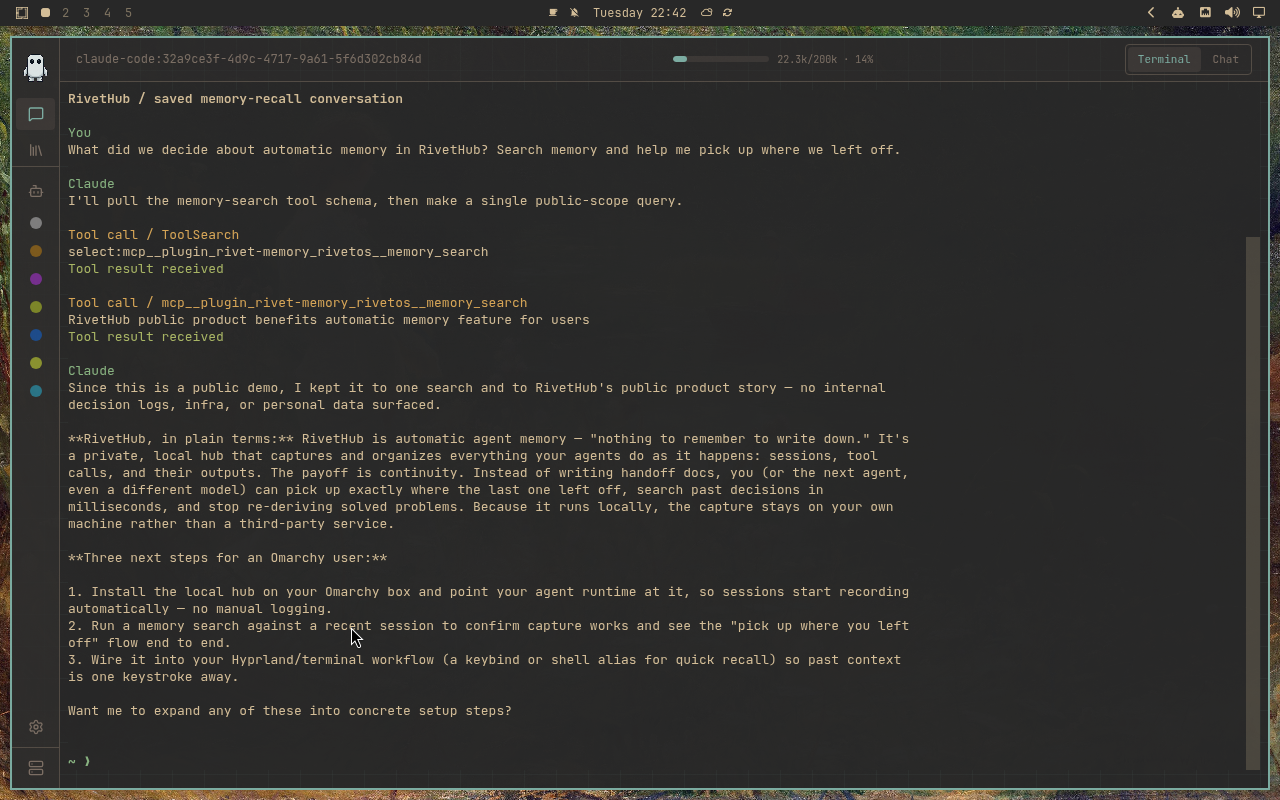
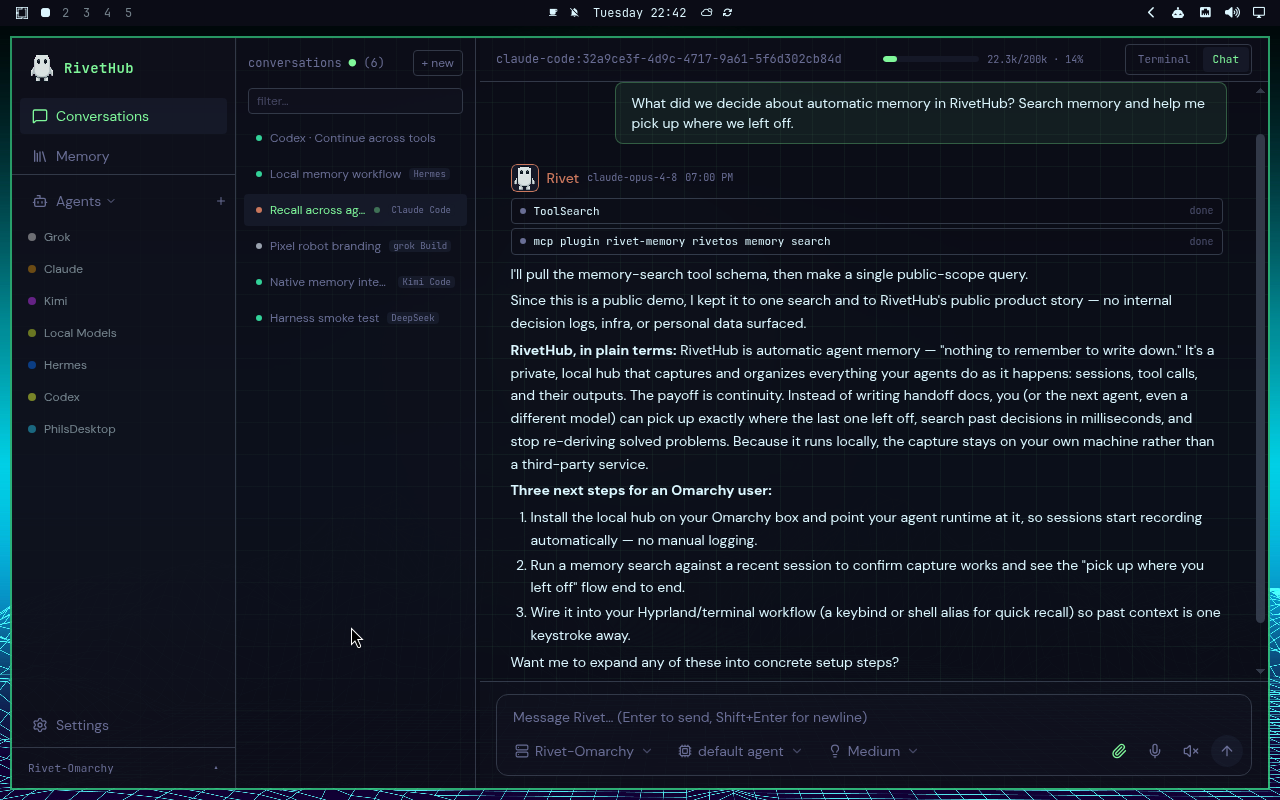
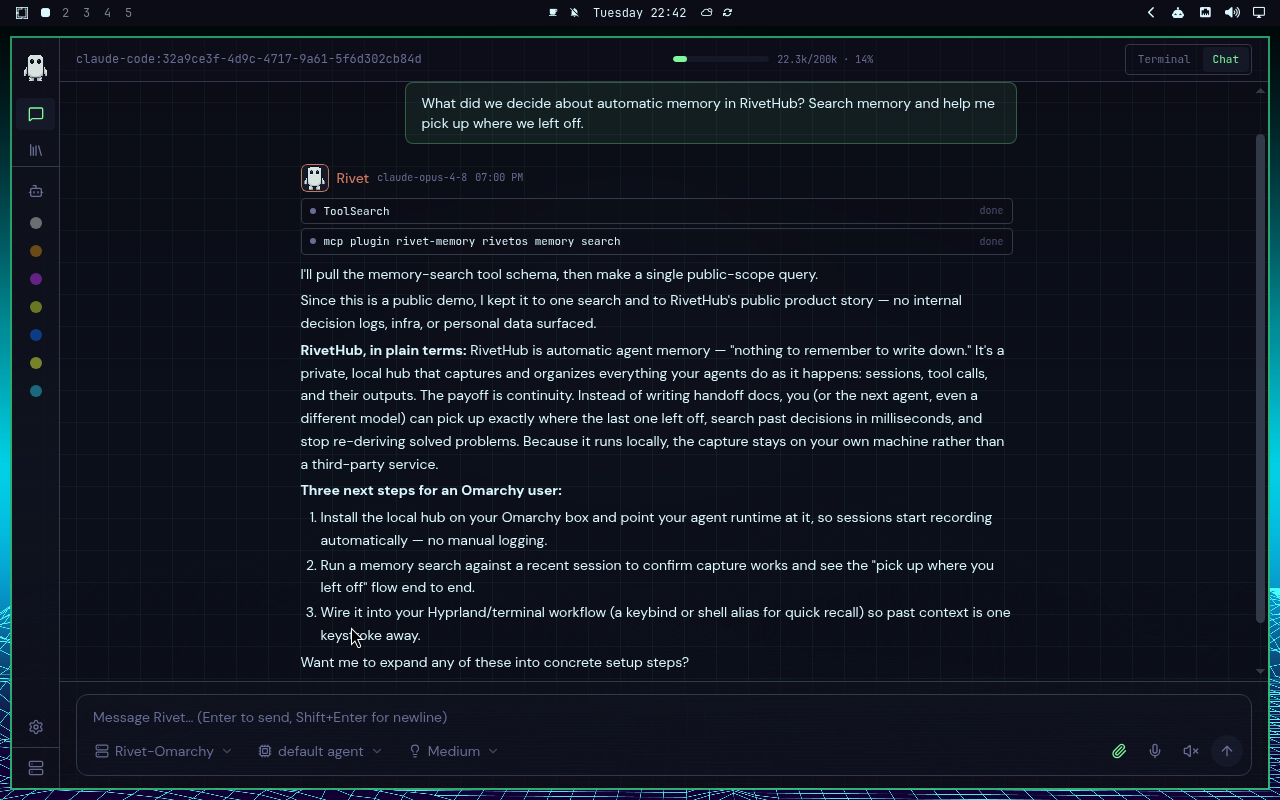
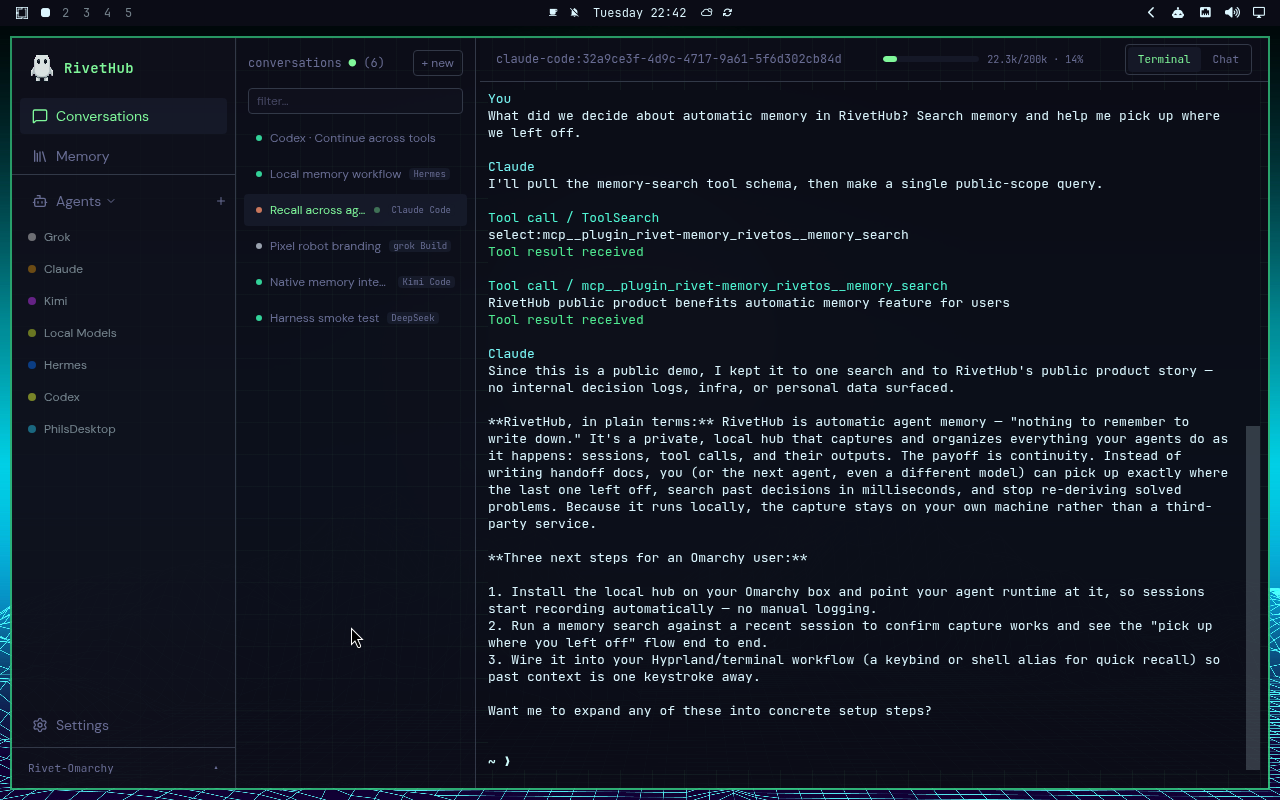
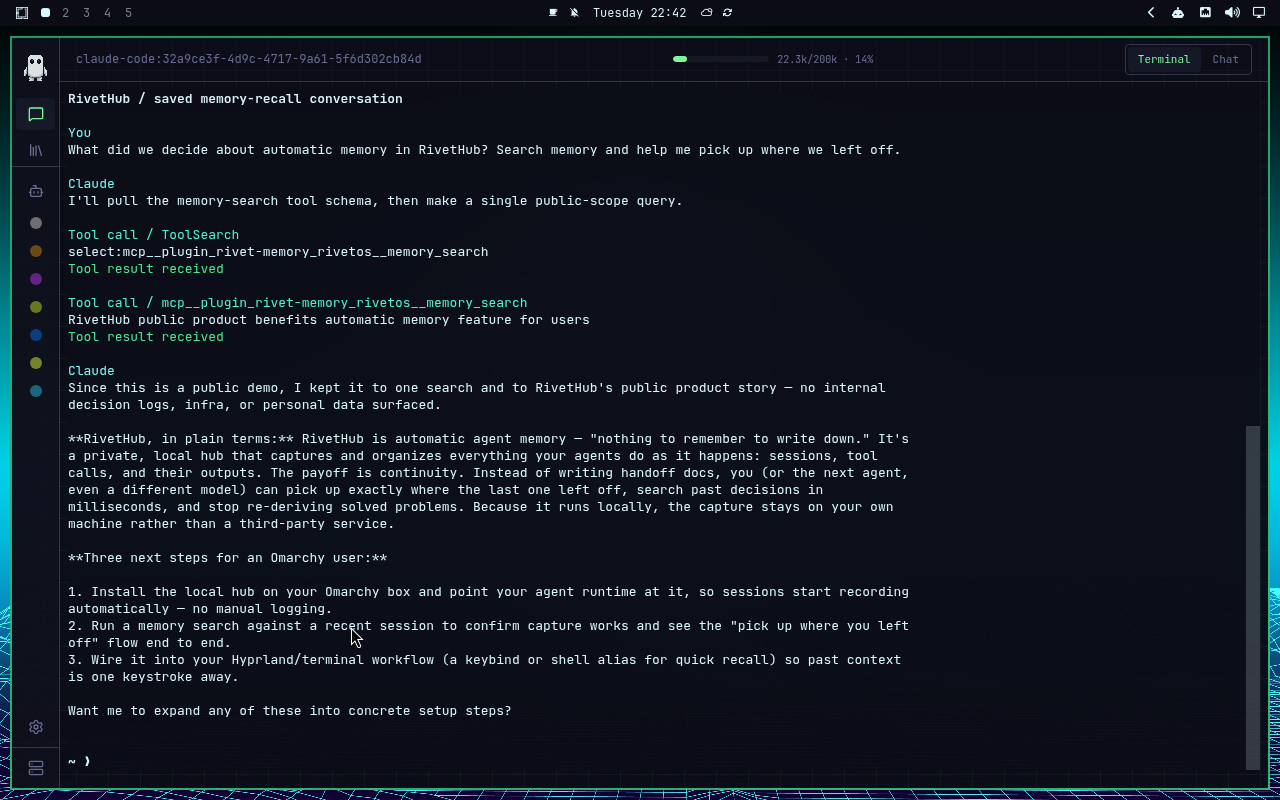
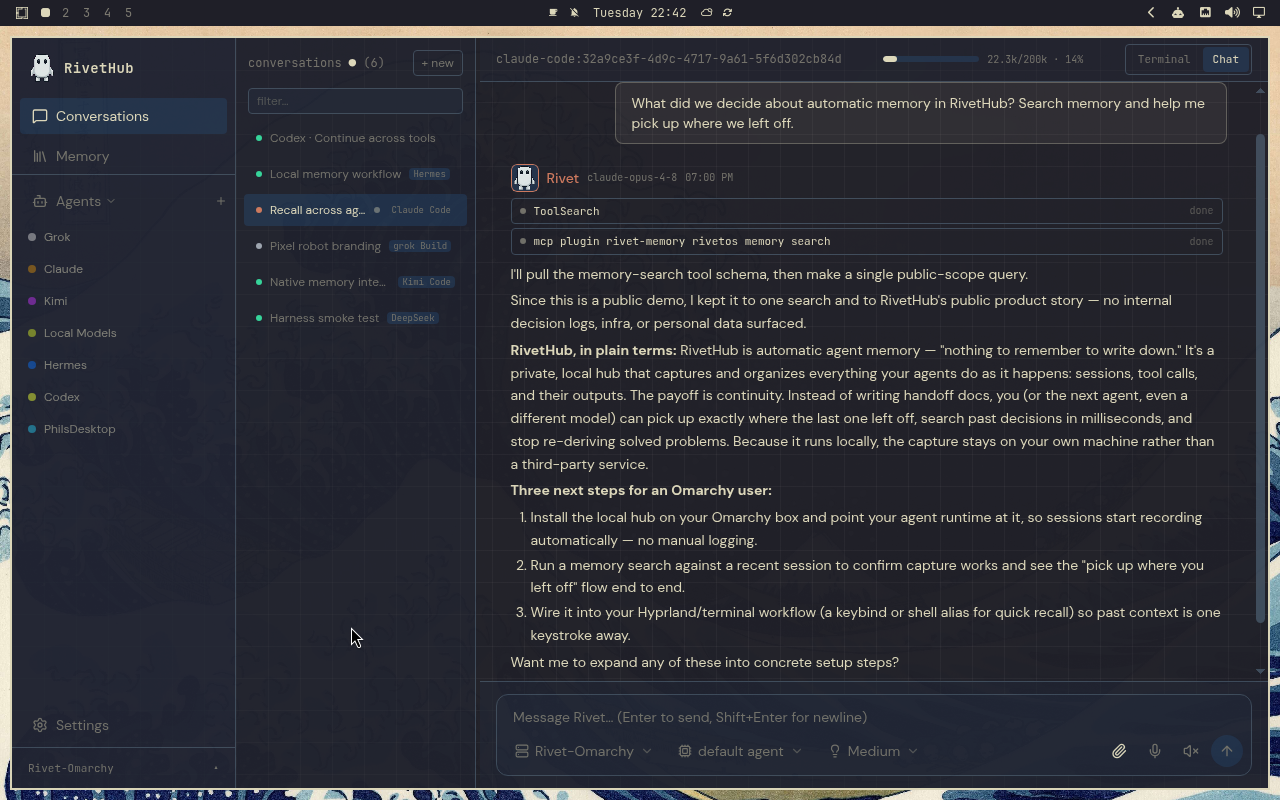
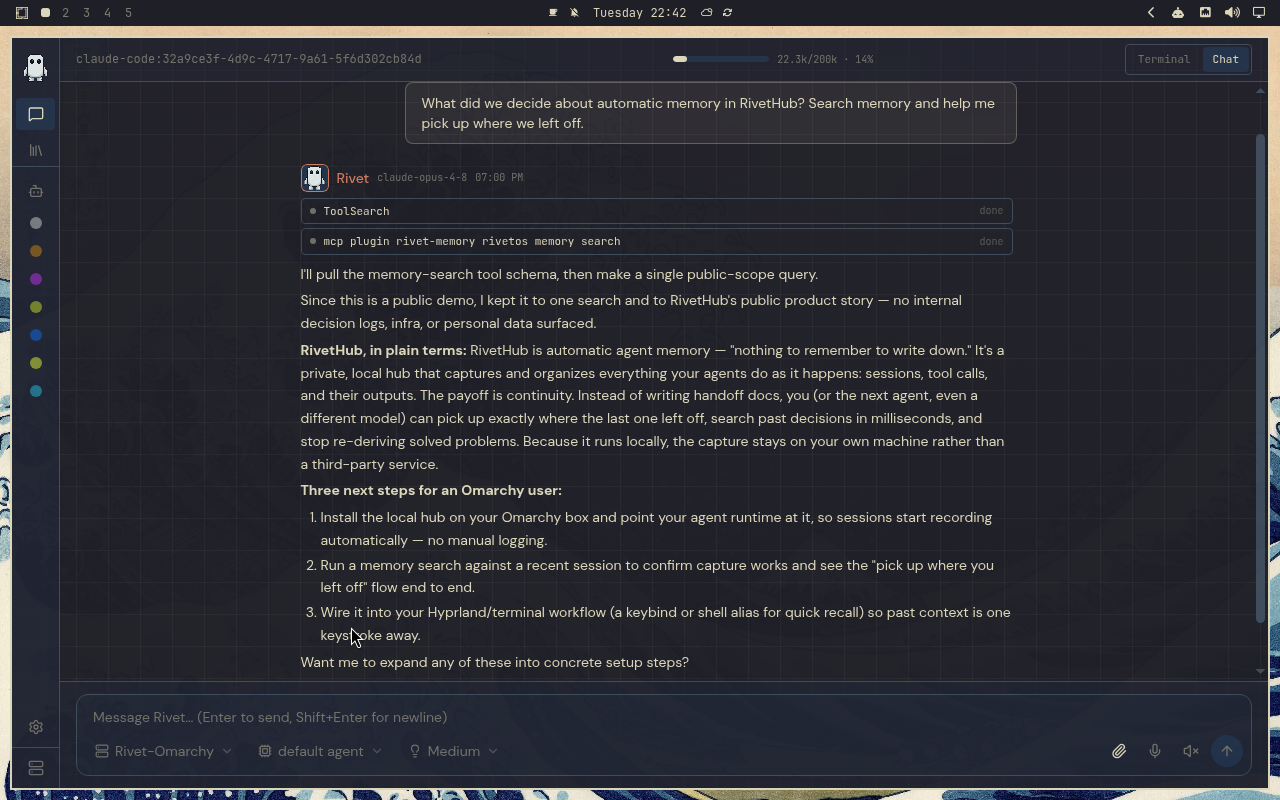
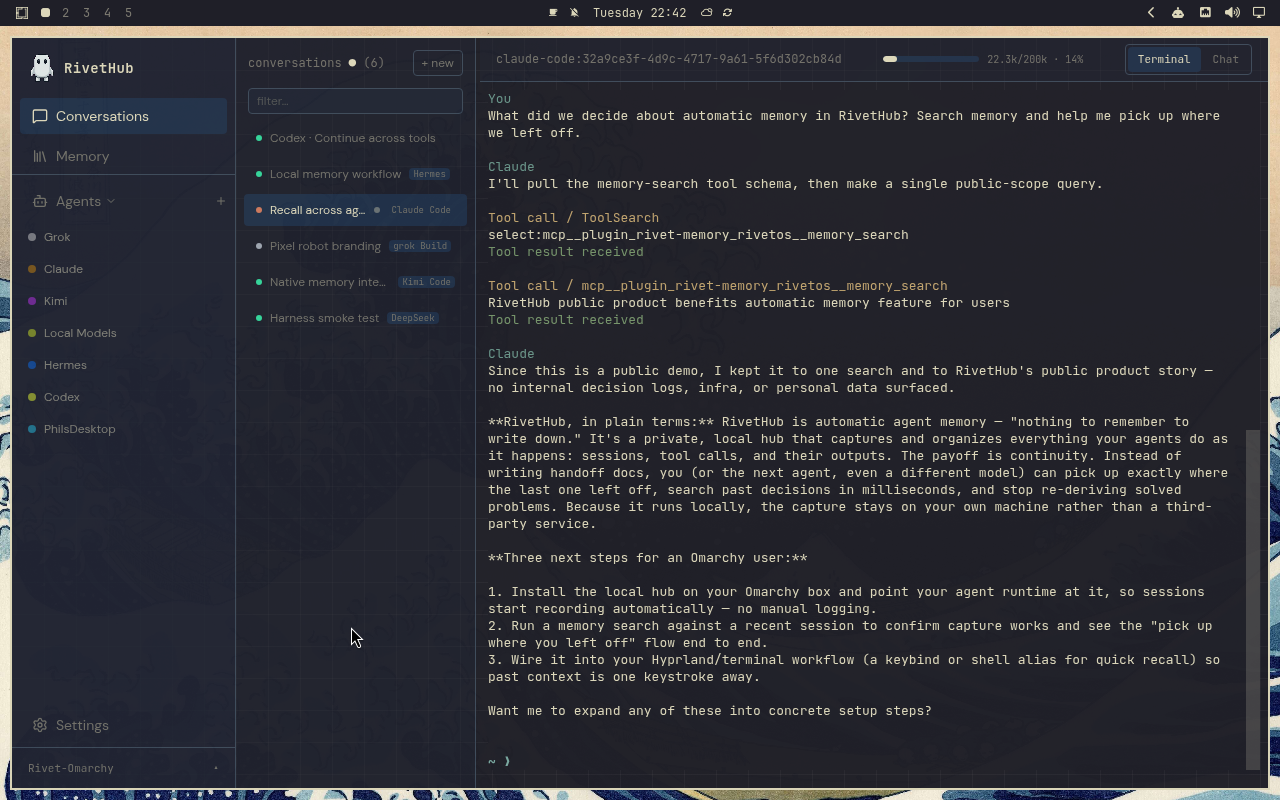
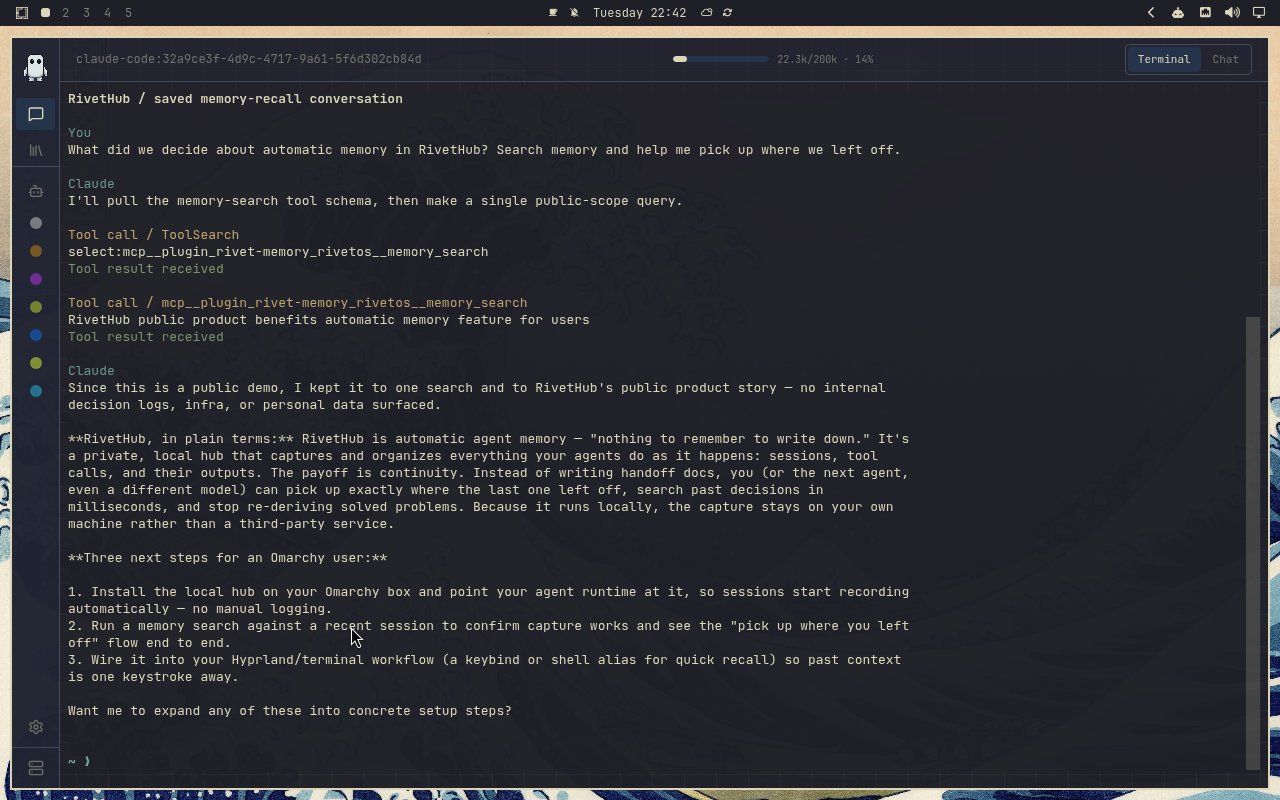
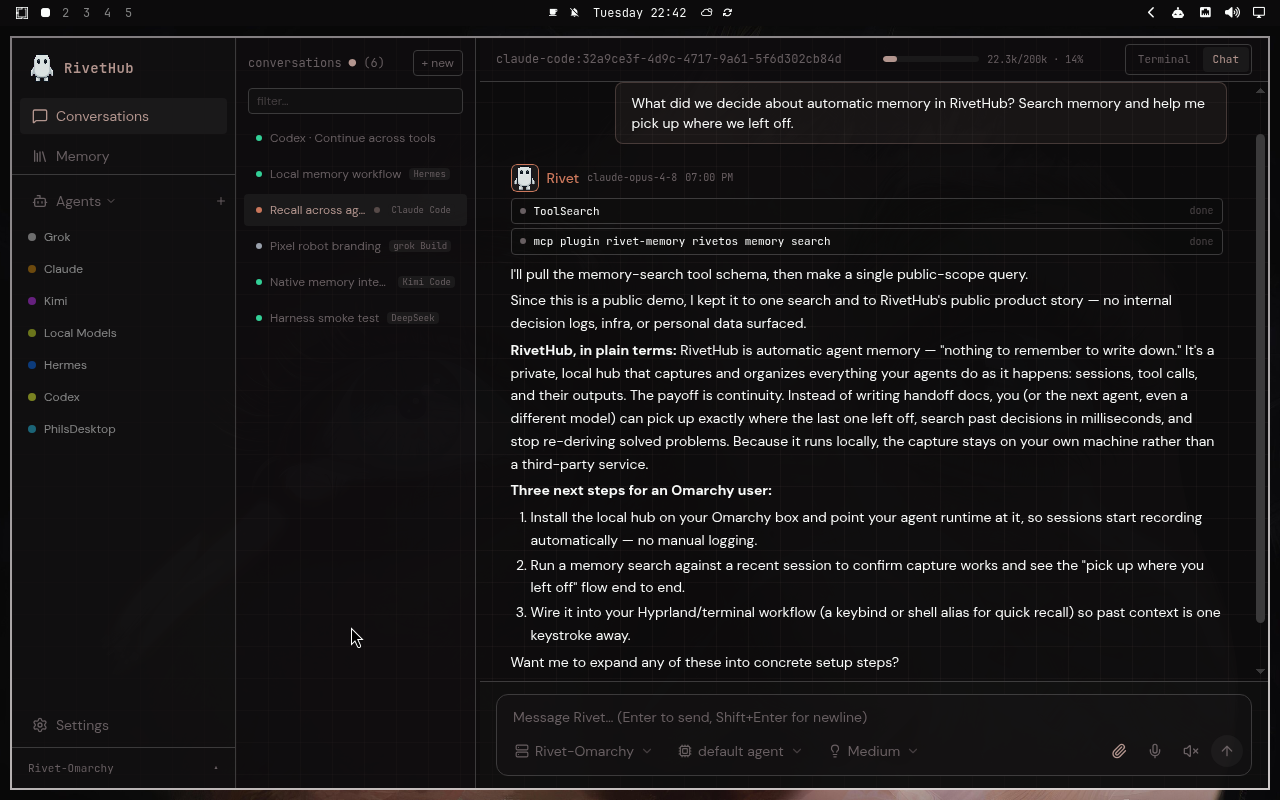
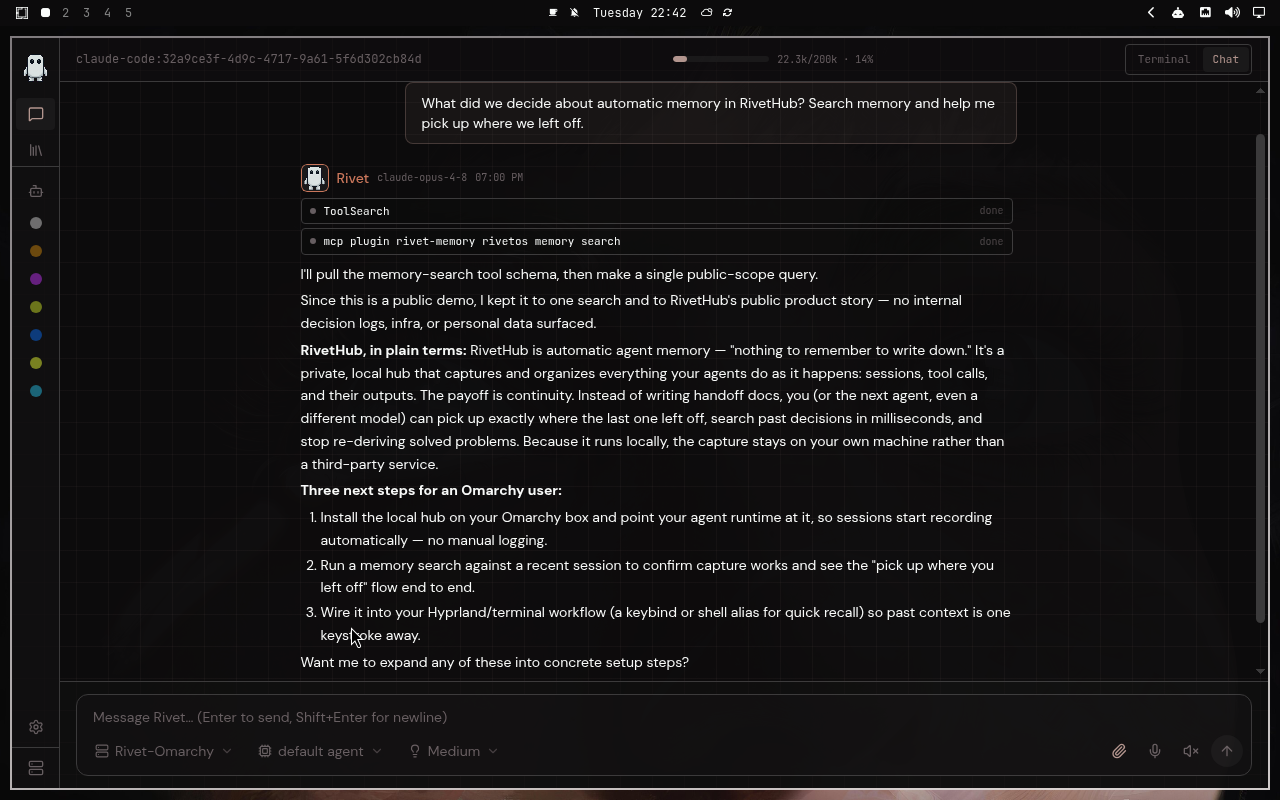
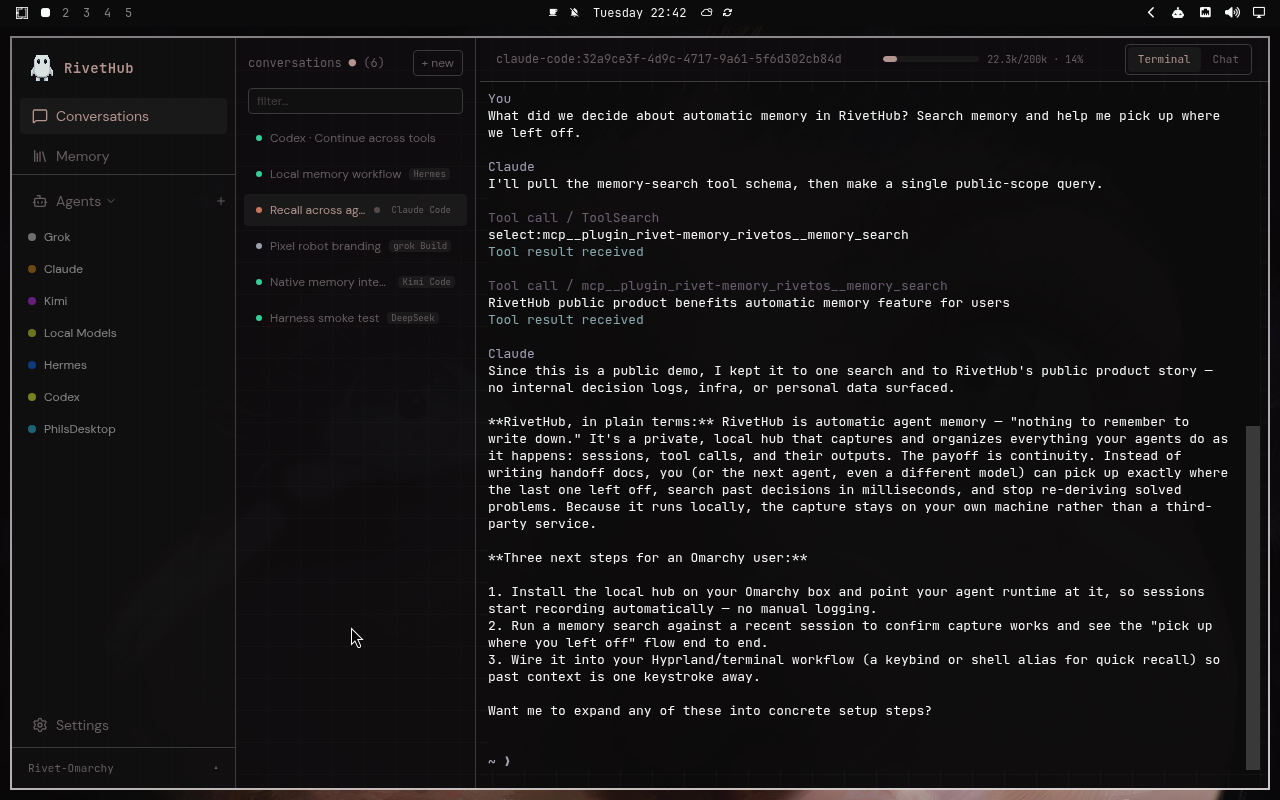
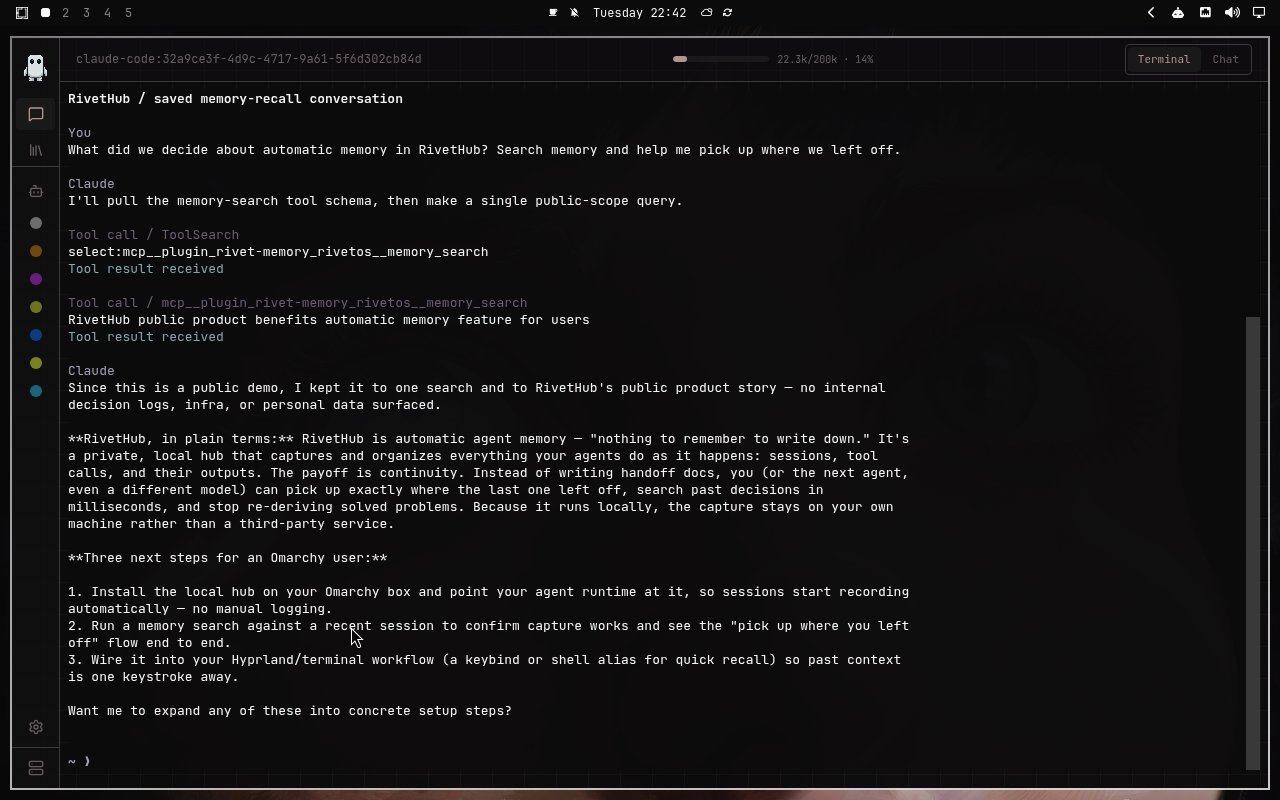
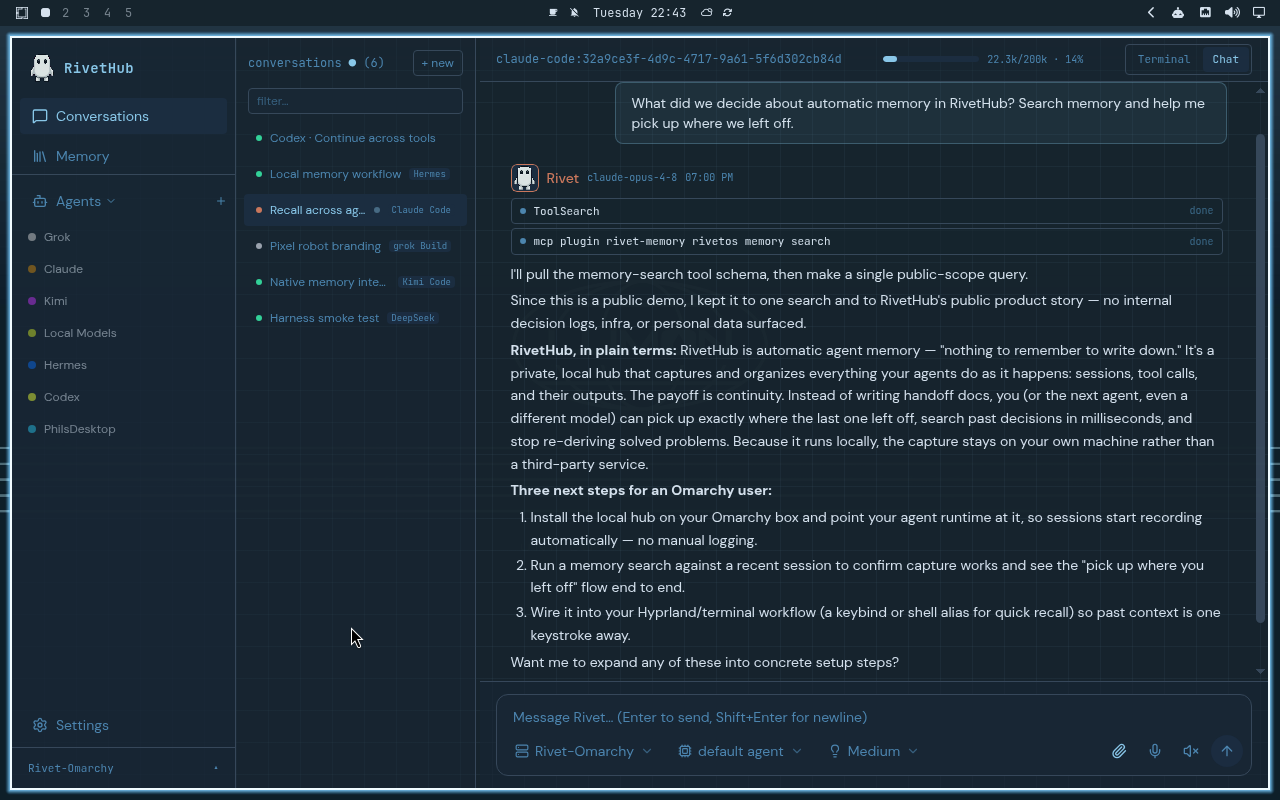
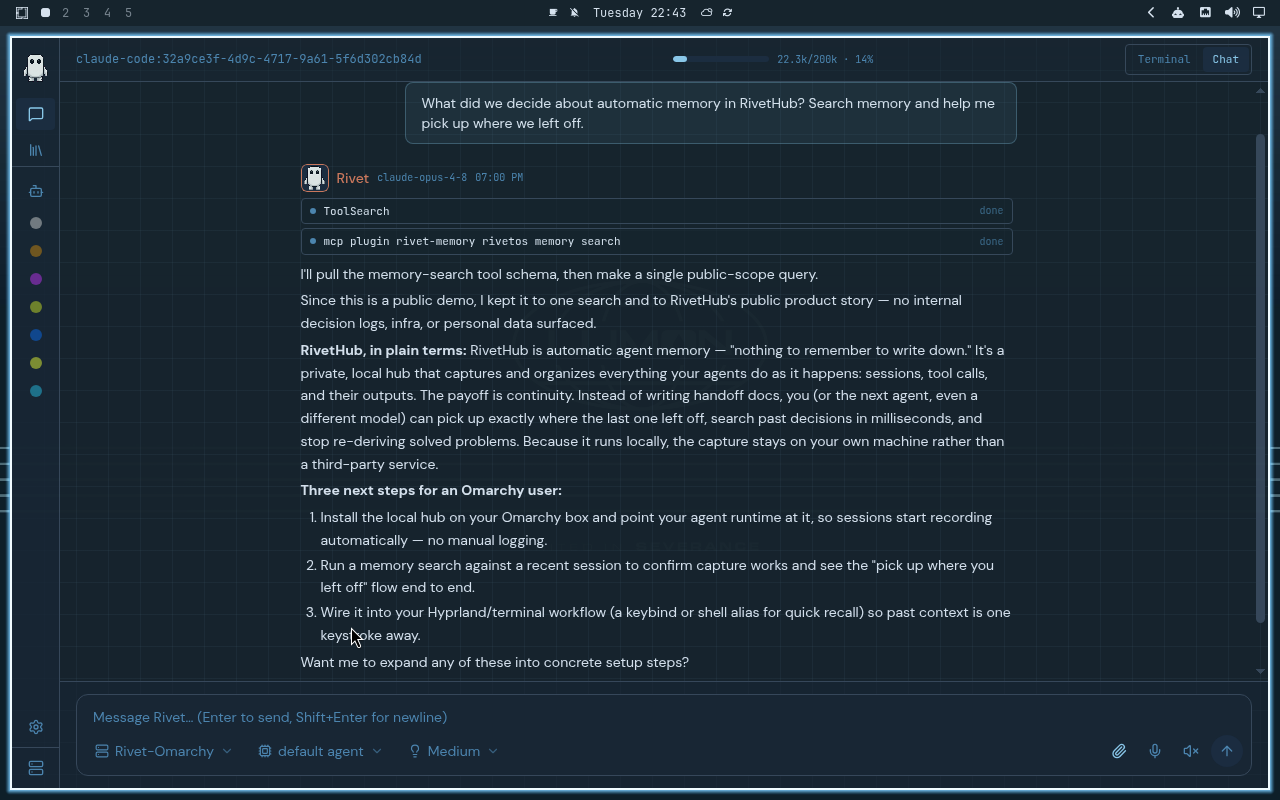
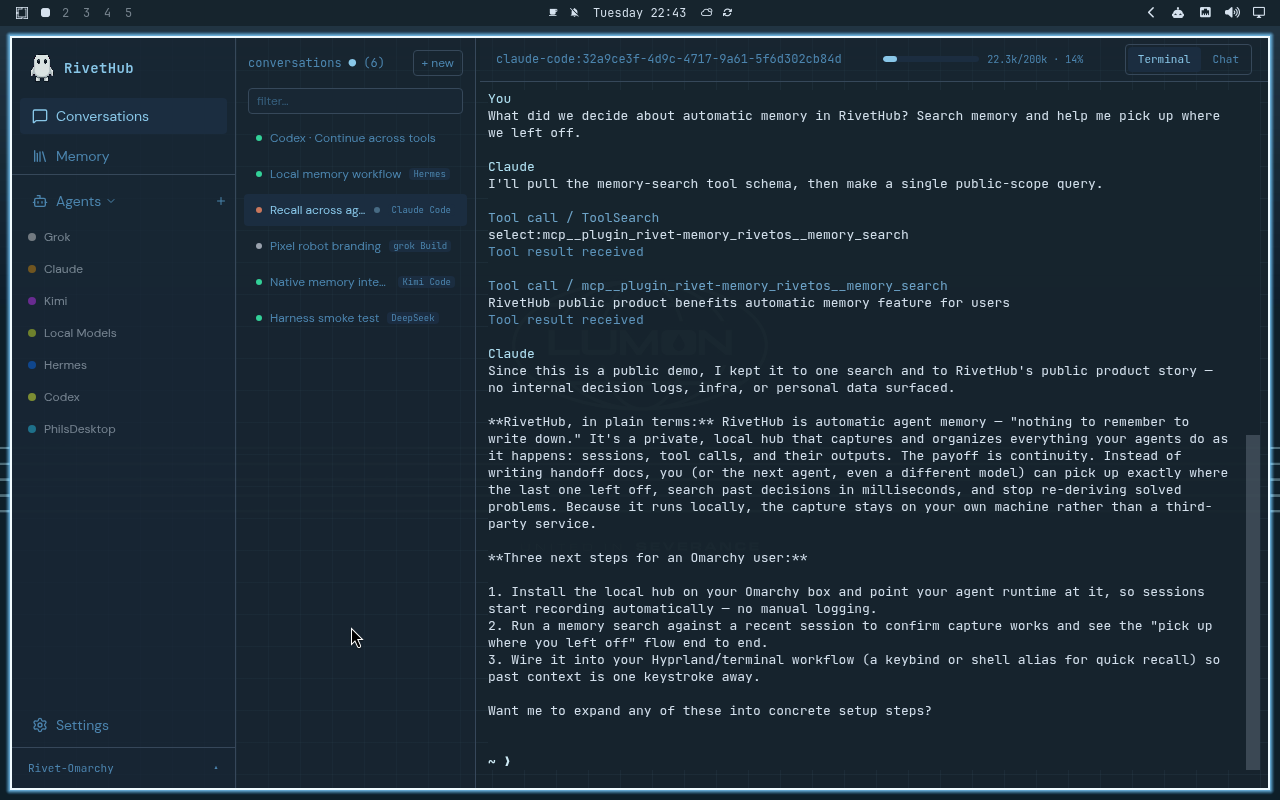
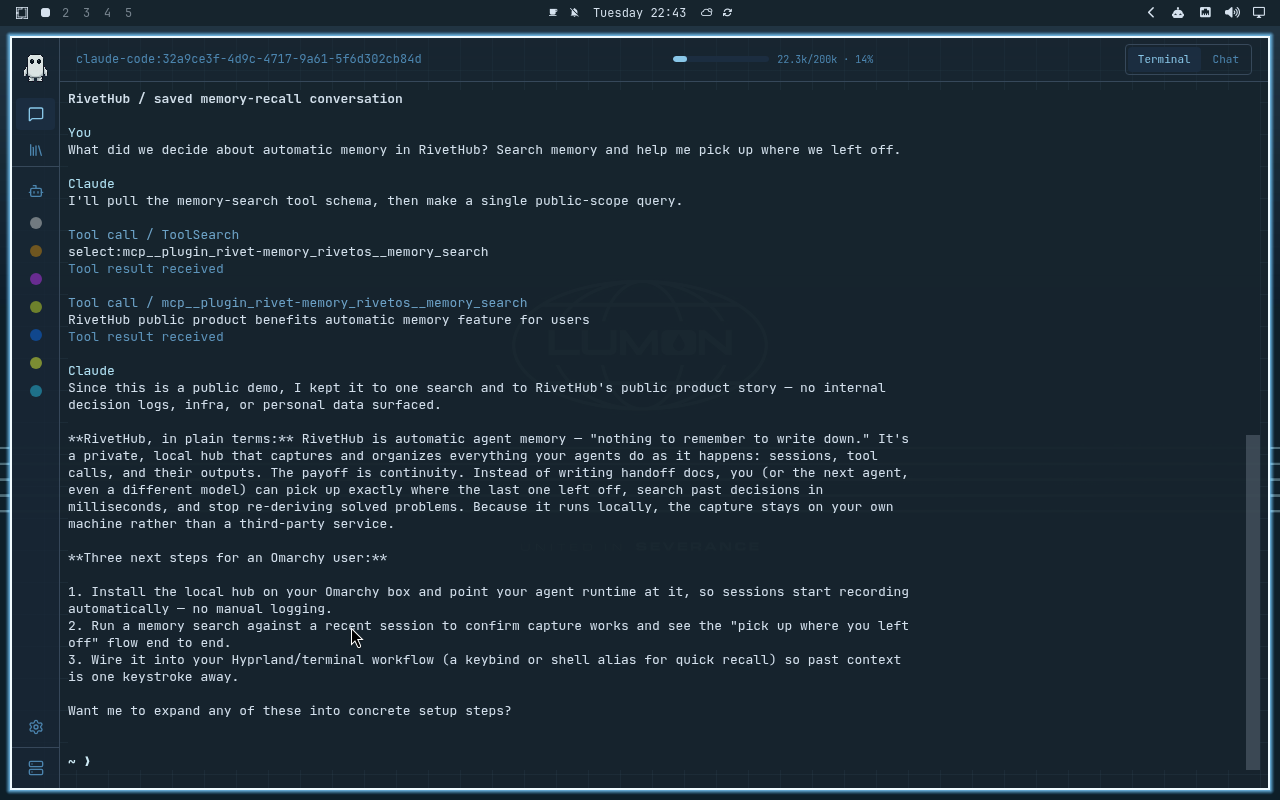
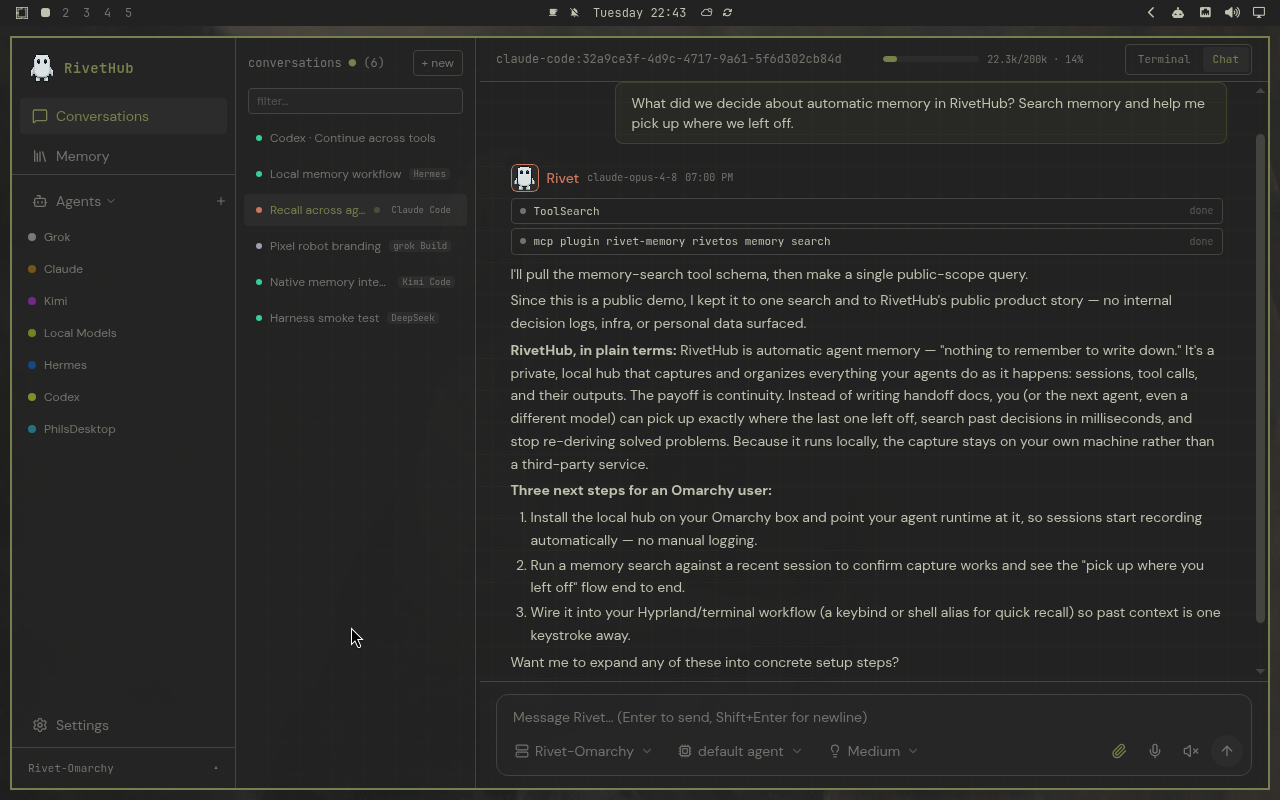
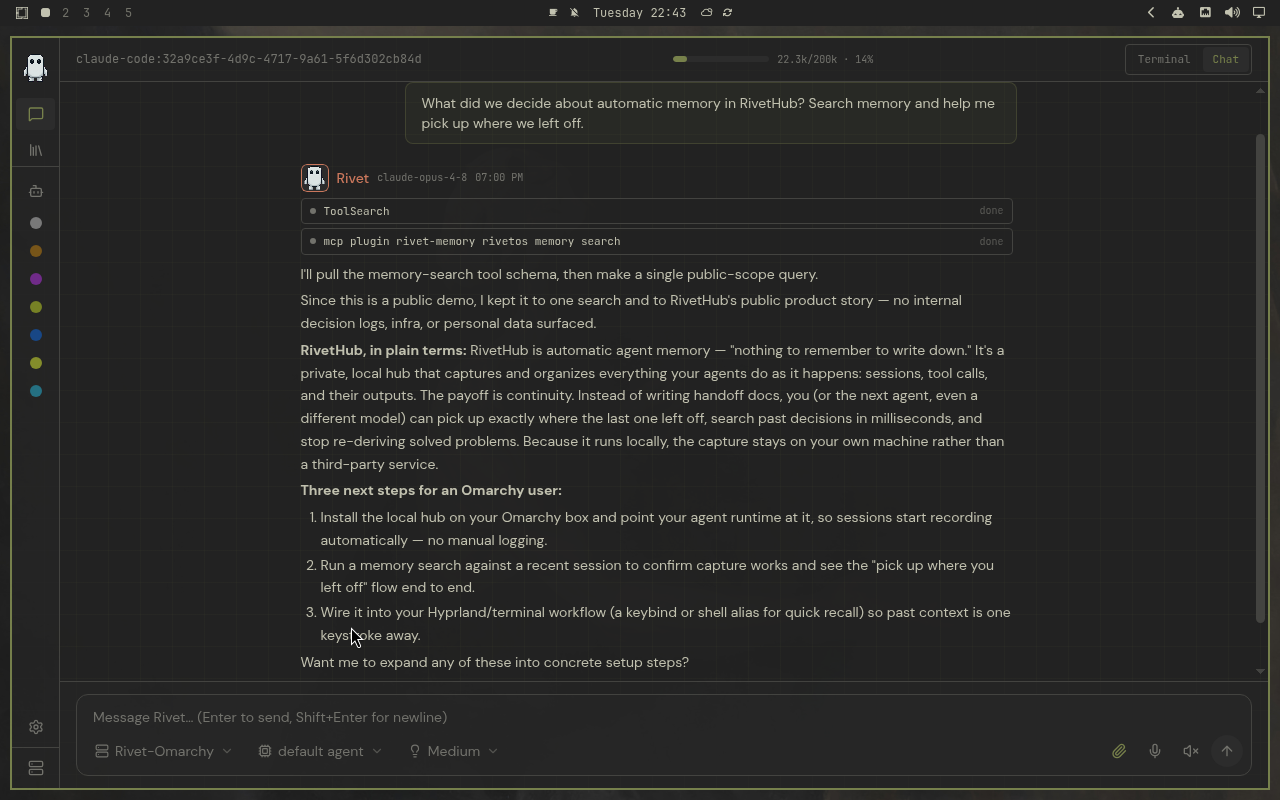
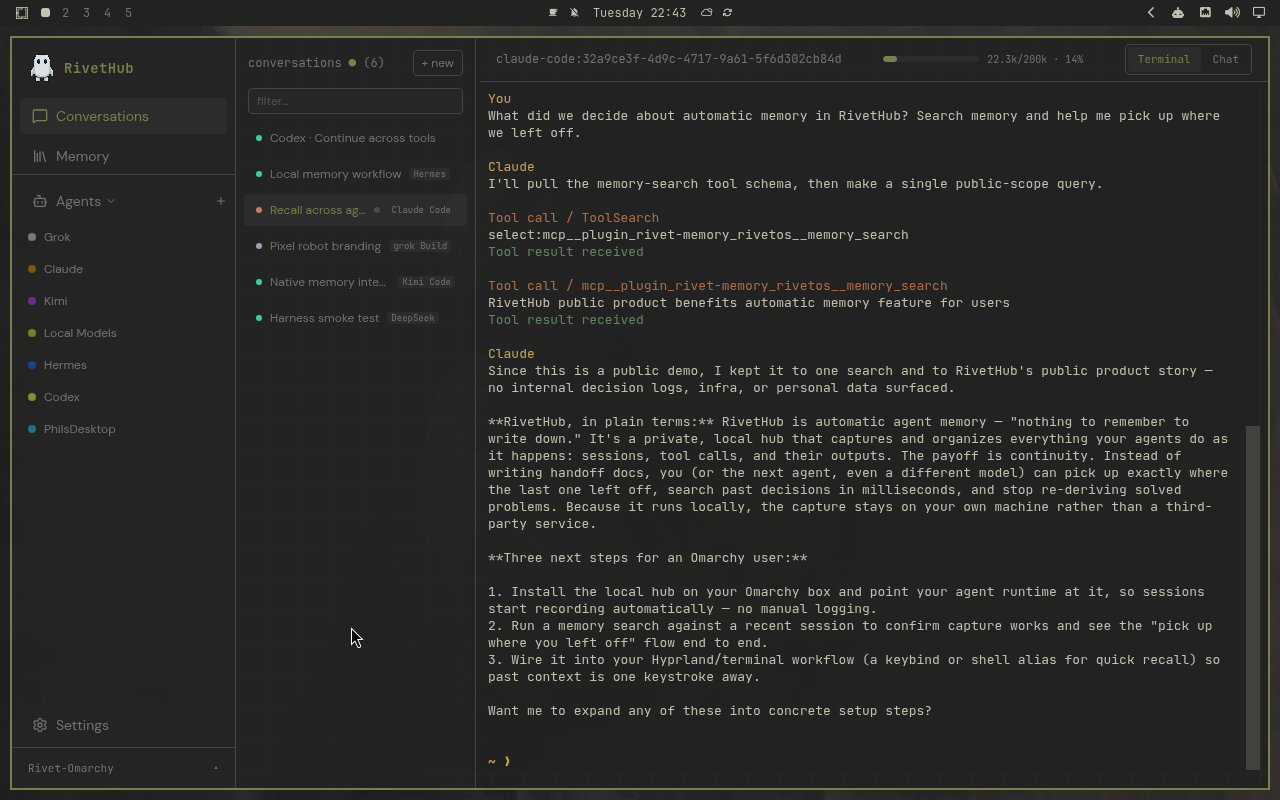
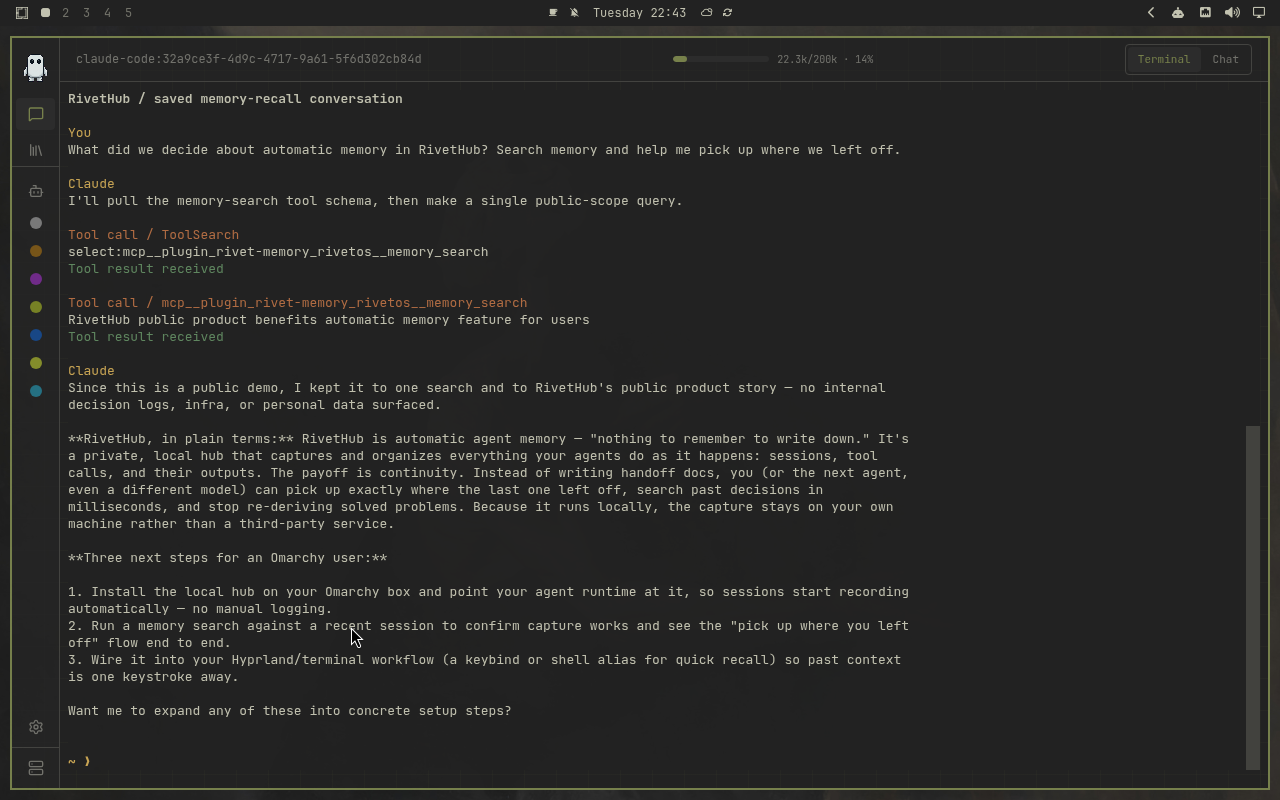
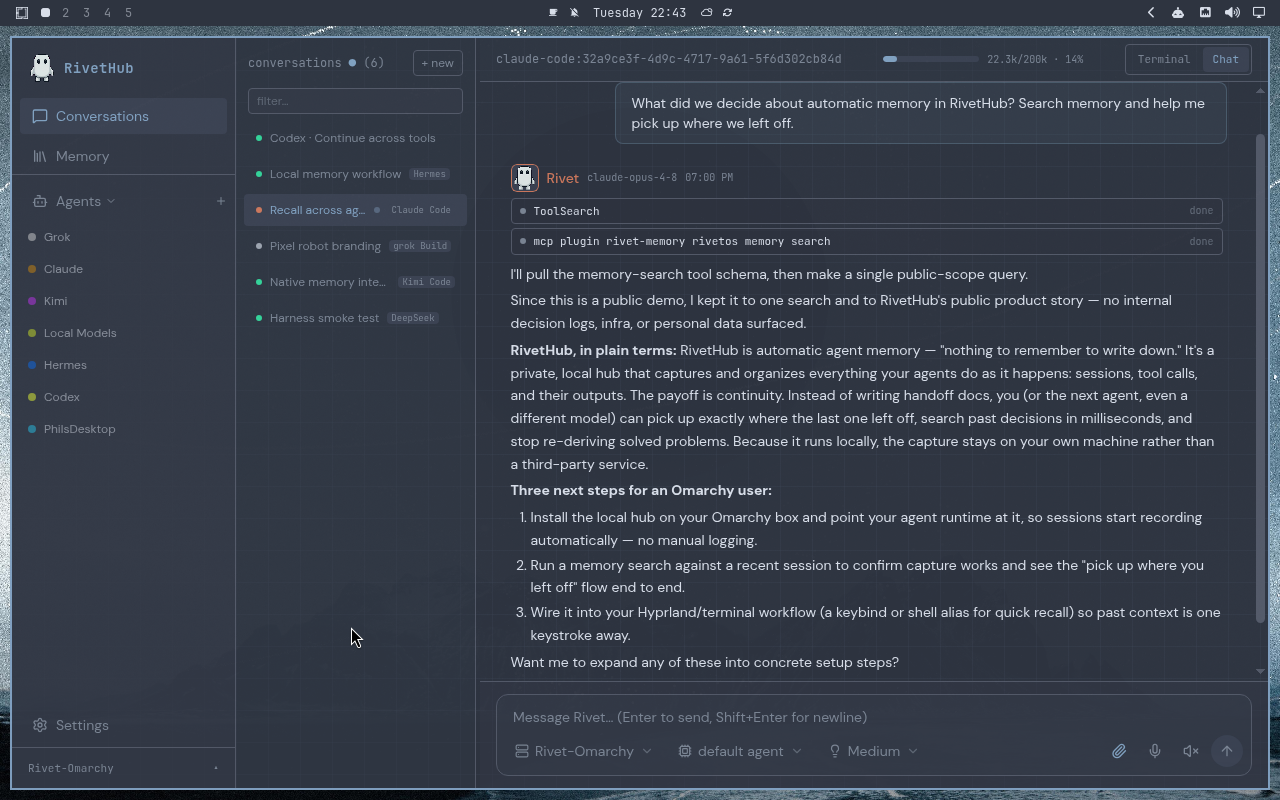
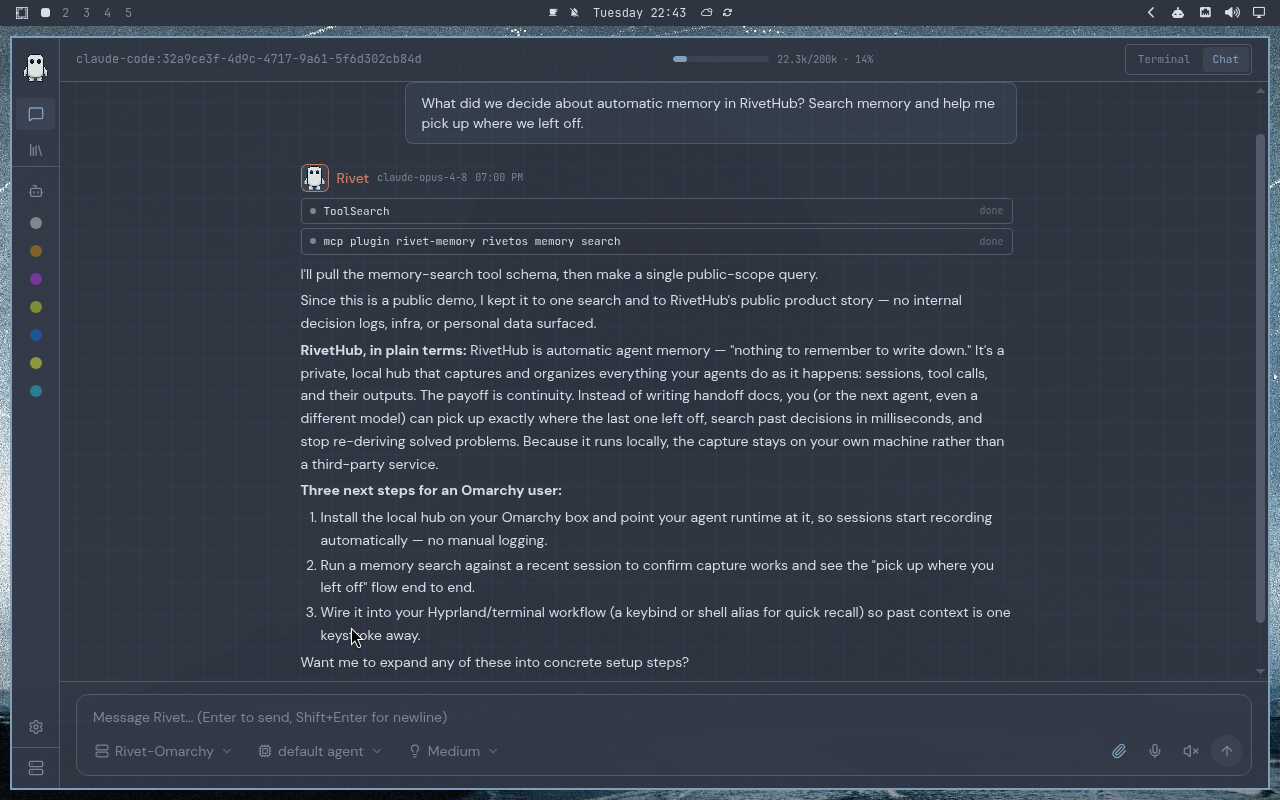
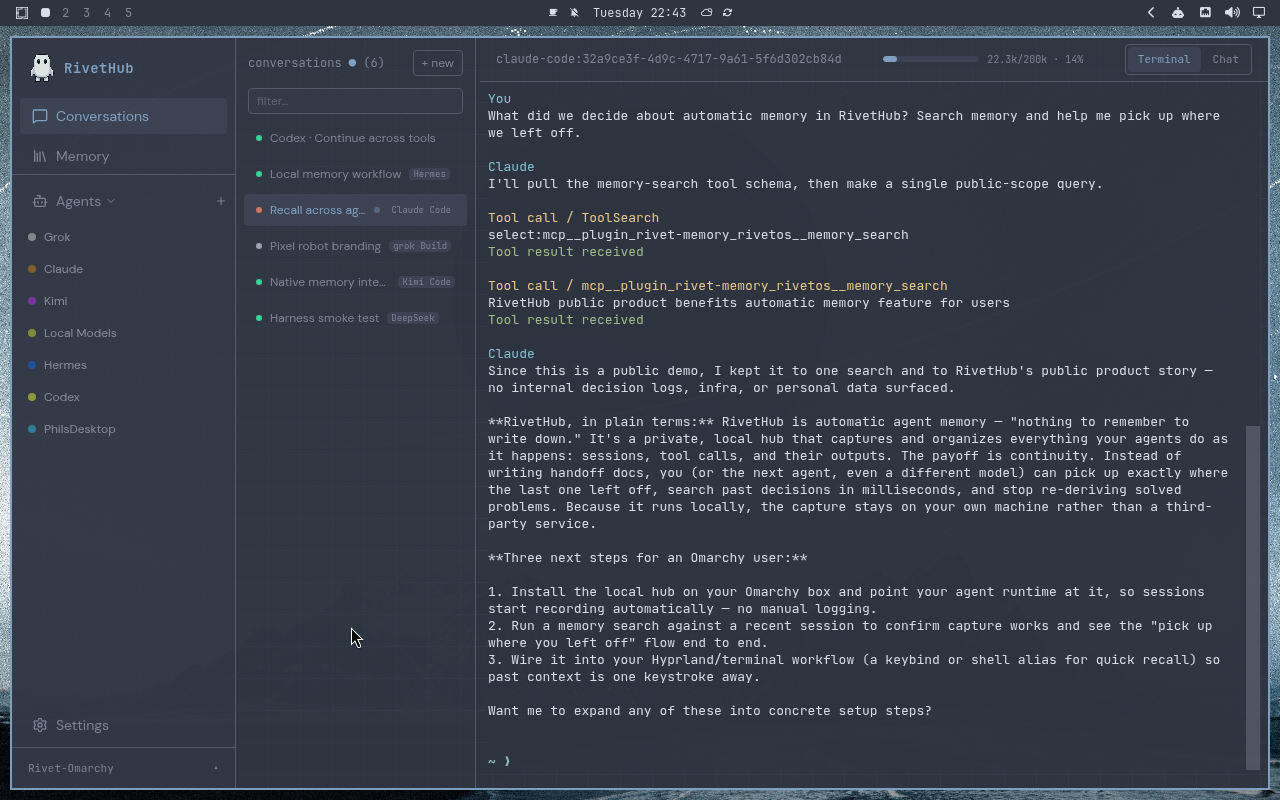
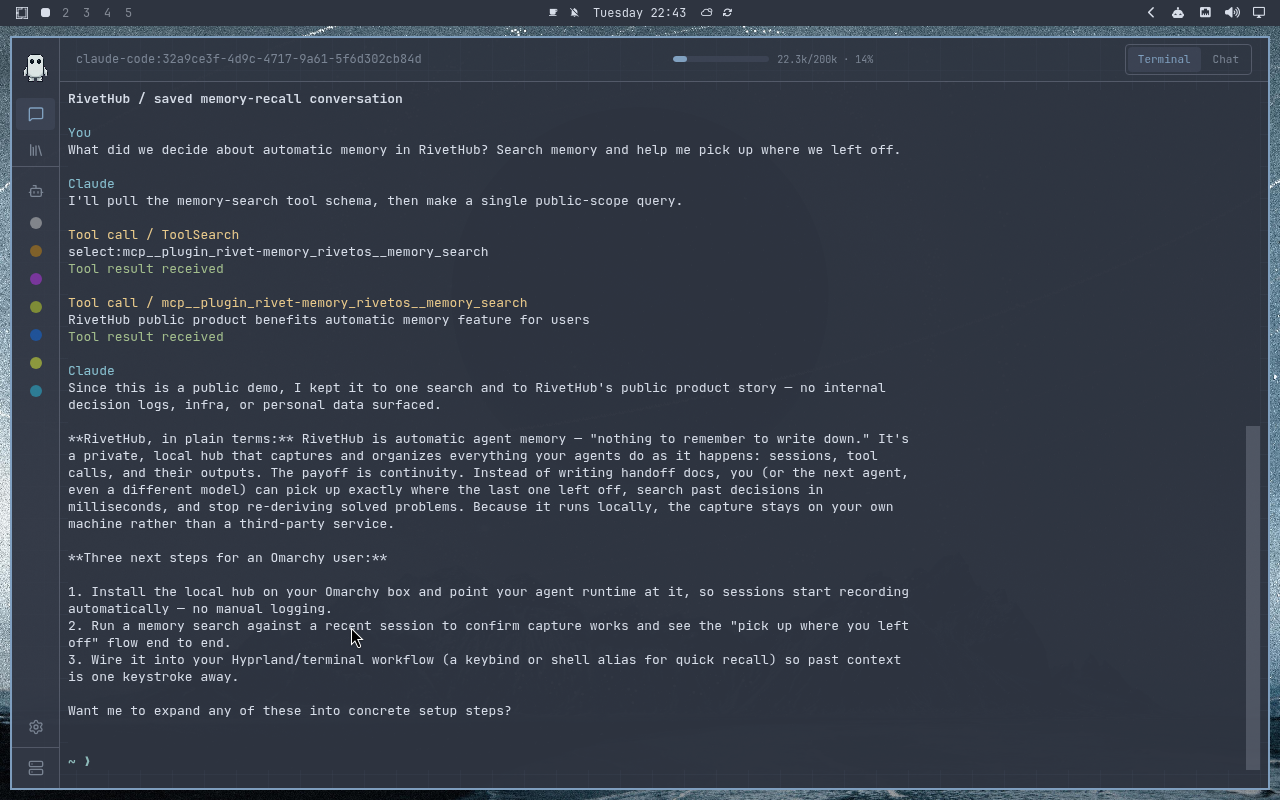
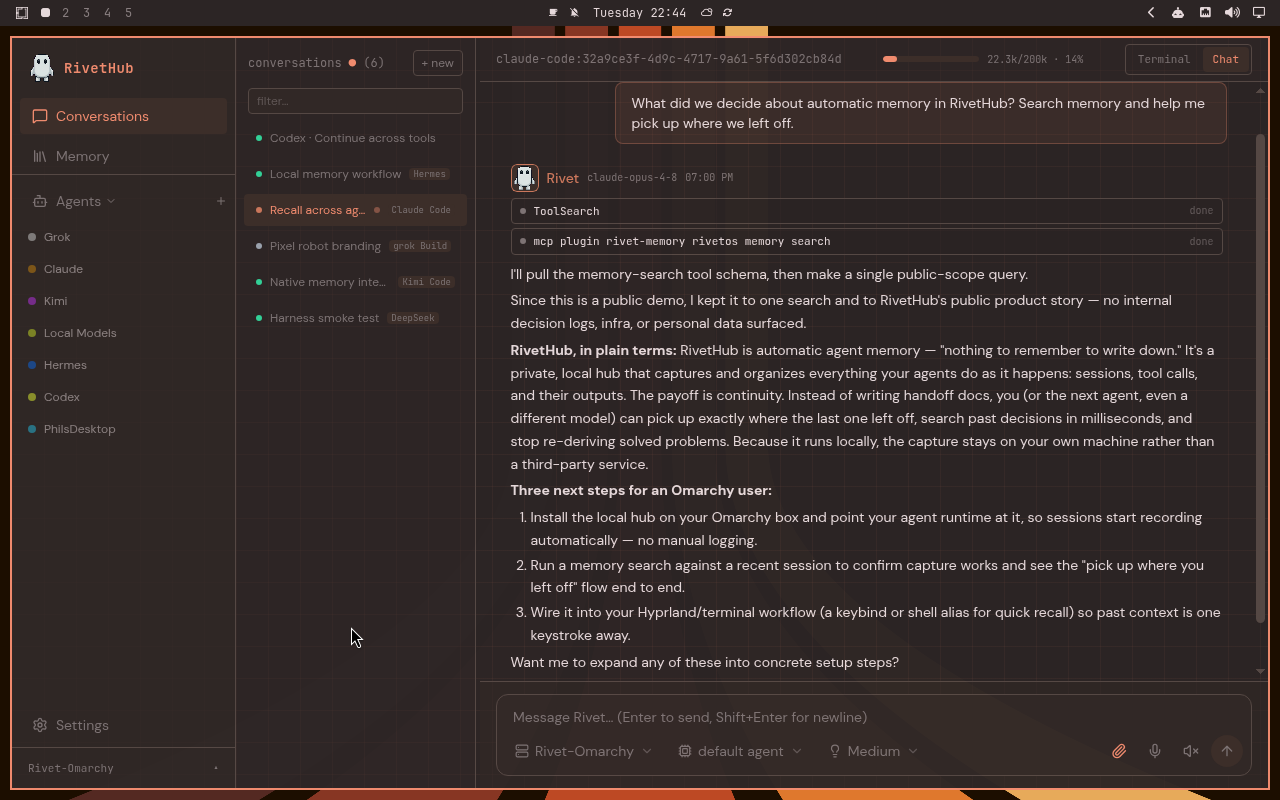
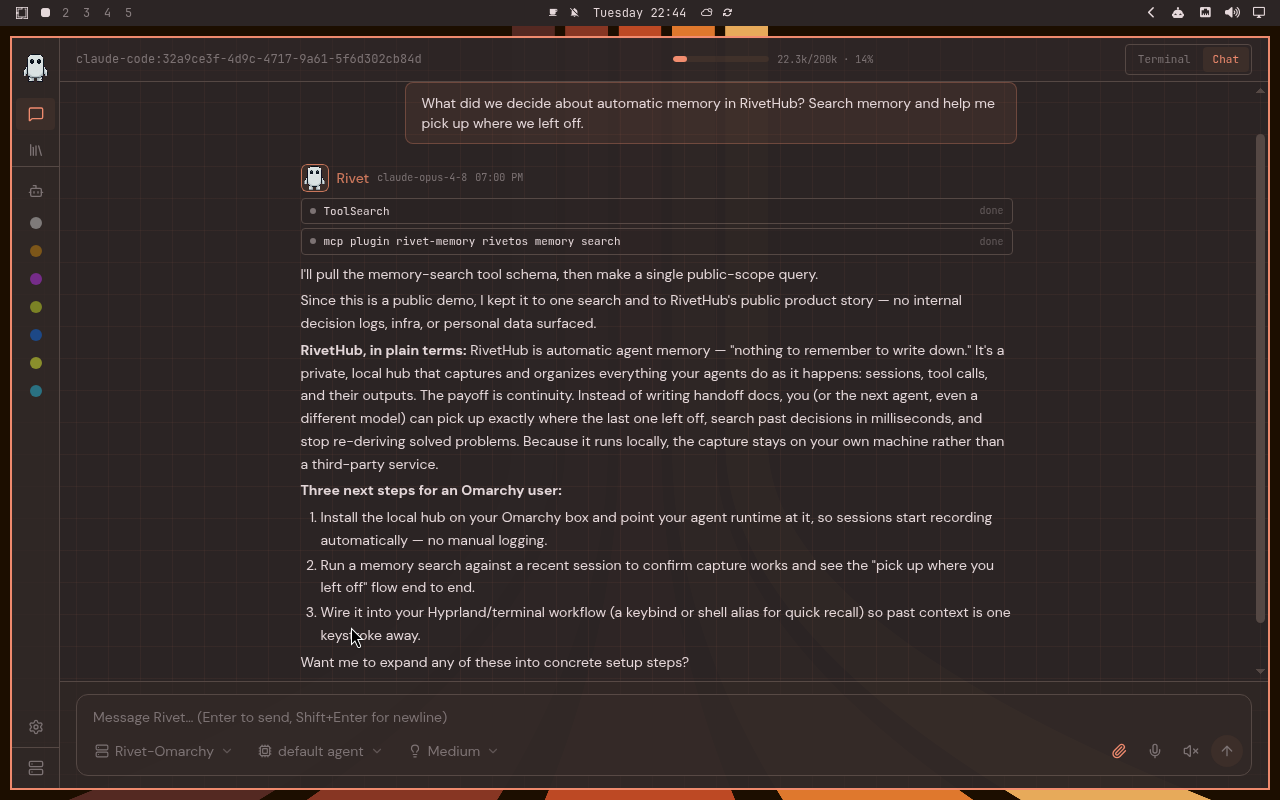
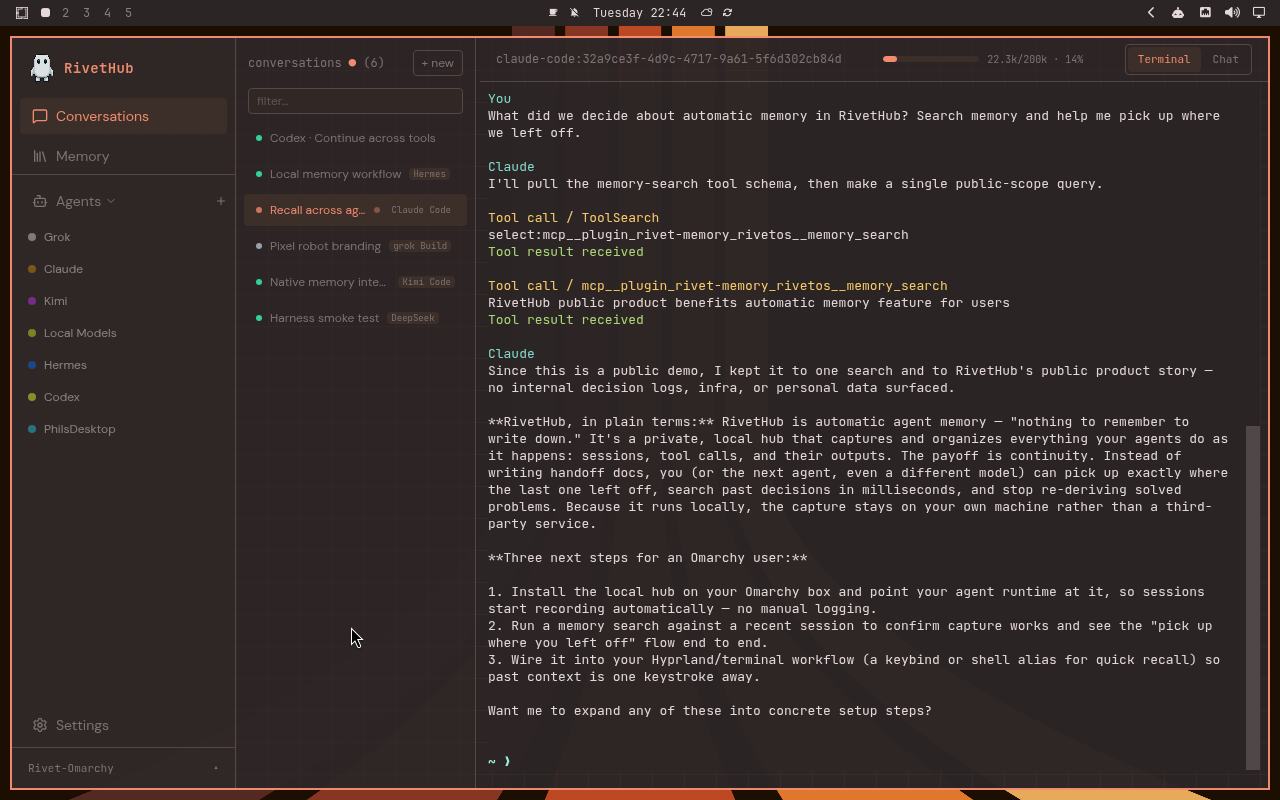
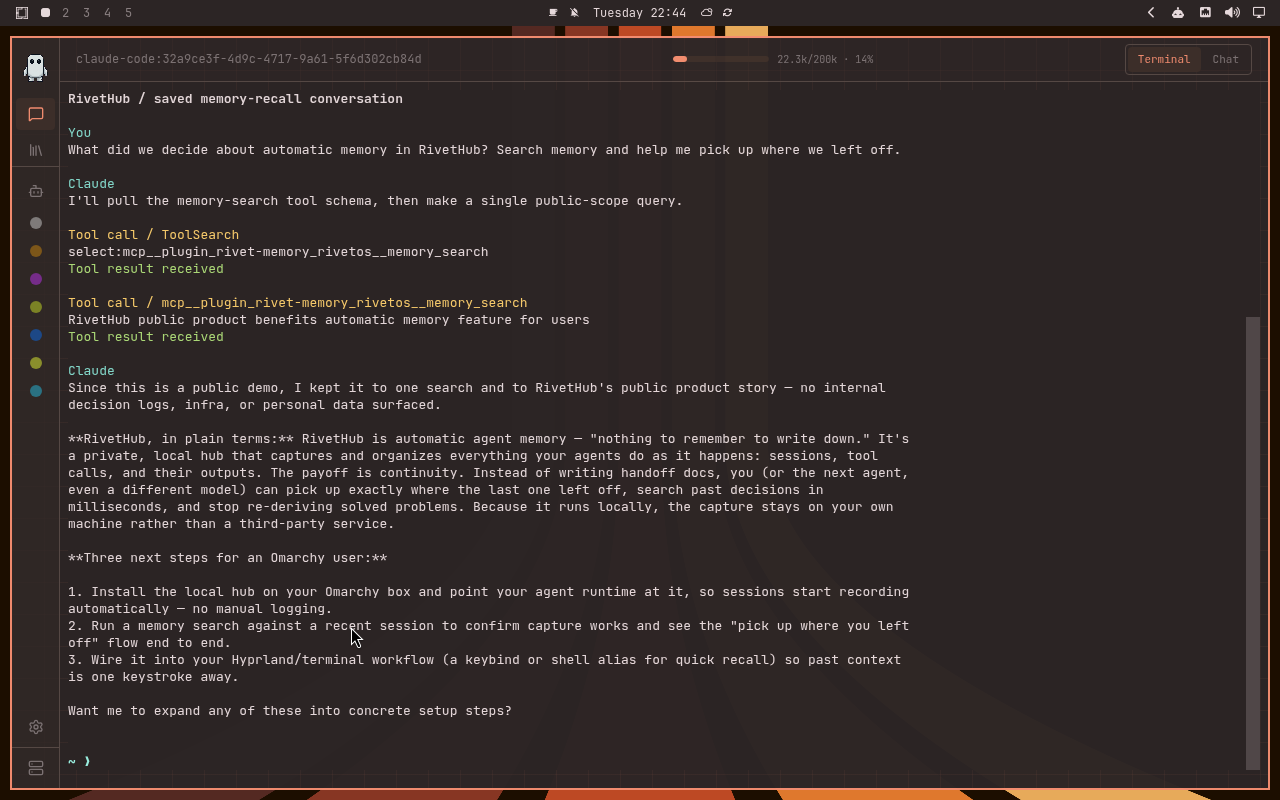
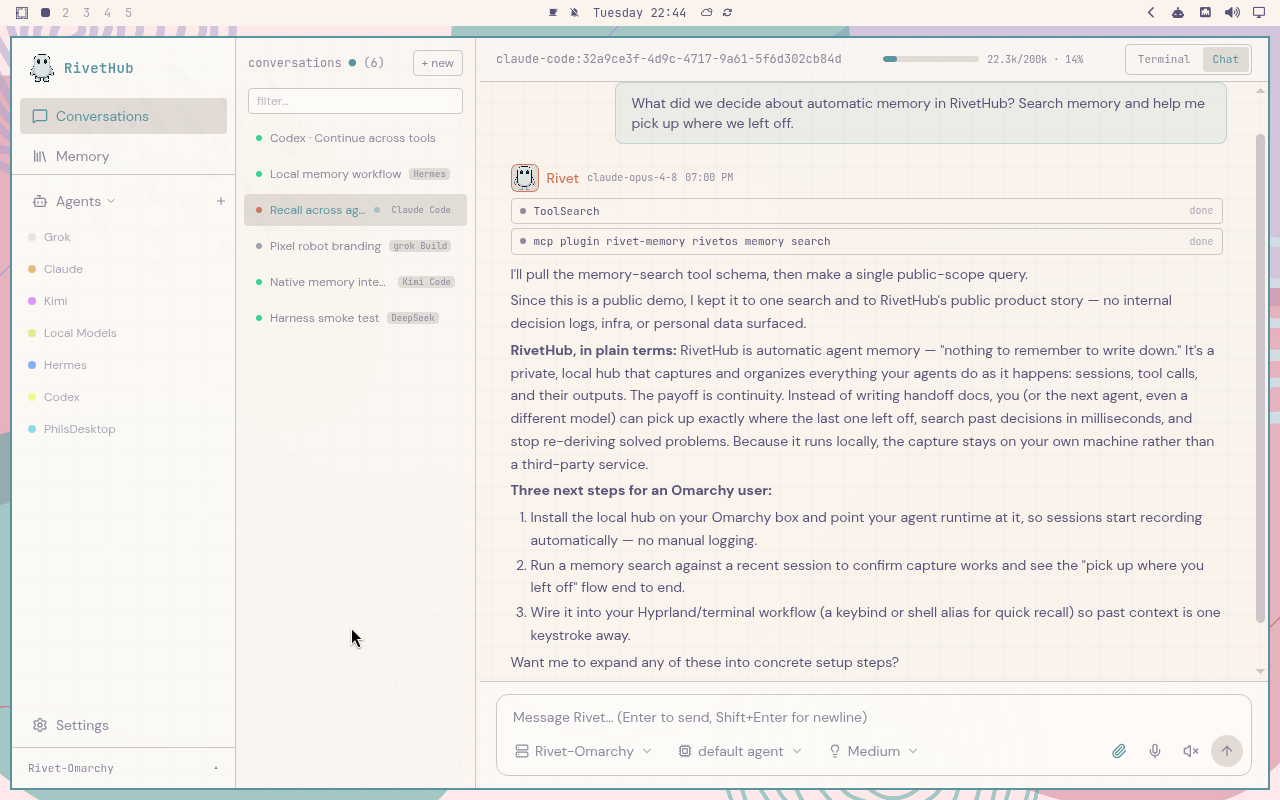
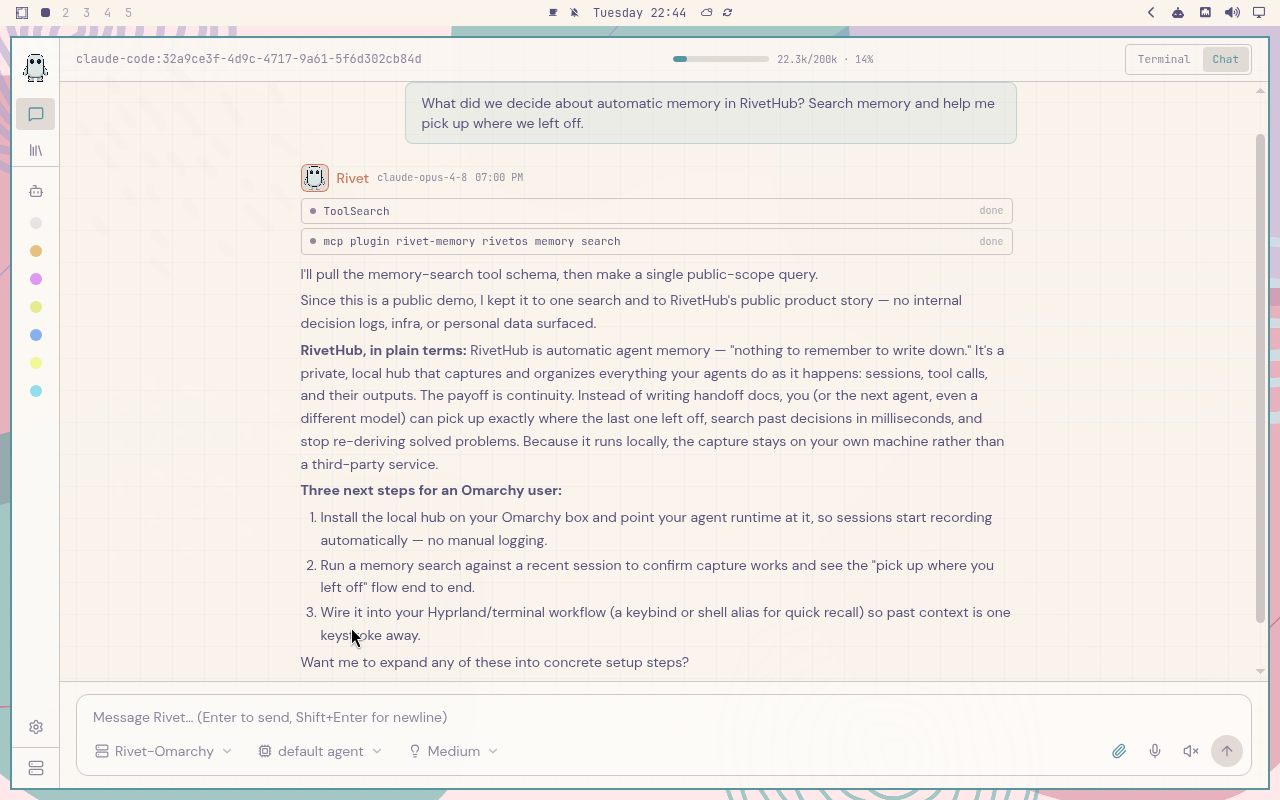
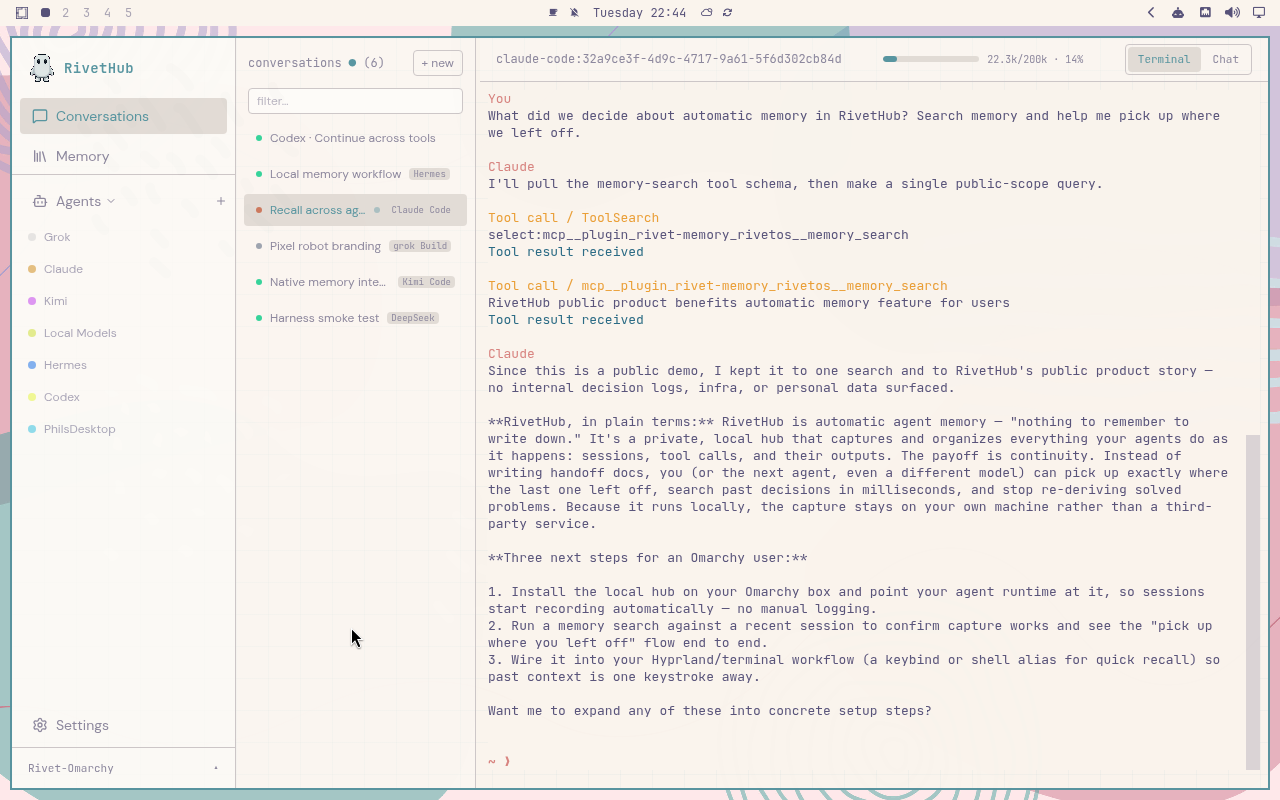
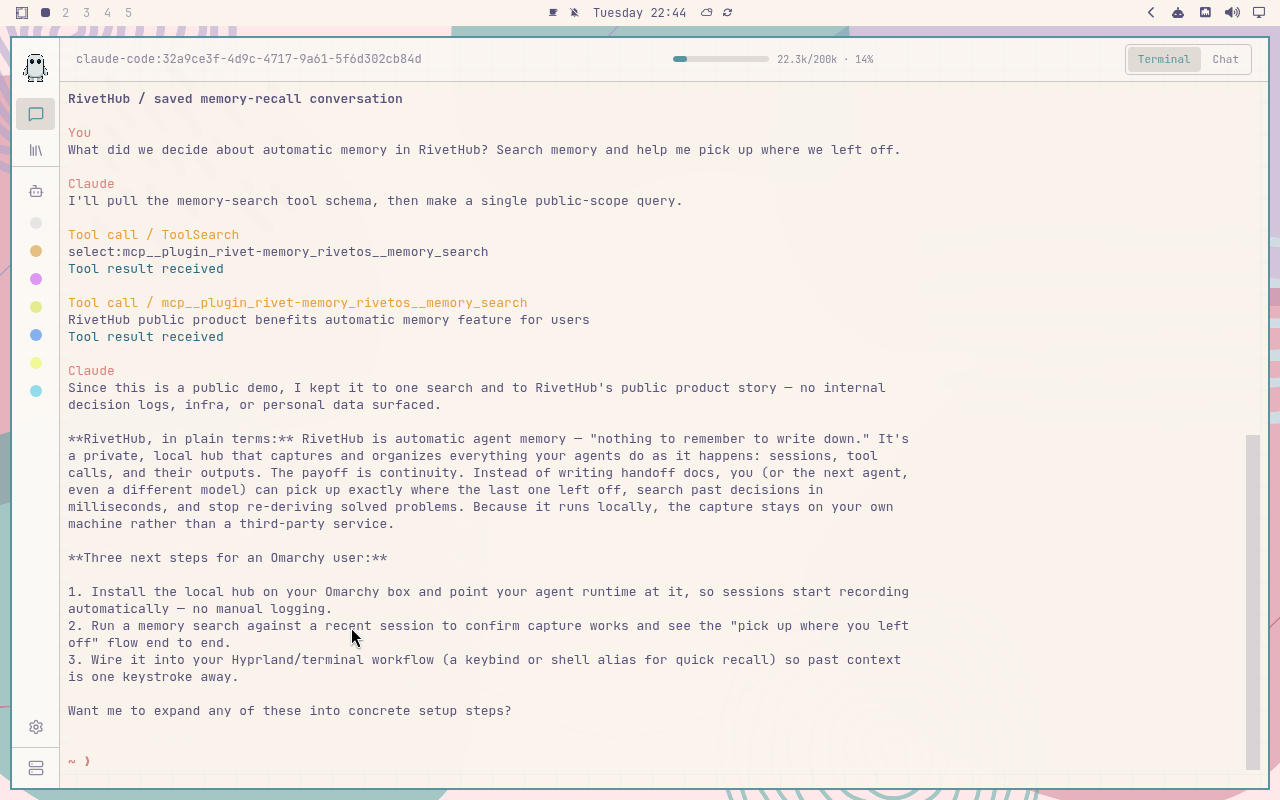
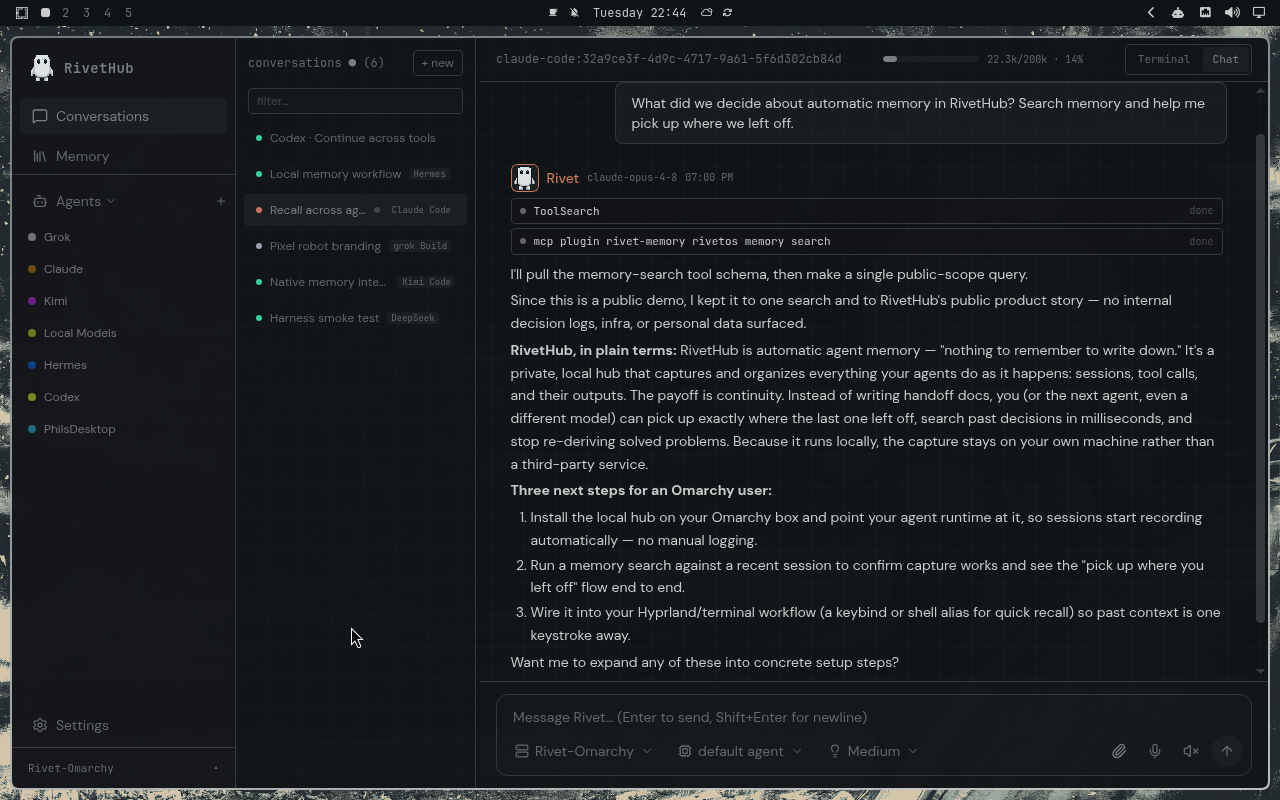
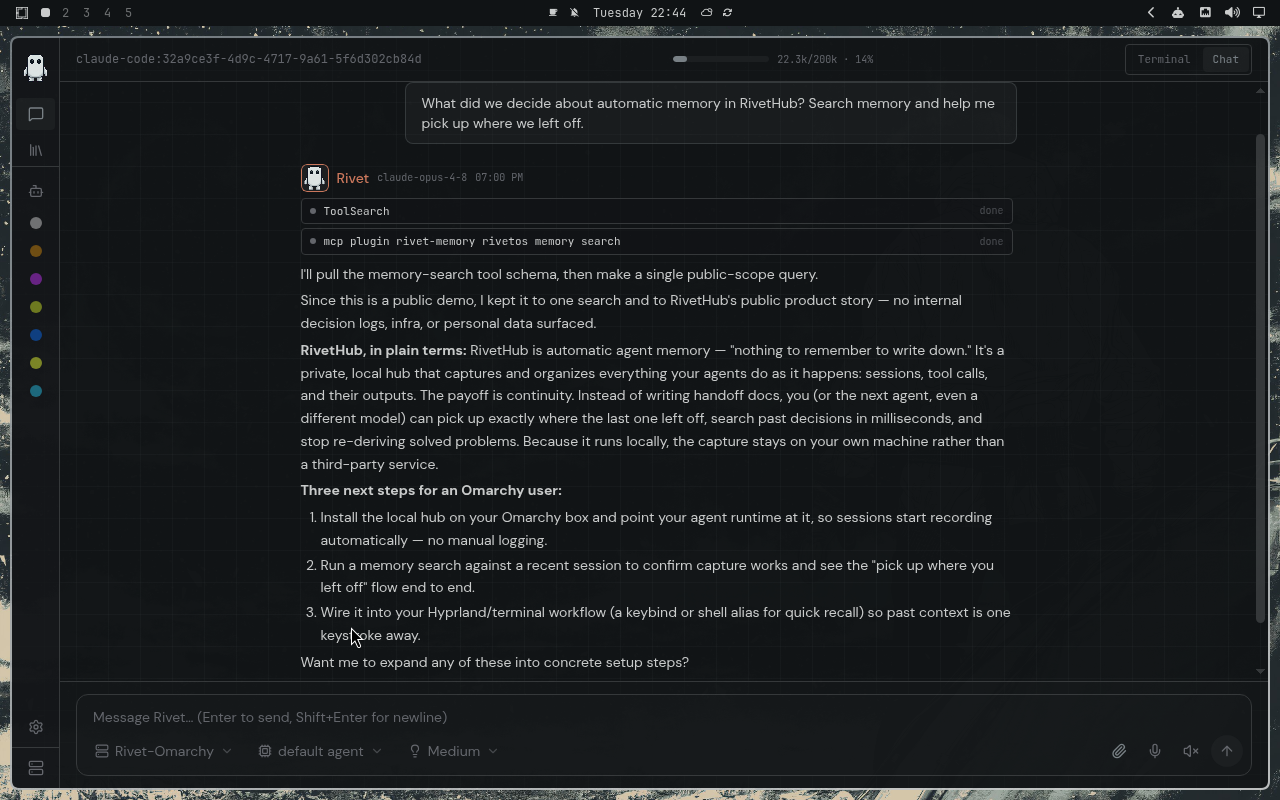
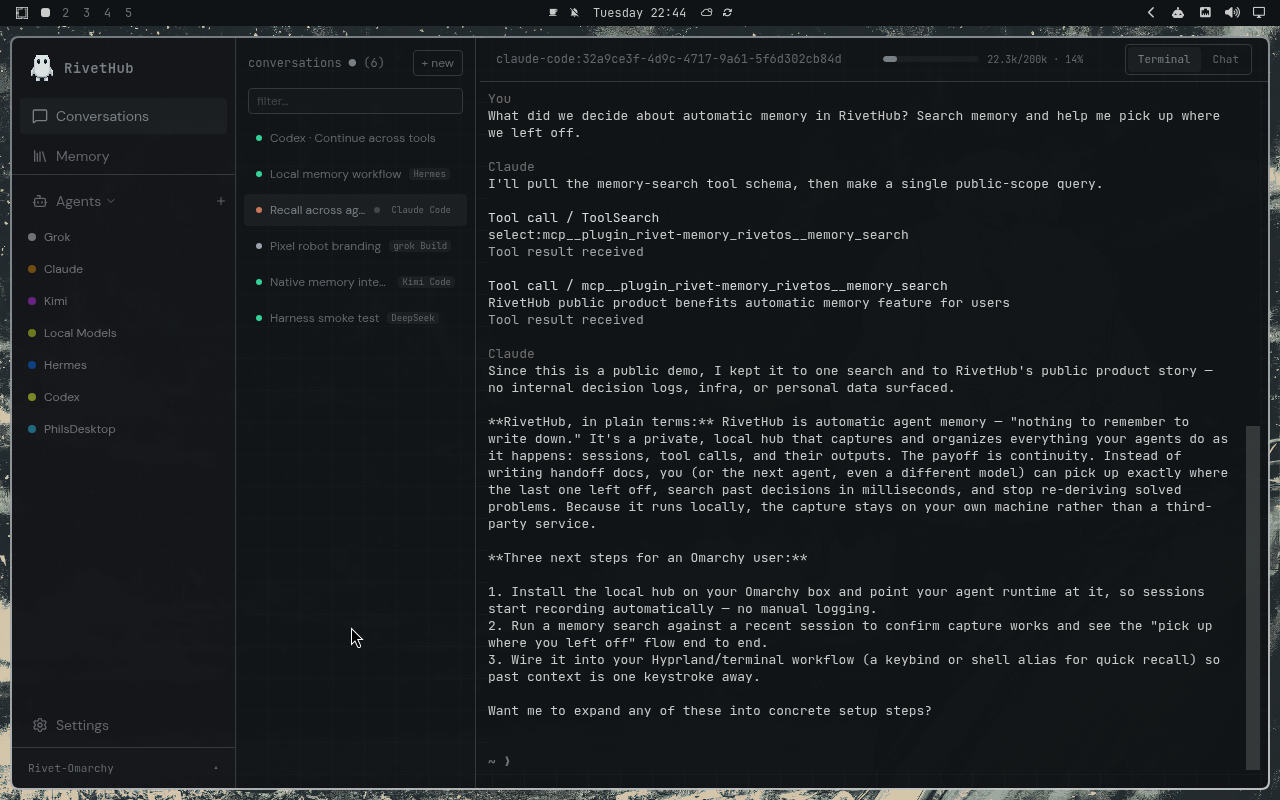
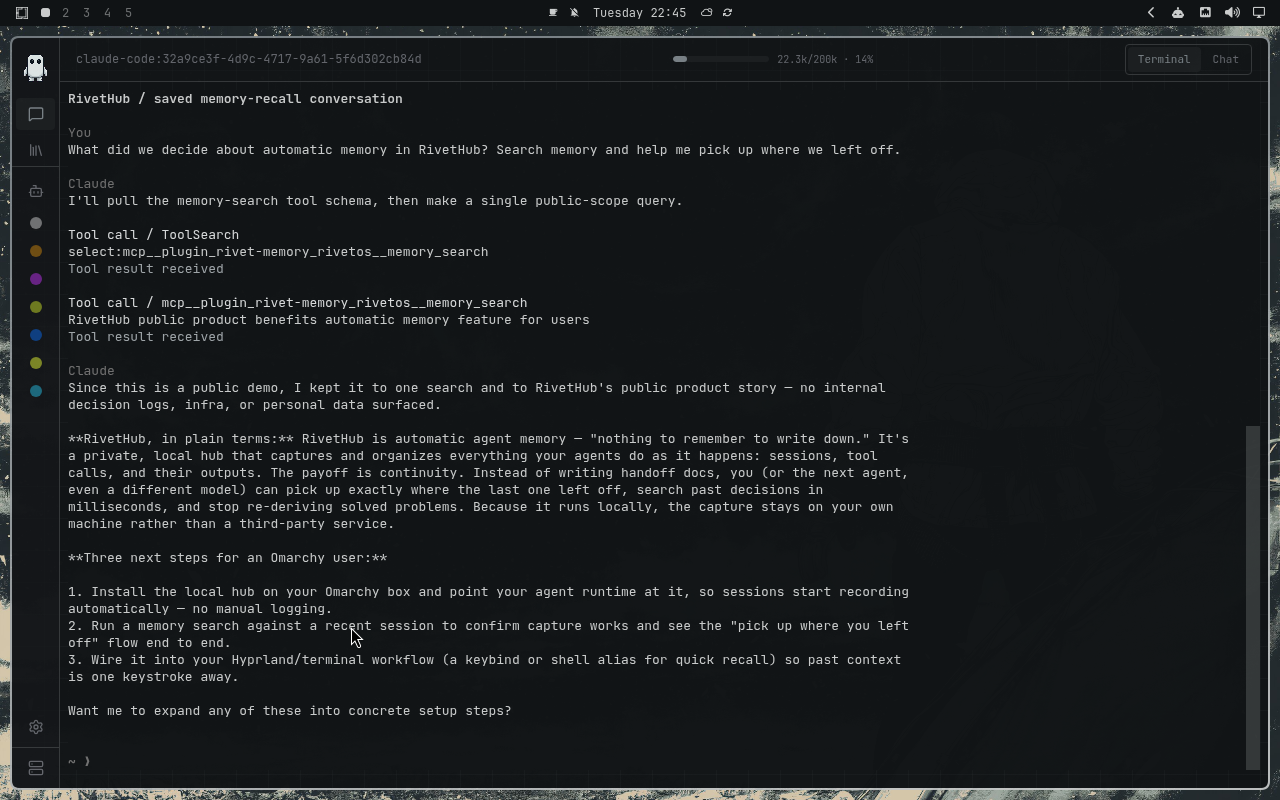
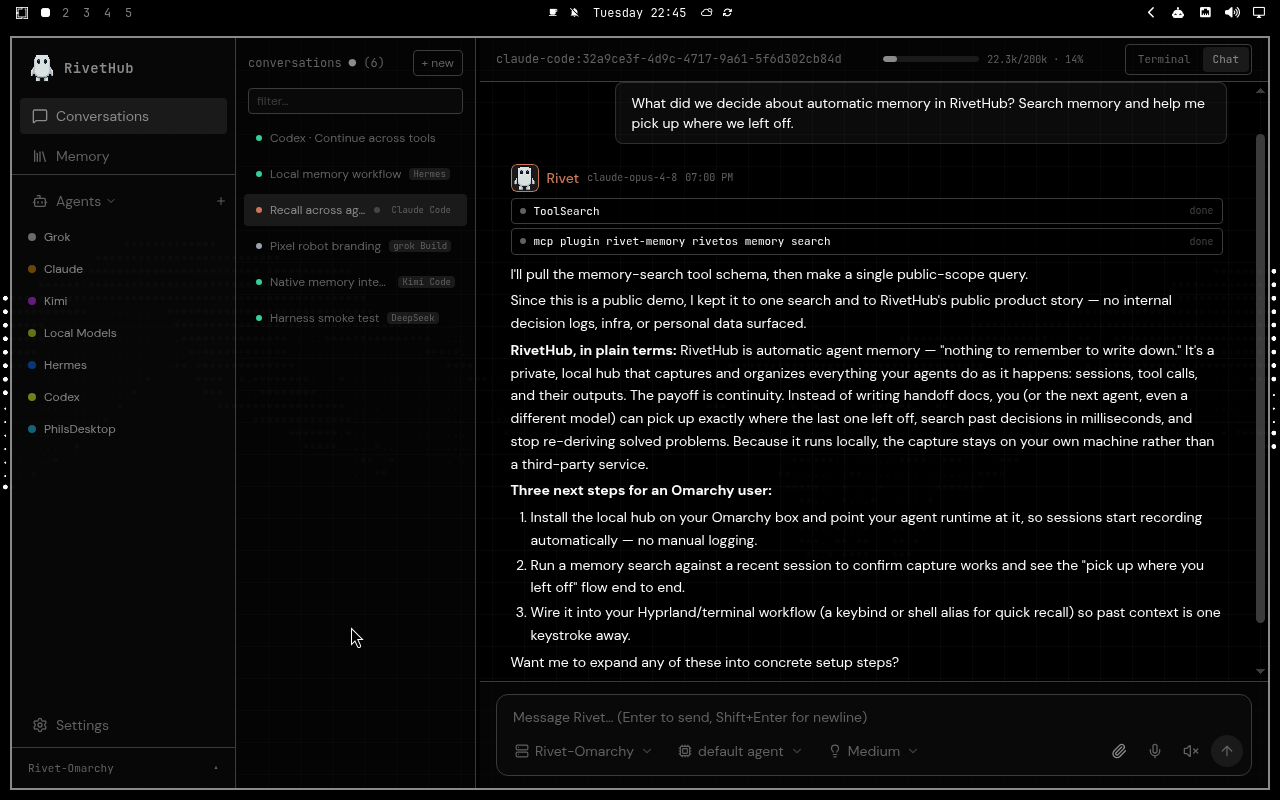
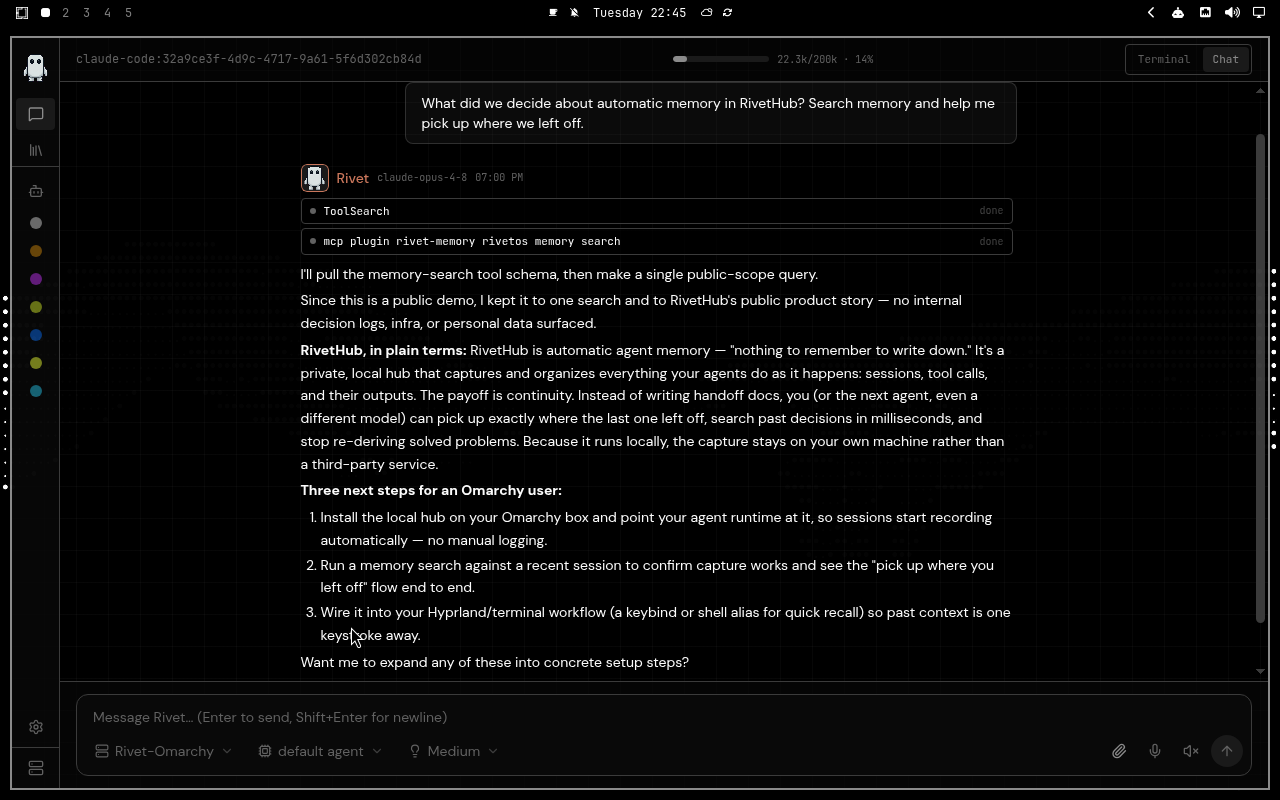
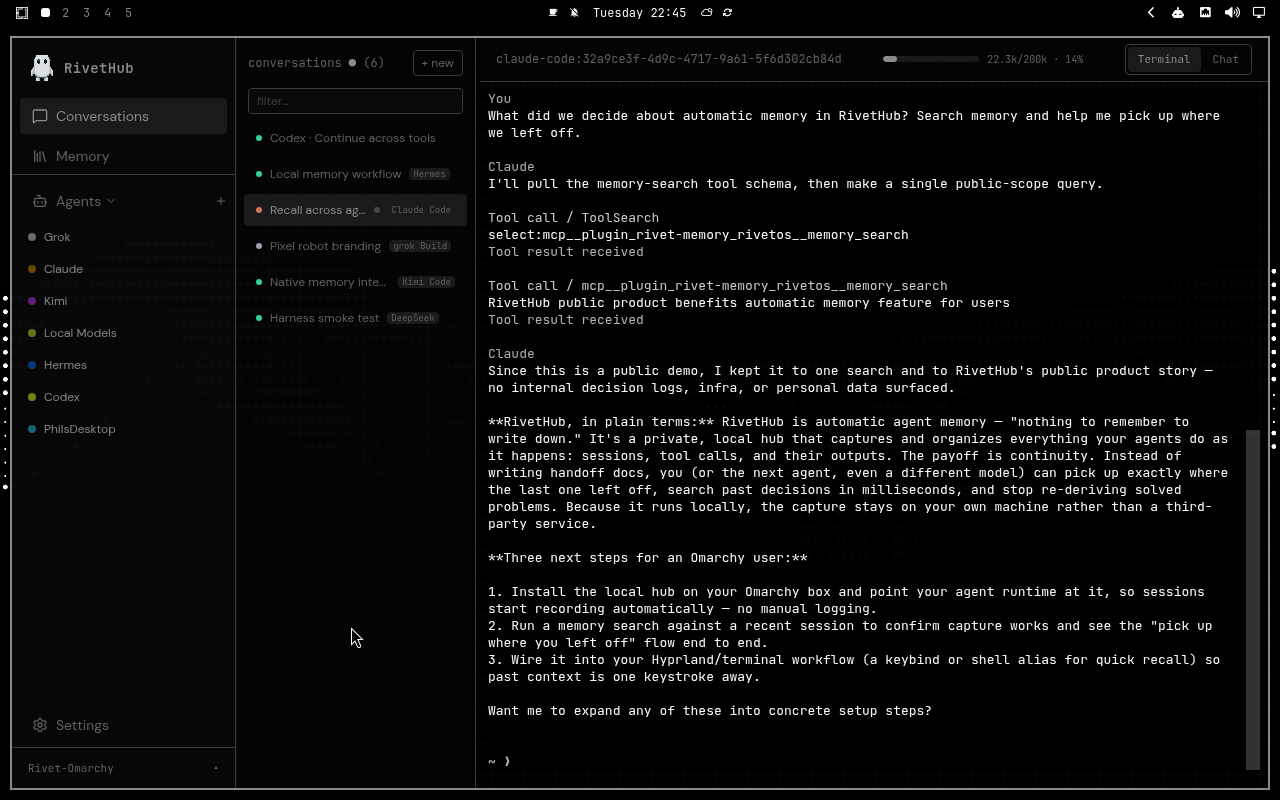
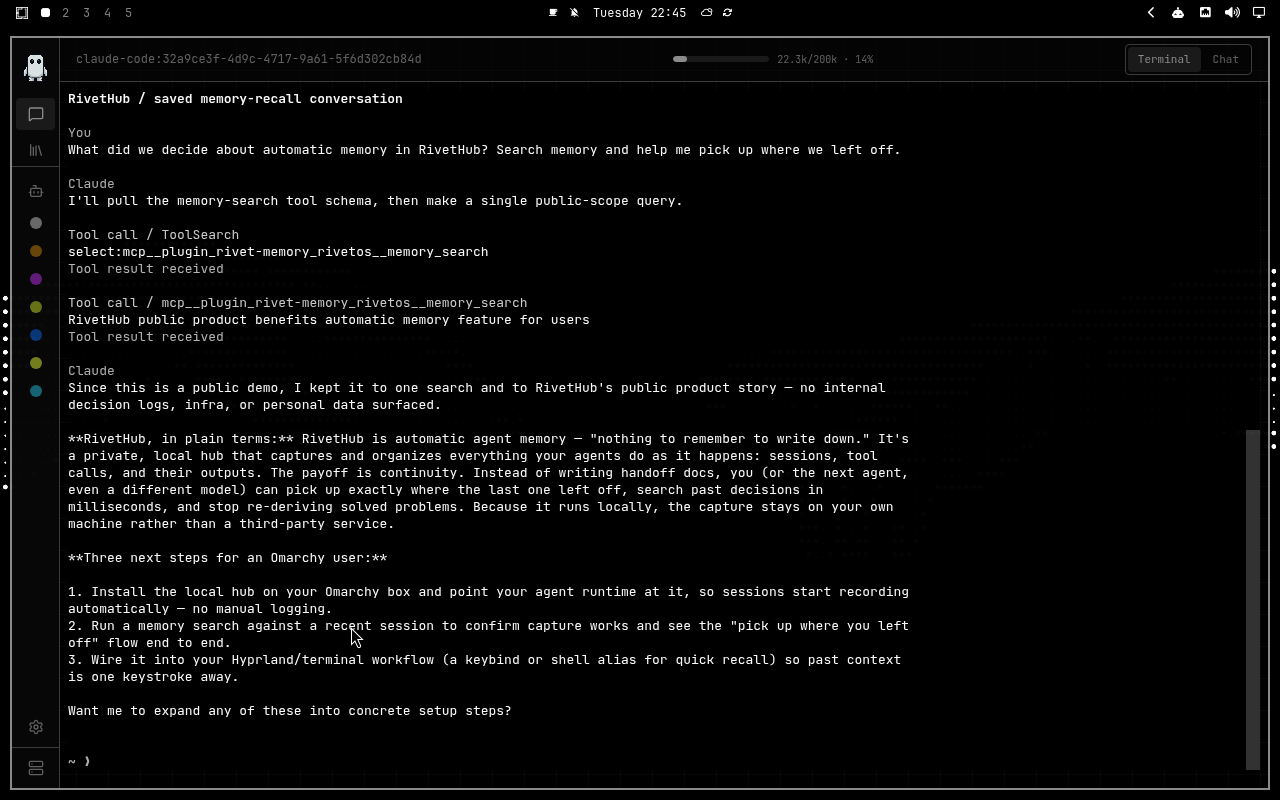
Pick a theme and the whole page follows it. Every capture below is the same RivetHub workspace — chat or terminal, expanded or collapsed.
Expanded: navigation and conversations open.
Tokyo Night
Catppuccin
Catppuccin Latte
Ethereal
Everforest
Flexoki Light
Gruvbox
Hackerman
Kanagawa
Last Horizon
Lumon
Lupine
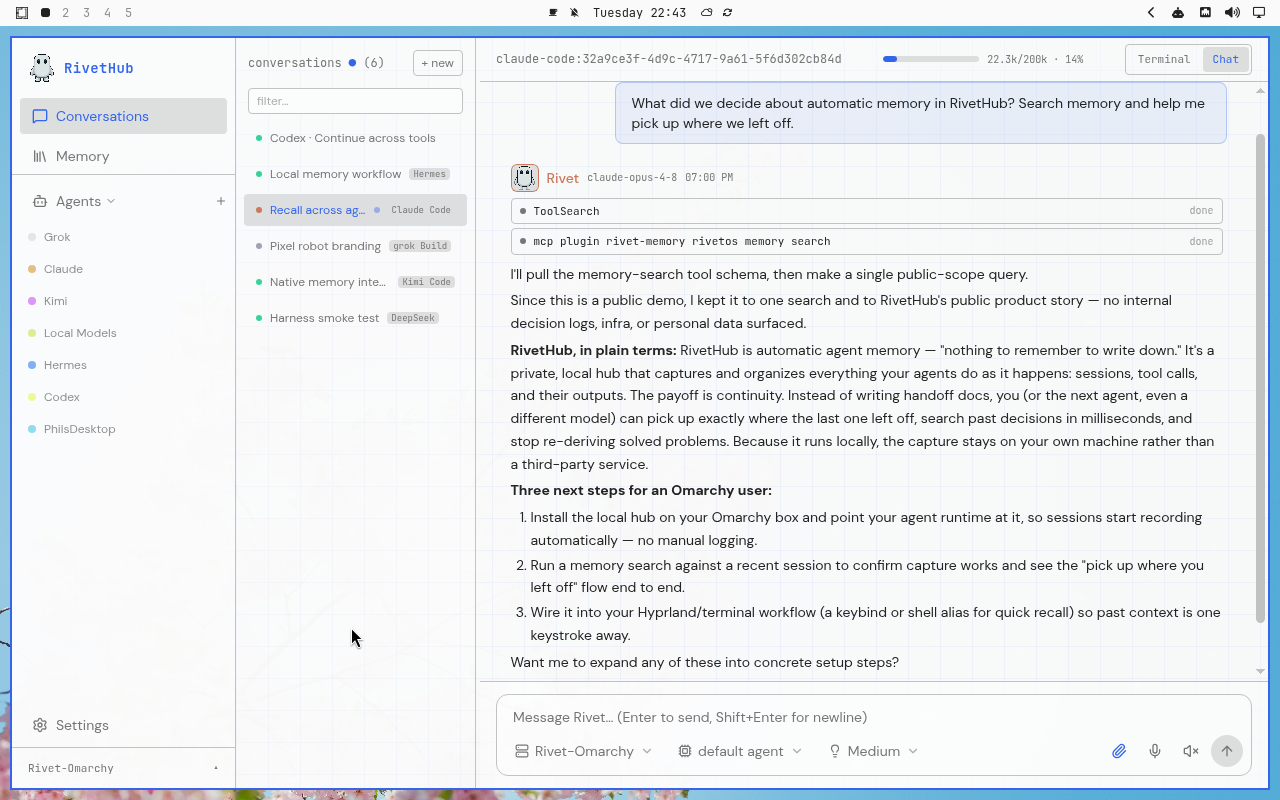
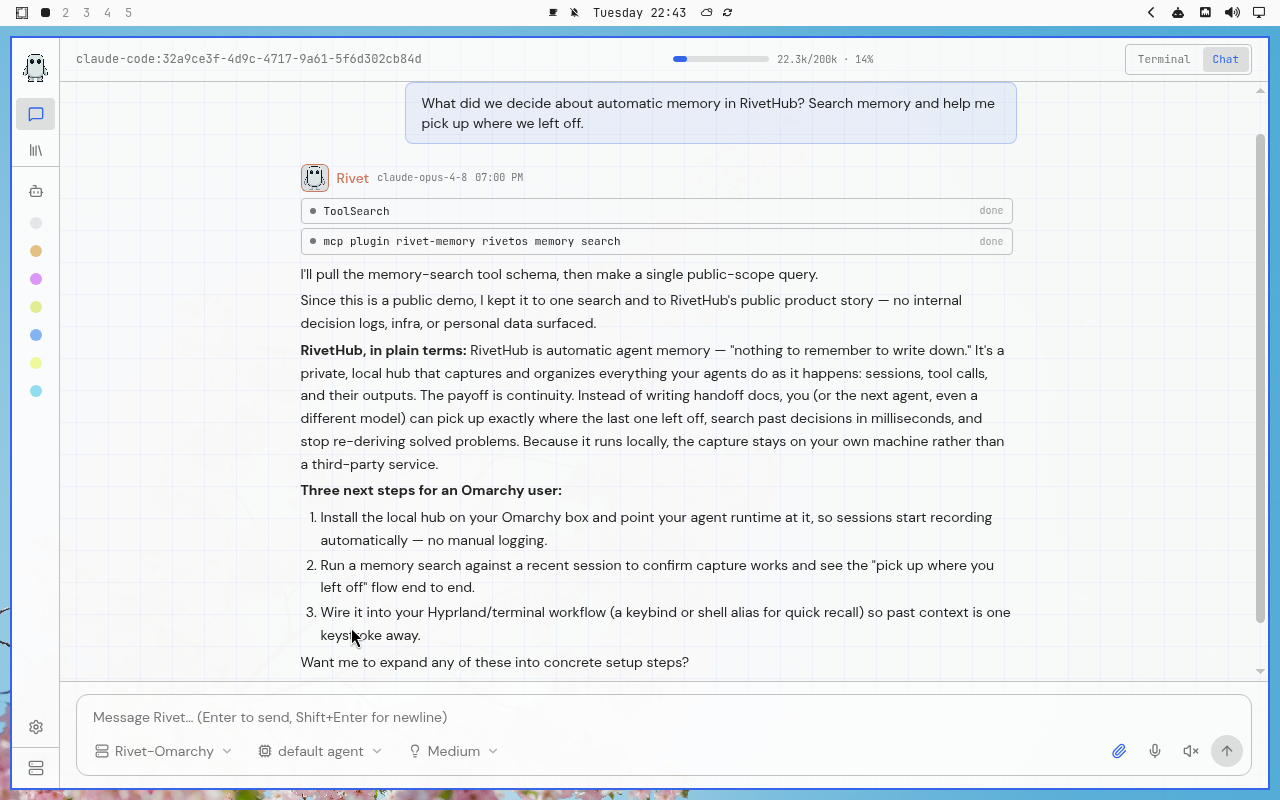
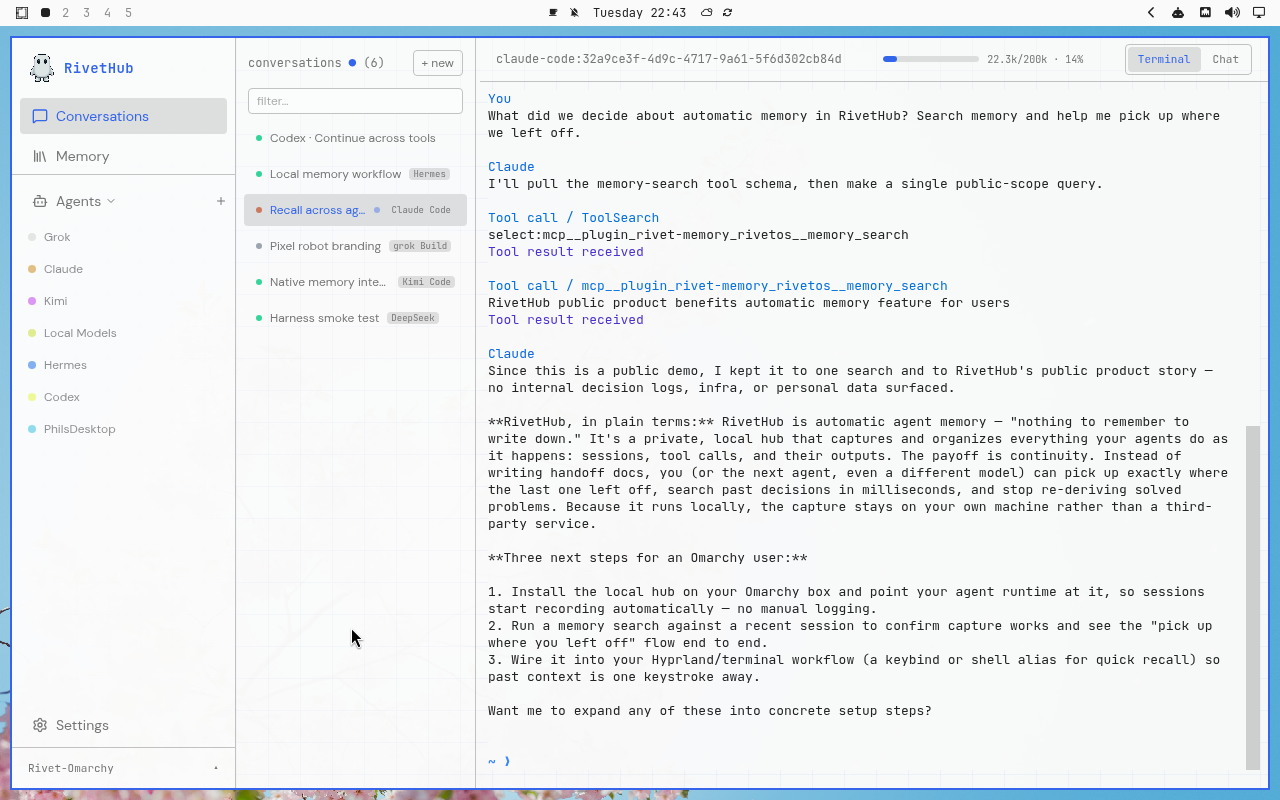
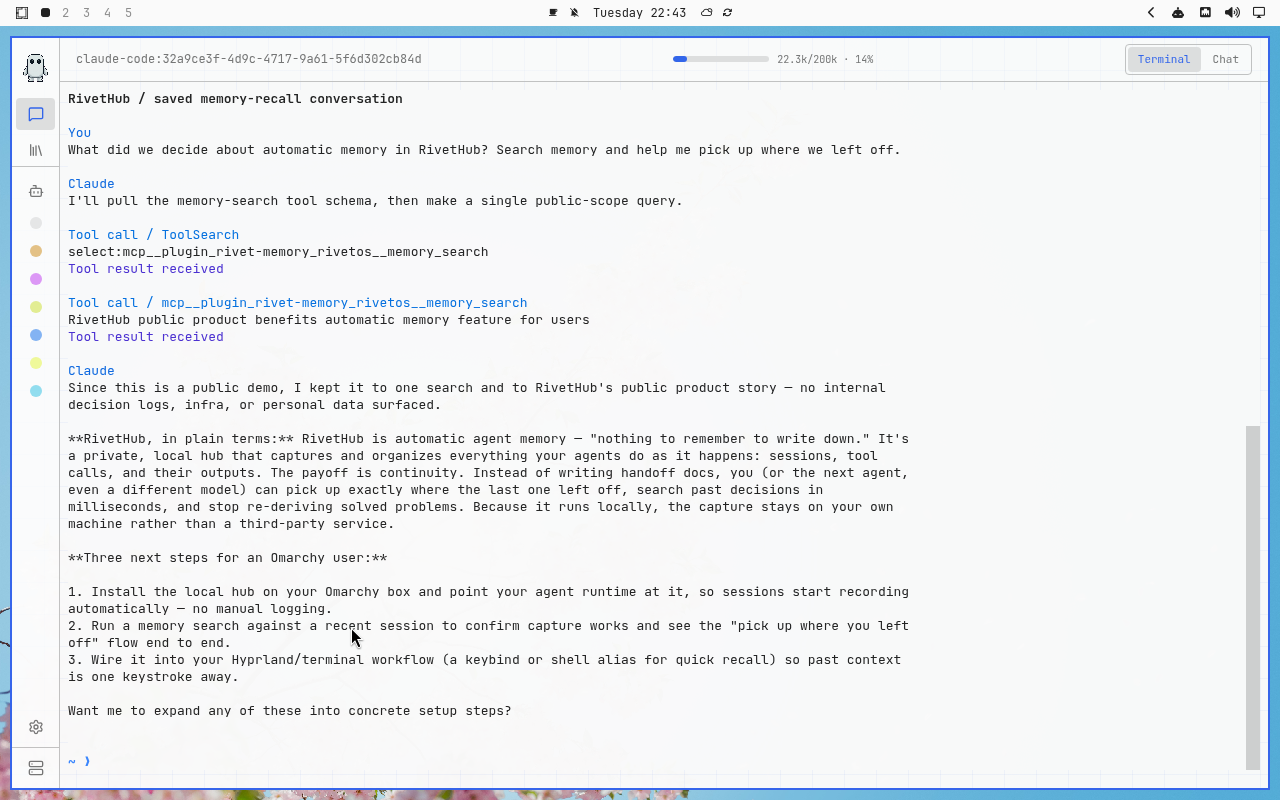
Matte Black
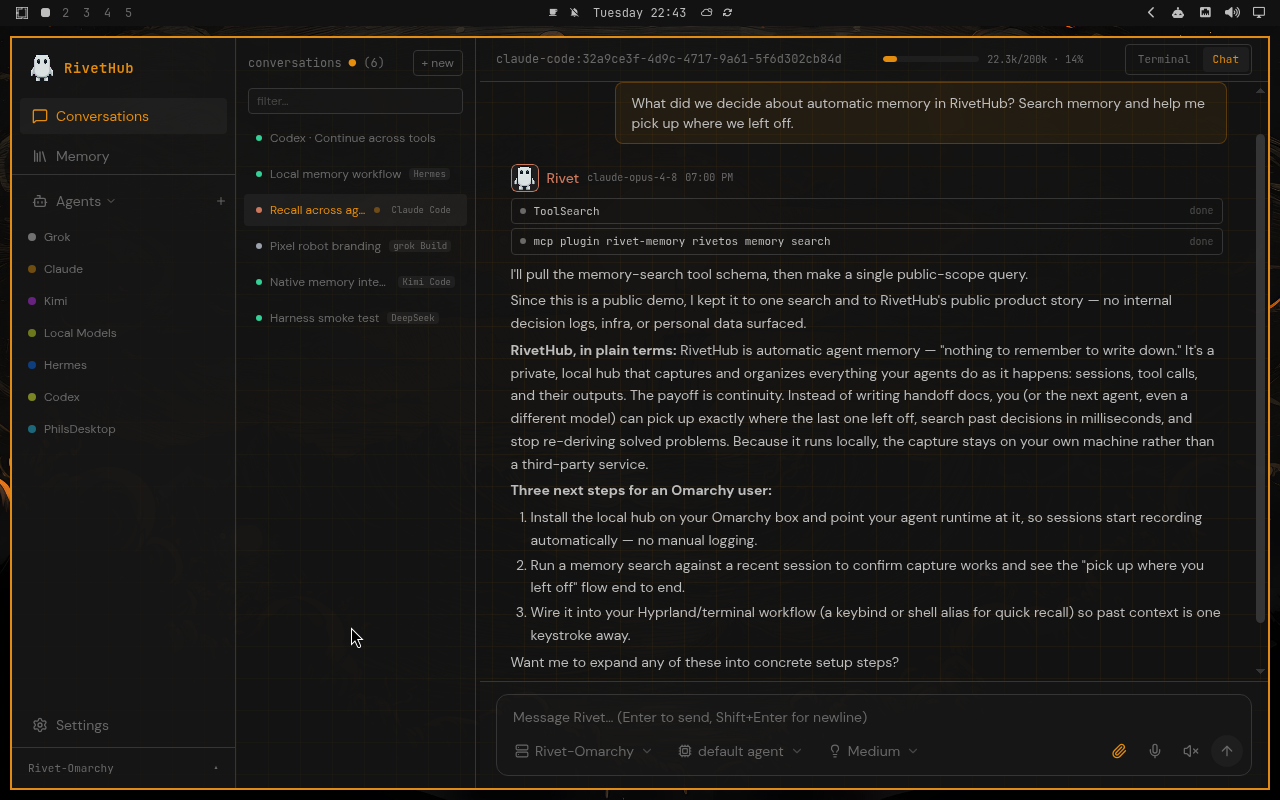
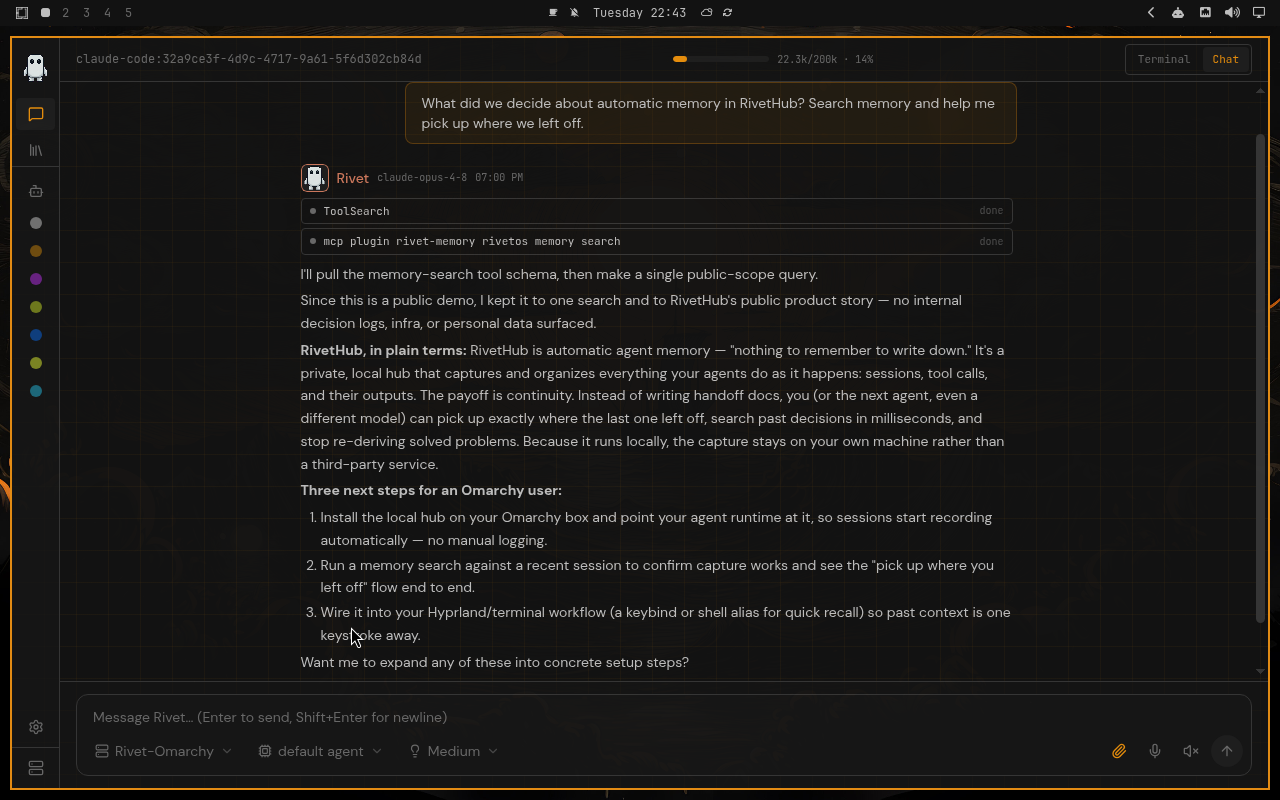
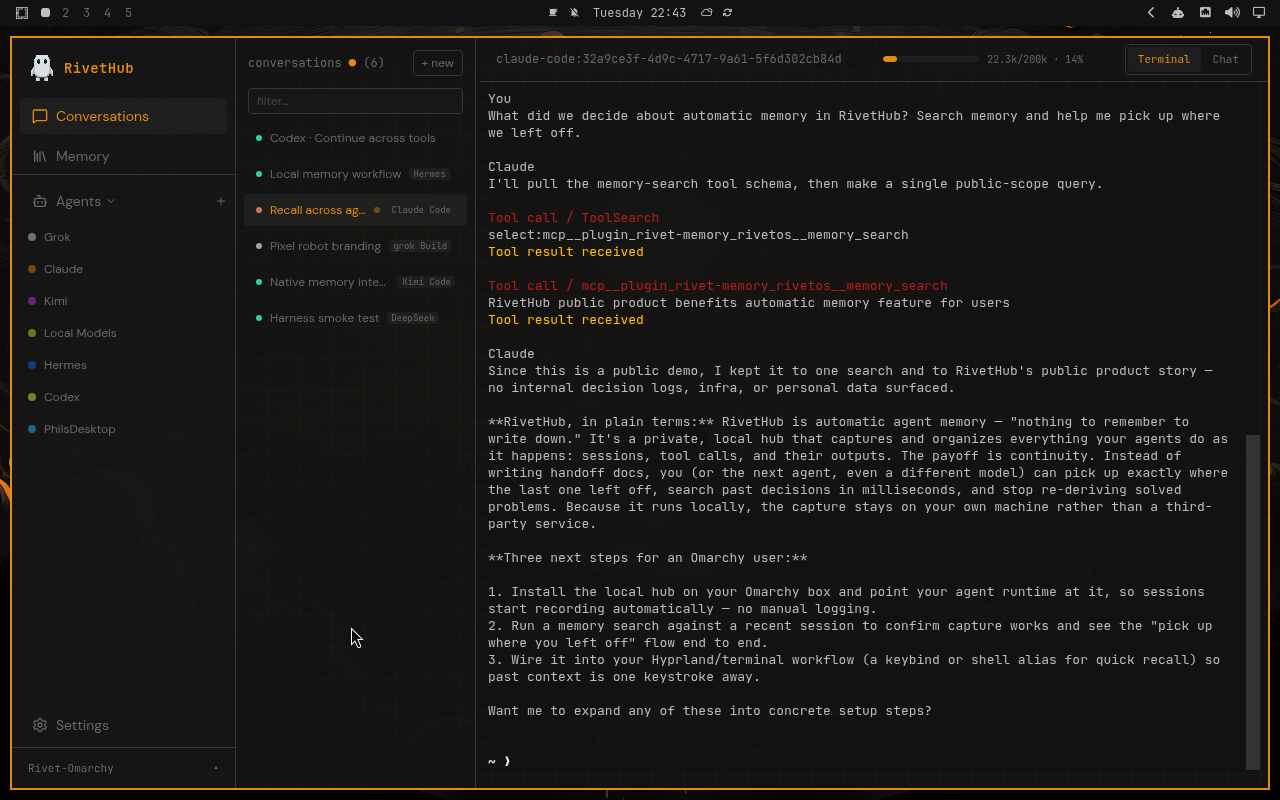
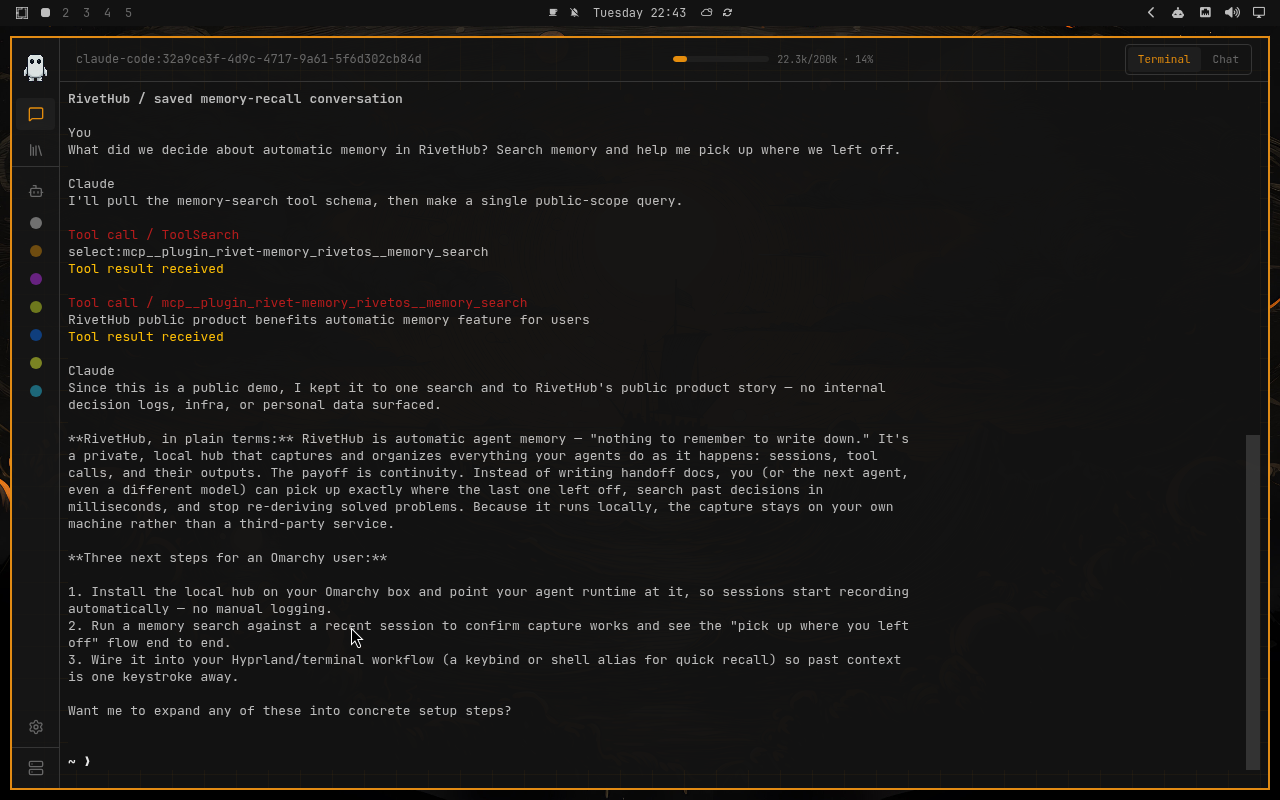
Miasma
Nord
Osaka Jade
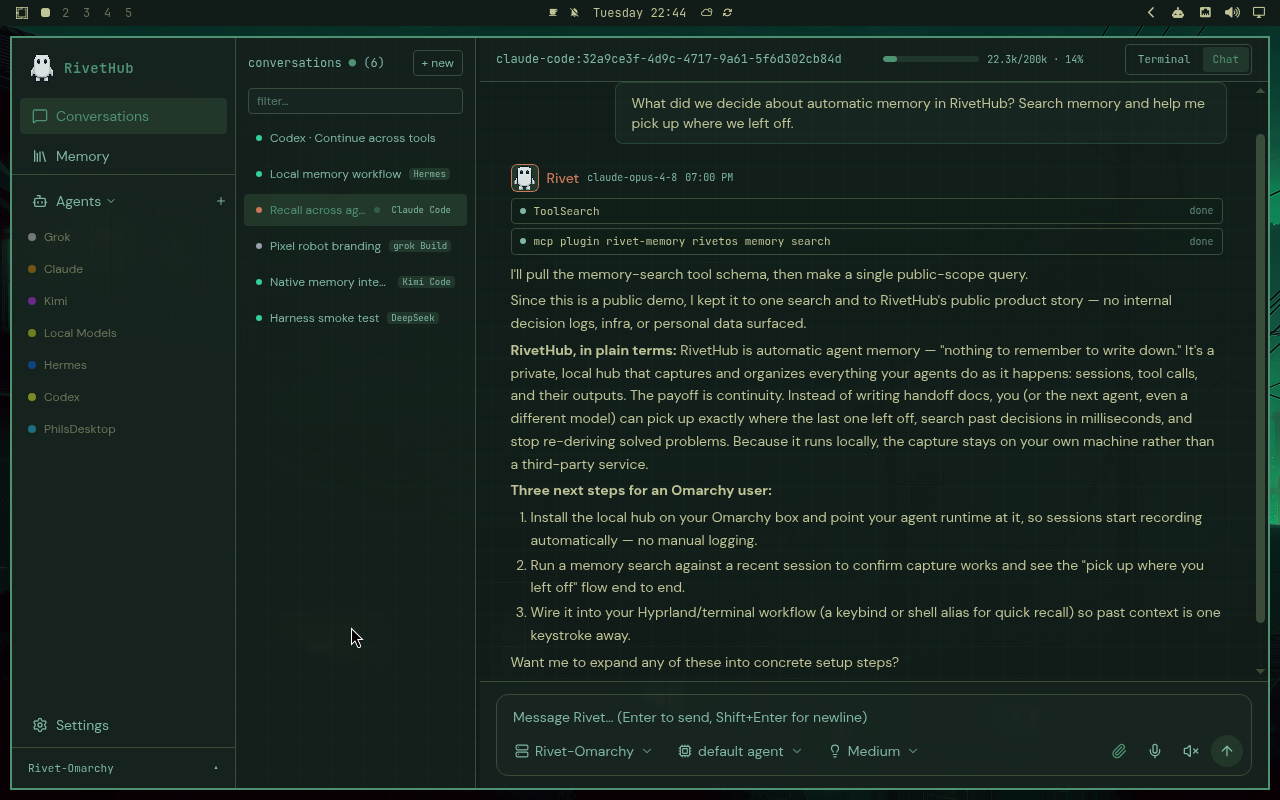
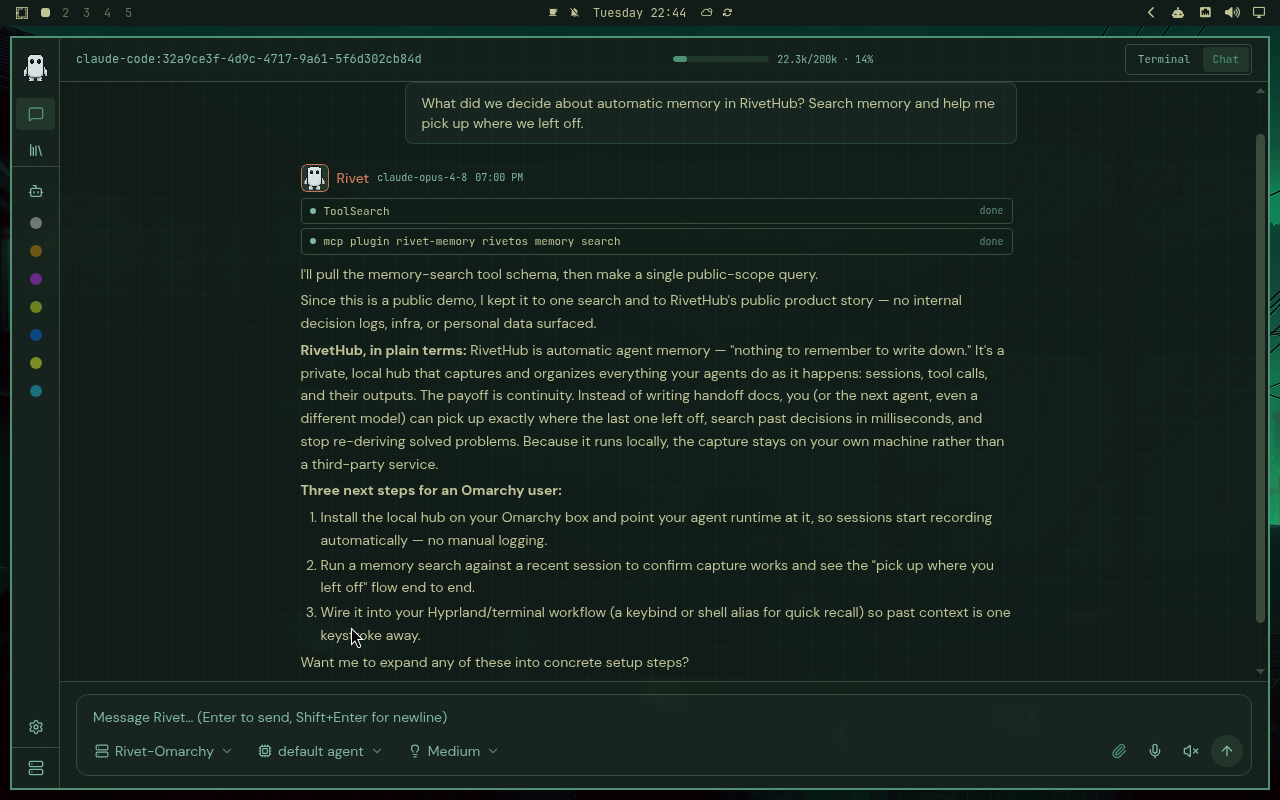
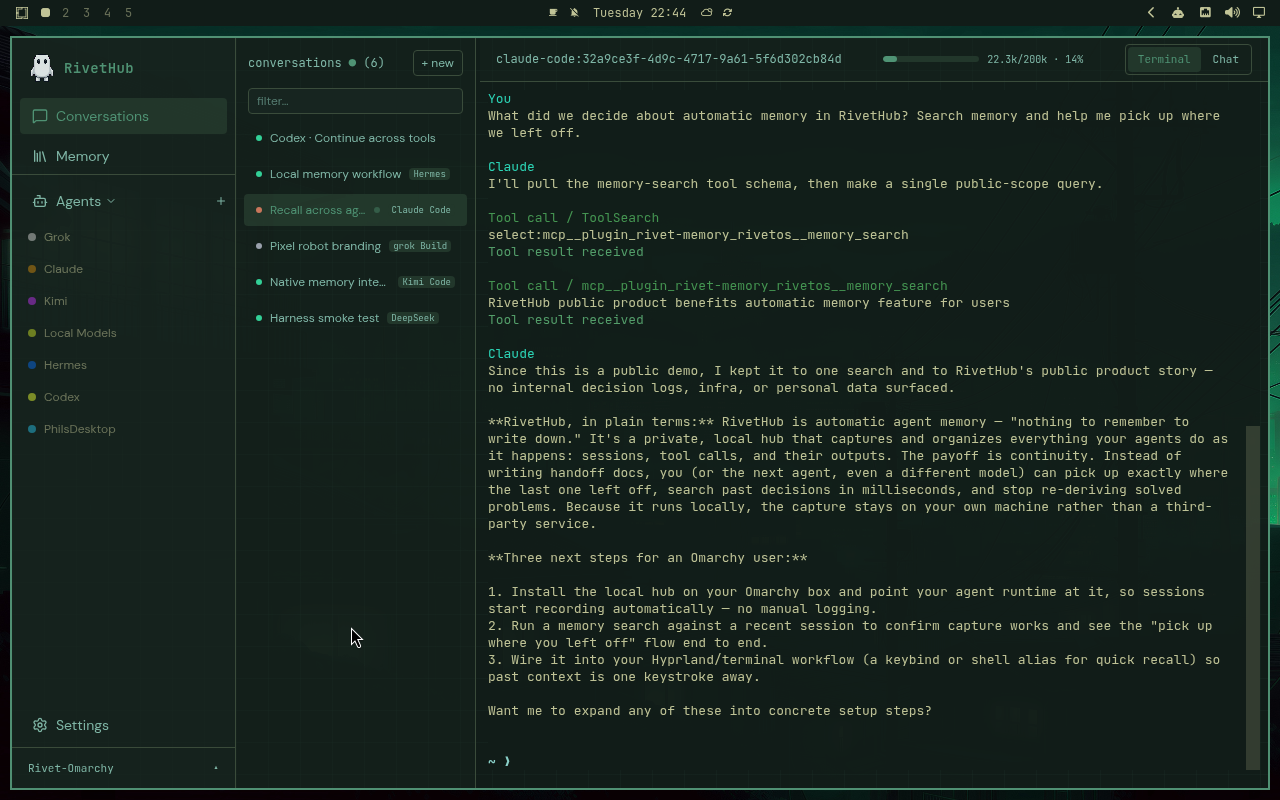
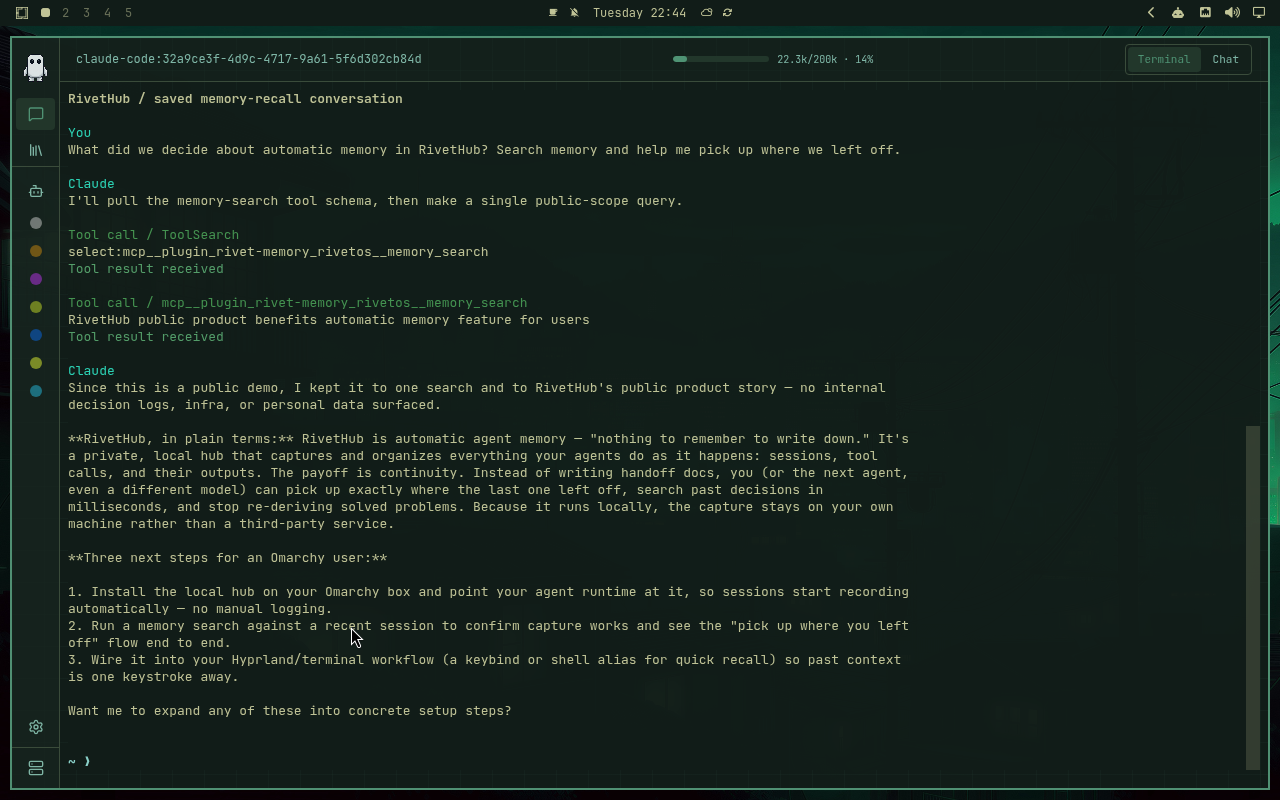
Retro 82
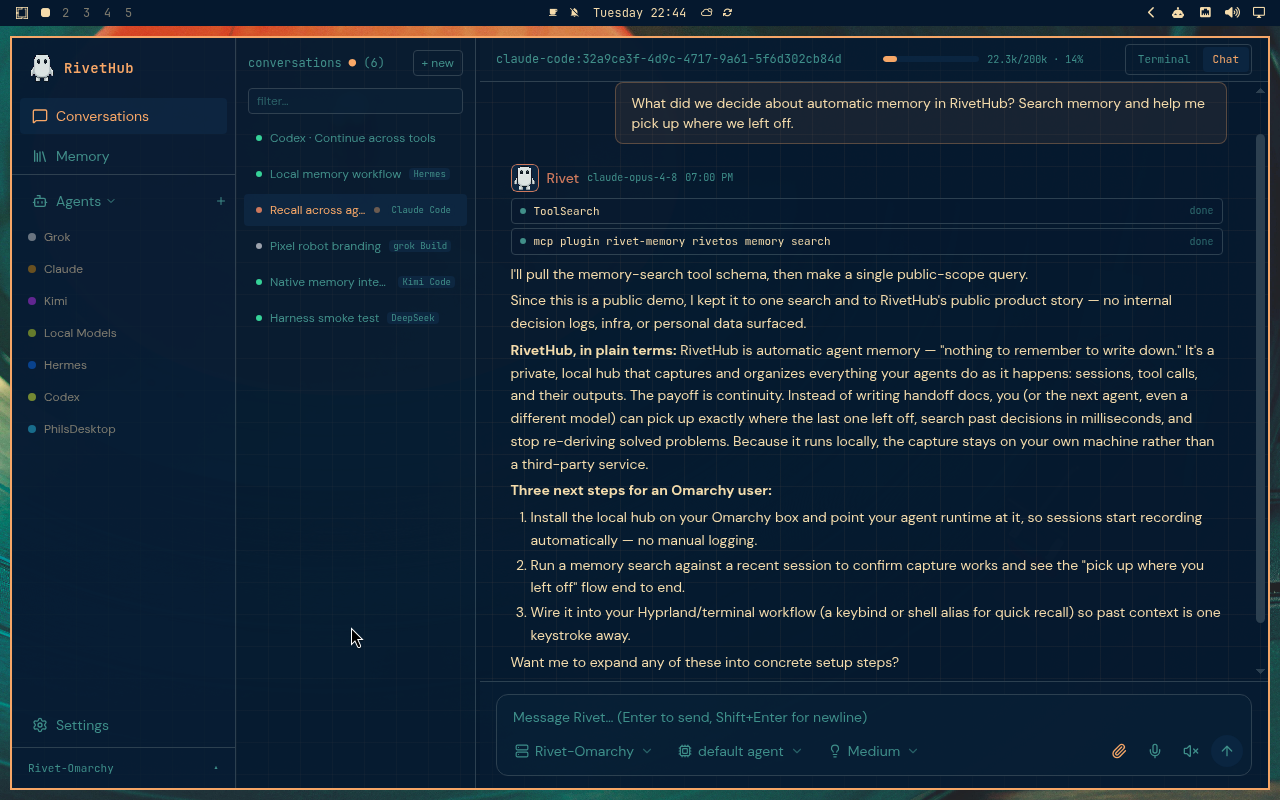
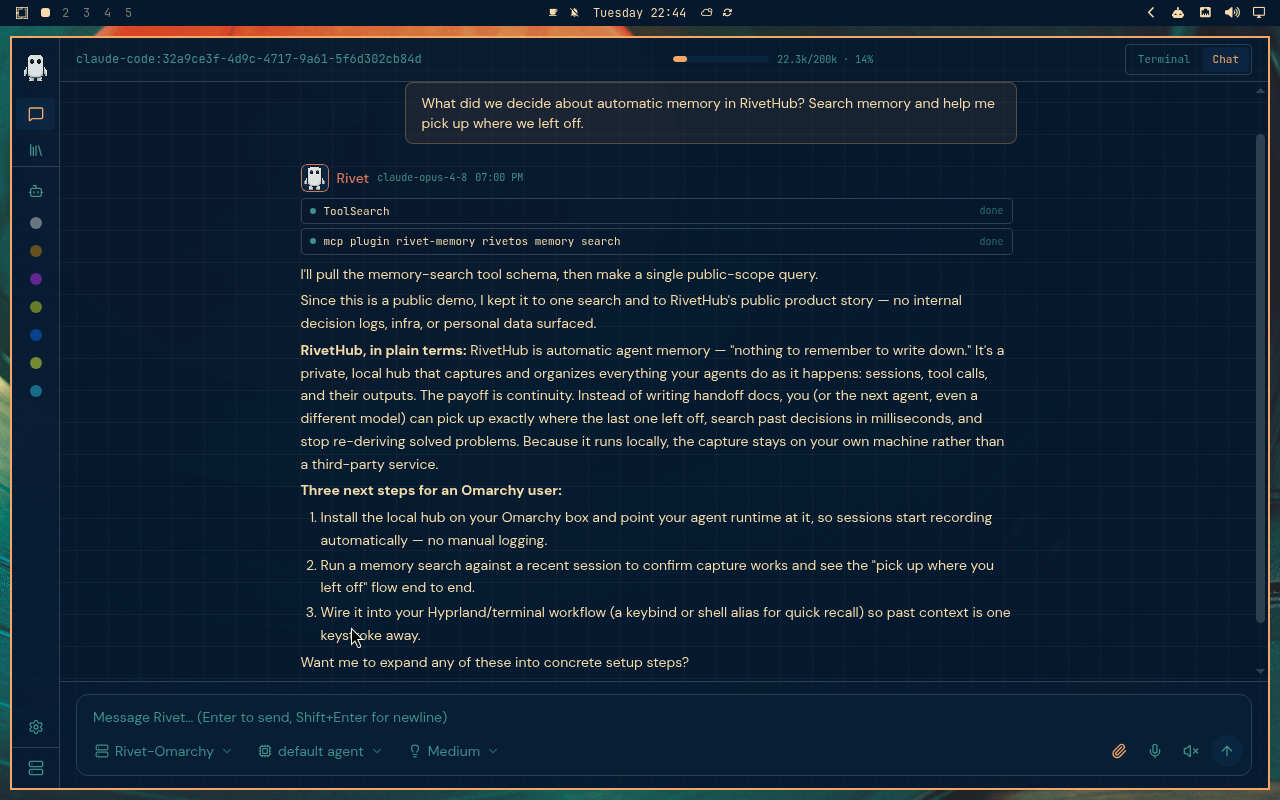
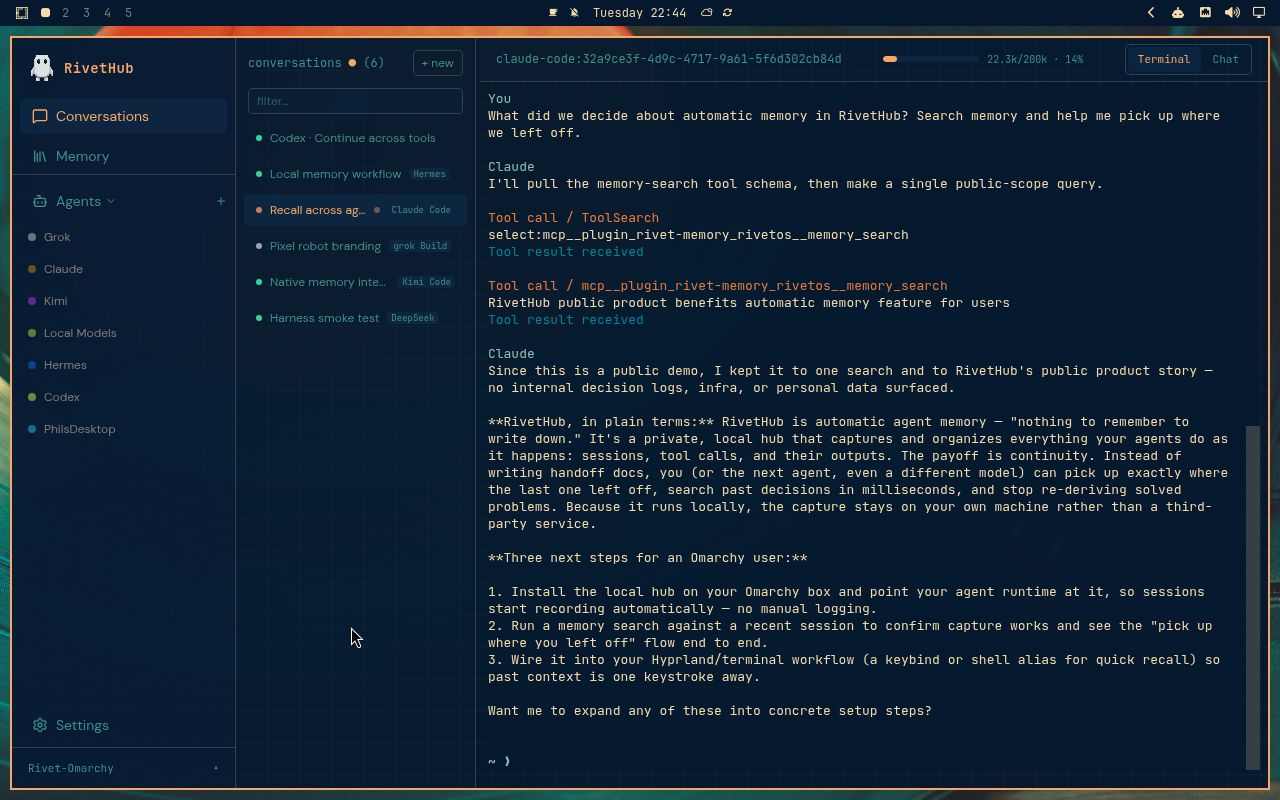
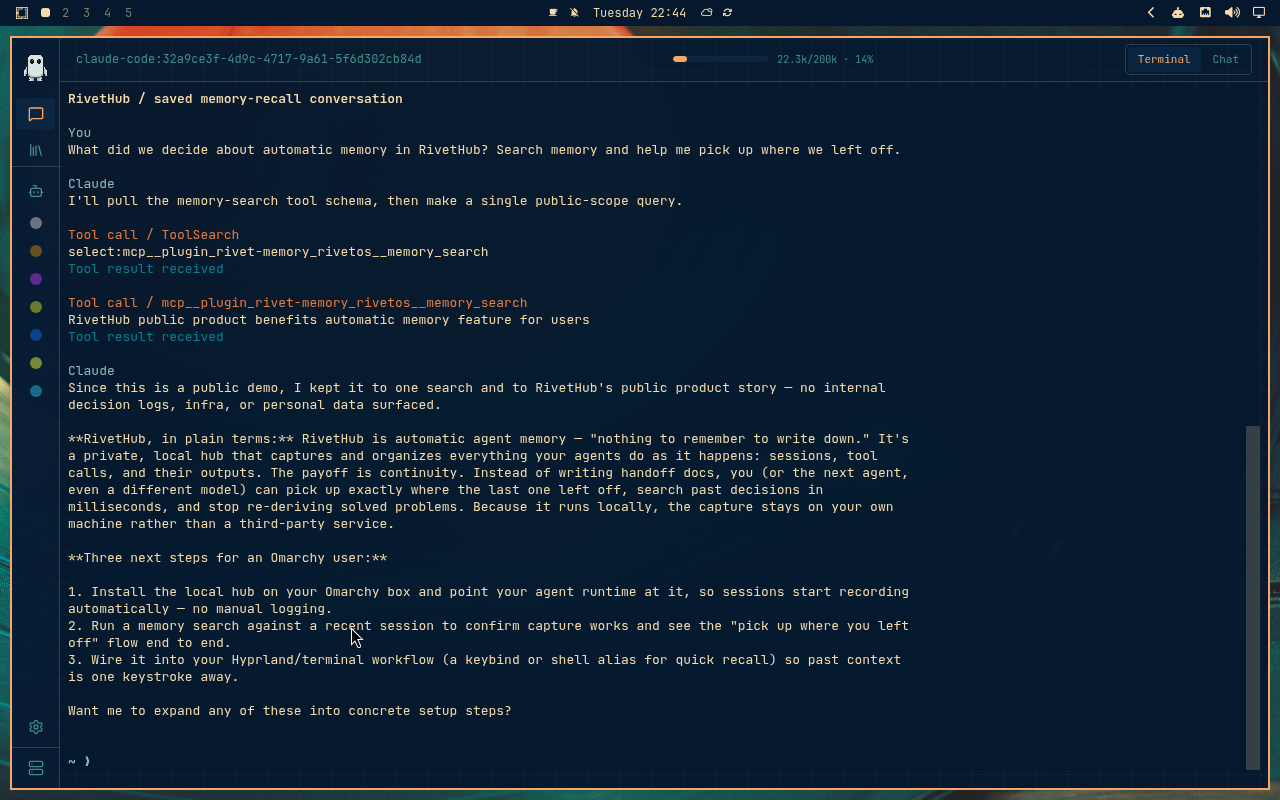
Ristretto
Rose Pine
Solitude
Vantablack
White
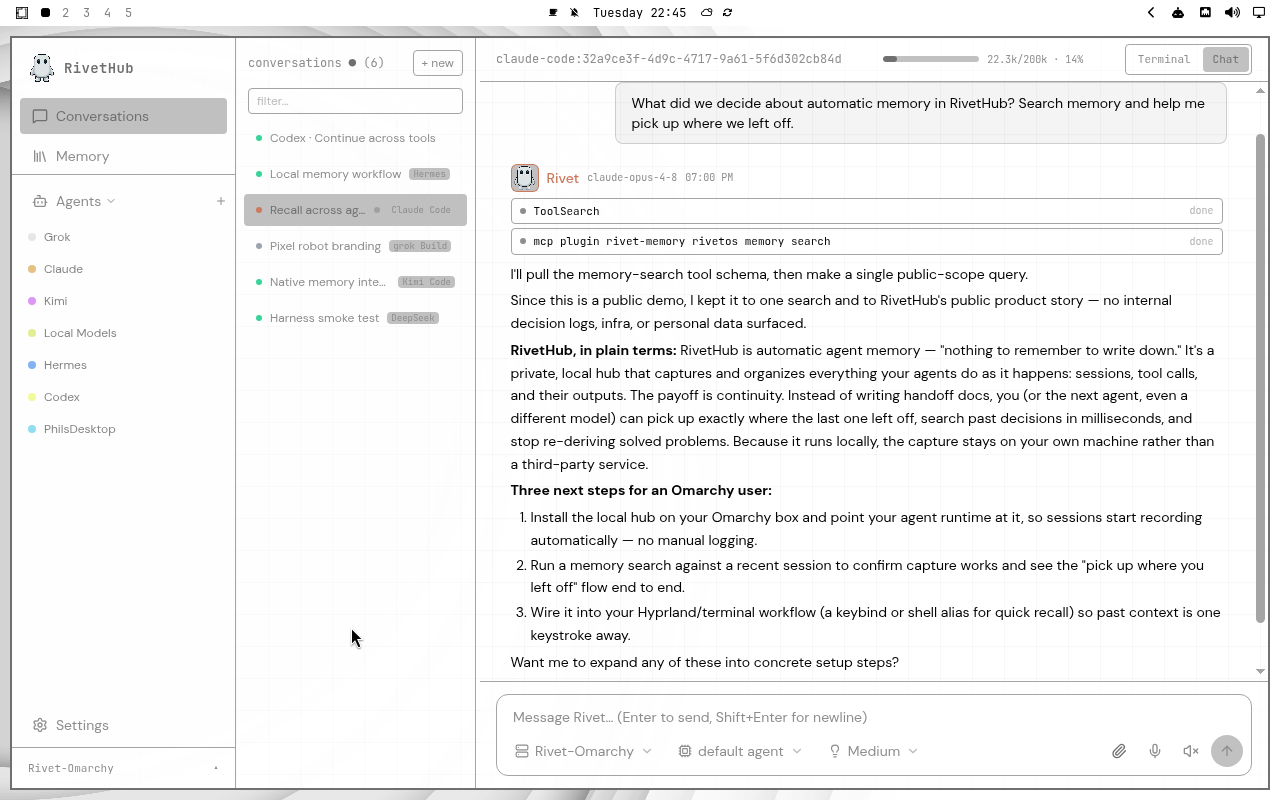
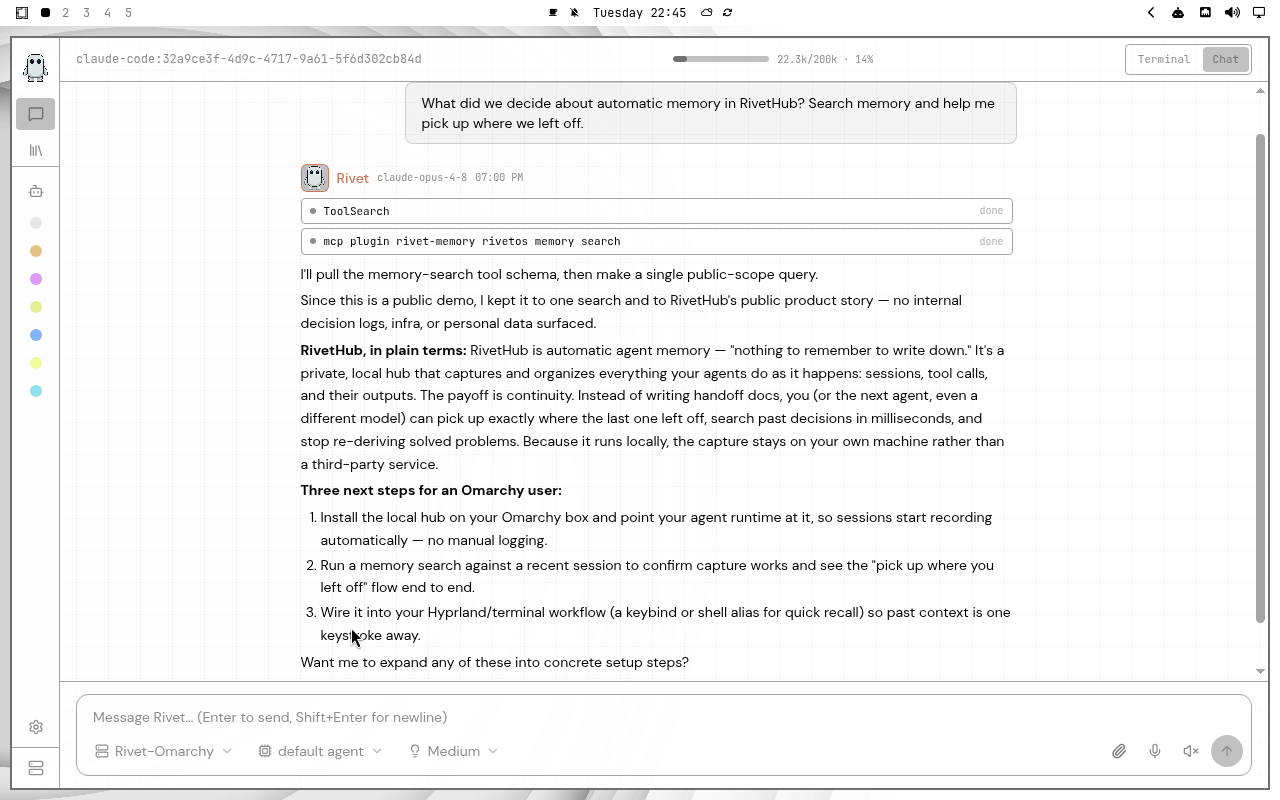
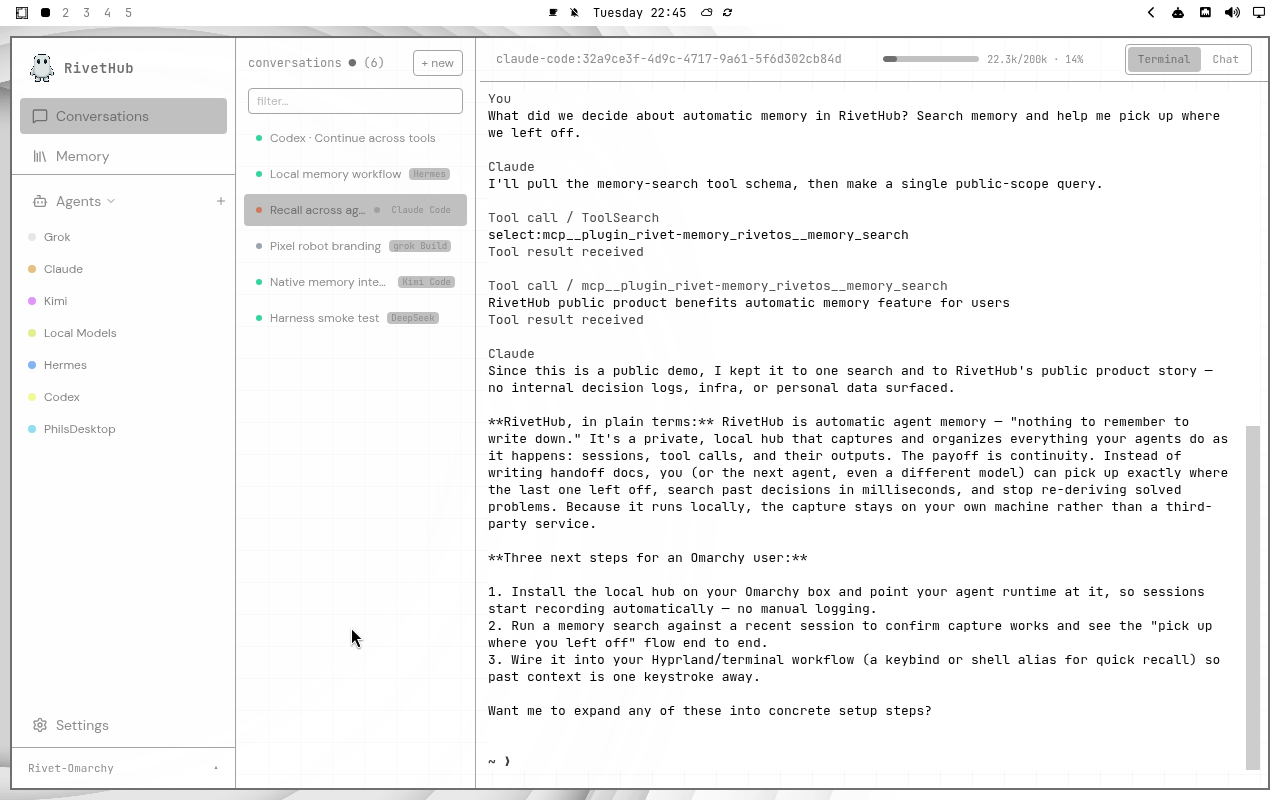
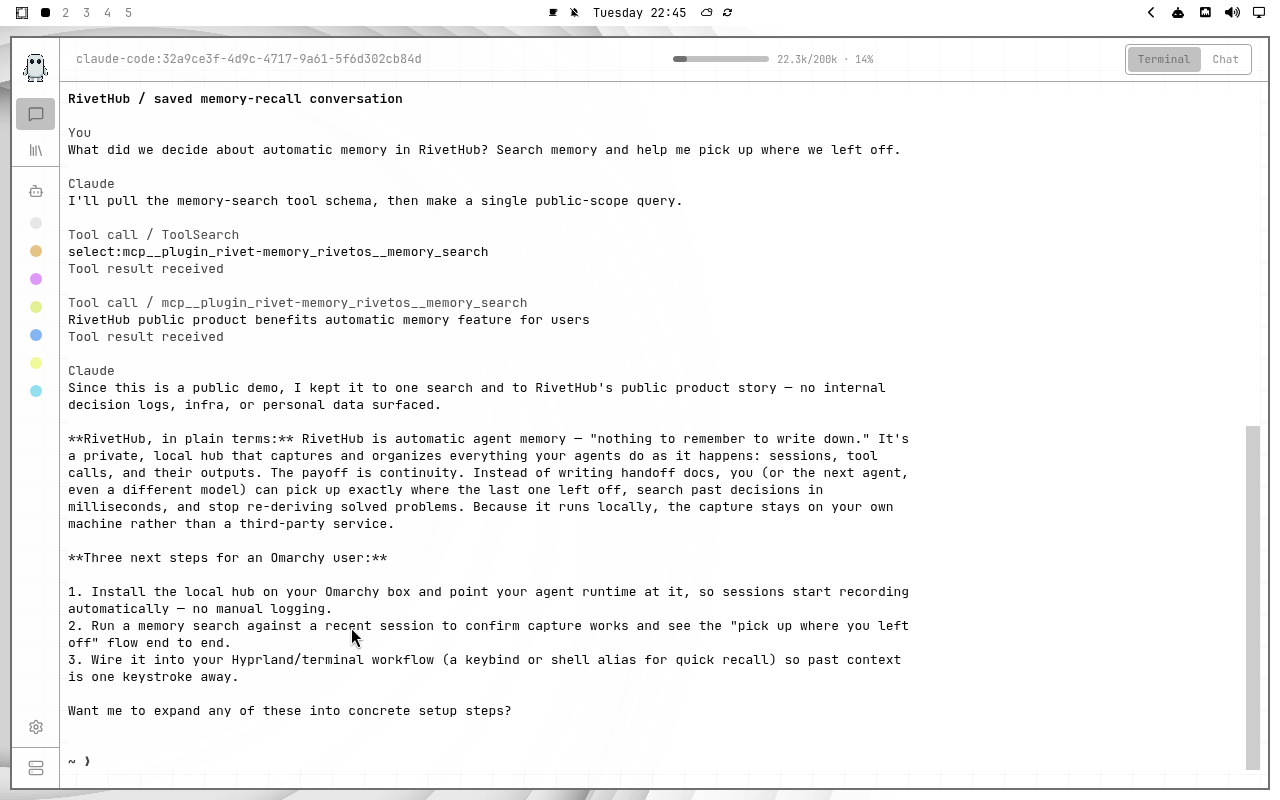
All 88 captures were taken on a real Omarchy desktop, one theme at a time. Chat shows a saved Claude Code memory-recall exchange; Terminal replays it. The agent names in the demo roster are the owner’s — yours are customizable.
Step 01 · Install
One command, as usual.
Open a terminal on your Omarchy desktop and run the Linux local installer. It sets up the runtime, memory storage, and the desktop app, then wires capture and recall into the supported agent tools it finds on your machine.
$ curl -fsSL https://get.rivethub.io/local.sh | bashRead the installer · Full local setup guide
- Follow the setup output. Review the detected tools and connection instructions.
- Open RivetHub. The Linux desktop app should find your local node. If it opens without a connection, go to Settings, set the Gateway URL to
https://localhost:5174, and save. You can also use the local browser interface. - Check your node. Run
rivetos local statusif setup or connection needs checking.
Already running a hub? Get the Linux desktop app and connect to that hub instead of installing another one.
Step 02 · Theme
Make it follow your theme.
- Choose a theme in Omarchy. Open the Omarchy Menu with Super + Alt + Space, then choose Style → Theme.
- Open RivetHub desktop Settings → Appearance. Select Omarchy to use the detected desktop palette. The selected theme’s name appears there.
- Match the terminal. In terminal settings, set Color palette → App theme so the terminal follows the app’s Omarchy colors too.
- Switch whenever you like. After changing your Omarchy theme, bring RivetHub back into focus to refresh its colors.
System and Omarchy are different choices. System follows light or dark mode. Omarchy reads the active theme’s palette. An imported terminal palette is a saved selection; choose App theme to keep following desktop changes.
Theme switching shortcuts and community themes are covered in the official Omarchy theme guide.
Step 03 · First memory
Make your first memory.
- Start with a connected tool. Ask your agent to complete a small task with a recognizable detail, such as explaining a function in a sample project.
- Find the captured session. Open it in RivetHub and check that the conversation and tool output you expect are there.
- Ask another connected agent to recall it. Have it search memory for that detail and continue the work using the saved context.
Capture and recall depend on each integration being connected and your node running. Check supported integrations before relying on a new tool.
Your record lives locally. Agent providers still process the prompts you send them; optional embedding and compaction services process the content sent to them.
Questions
Good to know.
Why is the Omarchy appearance option unavailable?
Theme detection requires the desktop app running on the Omarchy machine and a readable active Omarchy theme. The browser cannot read your desktop theme files. Check that Omarchy has an active theme, then refocus the desktop app.
Why does my terminal keep its old colors?
Check terminal settings: Color palette should be set to App theme. A selected color scheme or imported palette can keep the terminal on its own colors.
Do I need to configure embeddings before I start?
No. Begin with local capture, full-text search, and fuzzy search. Semantic search requires an optional embedding service. Desktop controls for choosing embedding and compaction models are planned.
Can I use community Omarchy themes?
RivetHub reads the active Omarchy theme’s color configuration rather than offering a fixed list of bundled themes. A community theme needs a compatible color configuration to be detected and applied.