rivethub

Self-hosted · Apache 2.0 · No account

Your agents. Your memory. Your hardware.

Claude Code, Codex, Grok Build, Kimi Code and Hermes each start every session from zero. RivetOS keeps one record of what they all did — prompts, tool calls, results — on a machine you control, so the next session, in any of them, picks up where the last one stopped.

paste to your agent
Read https://rivethub.io/llms.txt and set up RivetHub on this machine.
Five tools, one record. Green packets are sessions being captured; brass packets are recalls — a memory saved in one tool, found from another.

The problem

Not a hosted black box.

A lot of "agent memory" lives inside one chat product you do not run. It remembers for that app, on its terms, and forgets the moment you switch tools.

RivetHub is different. The record sits on your side — a laptop, a server you pick, or a hosted database you can export from any time. Your model providers still see the prompts you send them; that is how those tools work. RivetHub keeps the record of what your agents did, so you and they can find it again.

What the website records →
claude-codeI don't have context from previous sessions.
codexCould you share what was decided earlier?
grok-buildI can't see your other conversations.
kimi-codeStarting fresh — what are we working on?
hermesNo prior history found for this project.

Five tools, five blank slates. Unless something keeps the record.

I · RivetOS

The runtime that remembers for every tool.

RivetOS is the engine underneath: a personal agent runtime and memory plane. It plugs into the tools already on your PATH over MCP and quietly does three things.

  1. capture

    Sessions save themselves.

    As you work, each session lands in a Postgres-backed store on your hub: prompts, tool calls, results — from whichever supported tool you are in. Nothing to remember to write down.

  2. recall

    The next session knows.

    Connected tools search the hub before they answer. Brand-new session, different tool, no recap paste. Full-text and fuzzy search work from the first session; semantic search is an optional embedding endpoint you point it at.

  3. source

    Answers you can check.

    Every hit opens the original conversation with its tool calls attached. Not a mystery summary — the actual exchange, so you can read what was said.

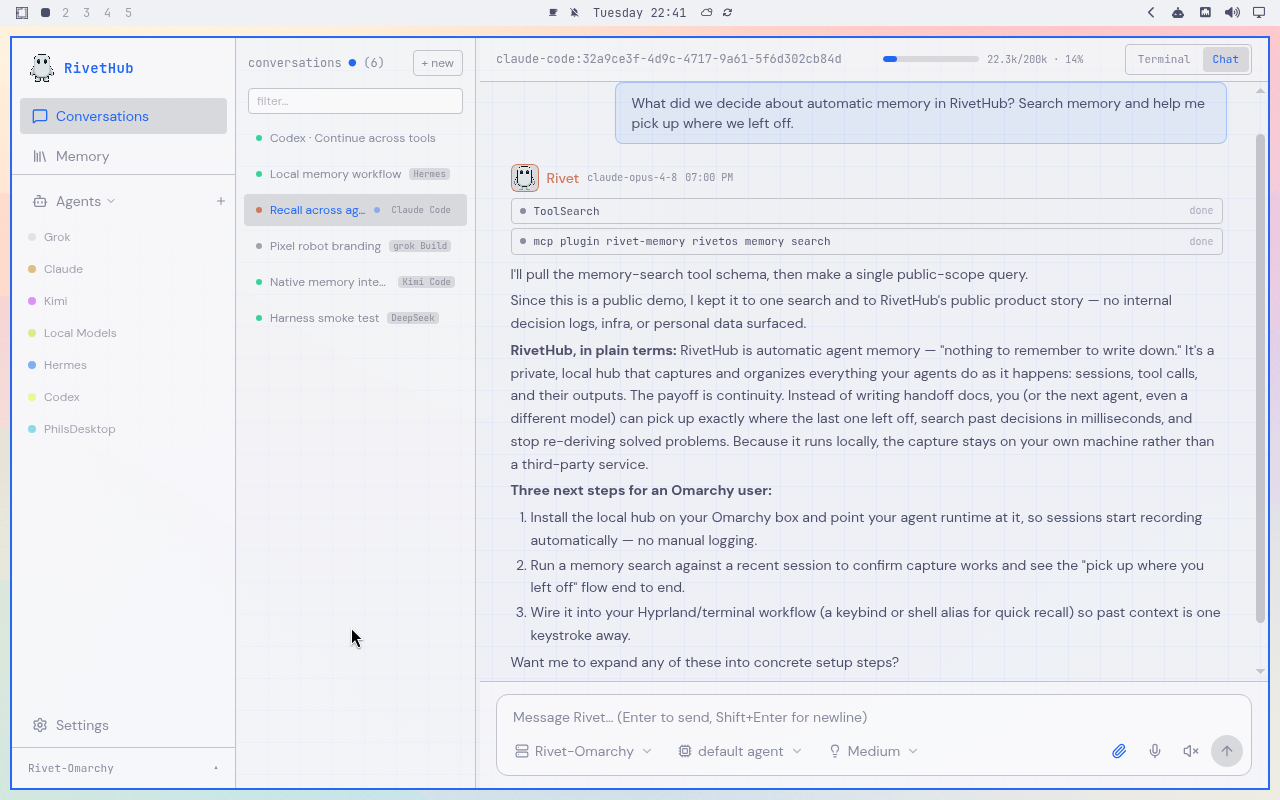
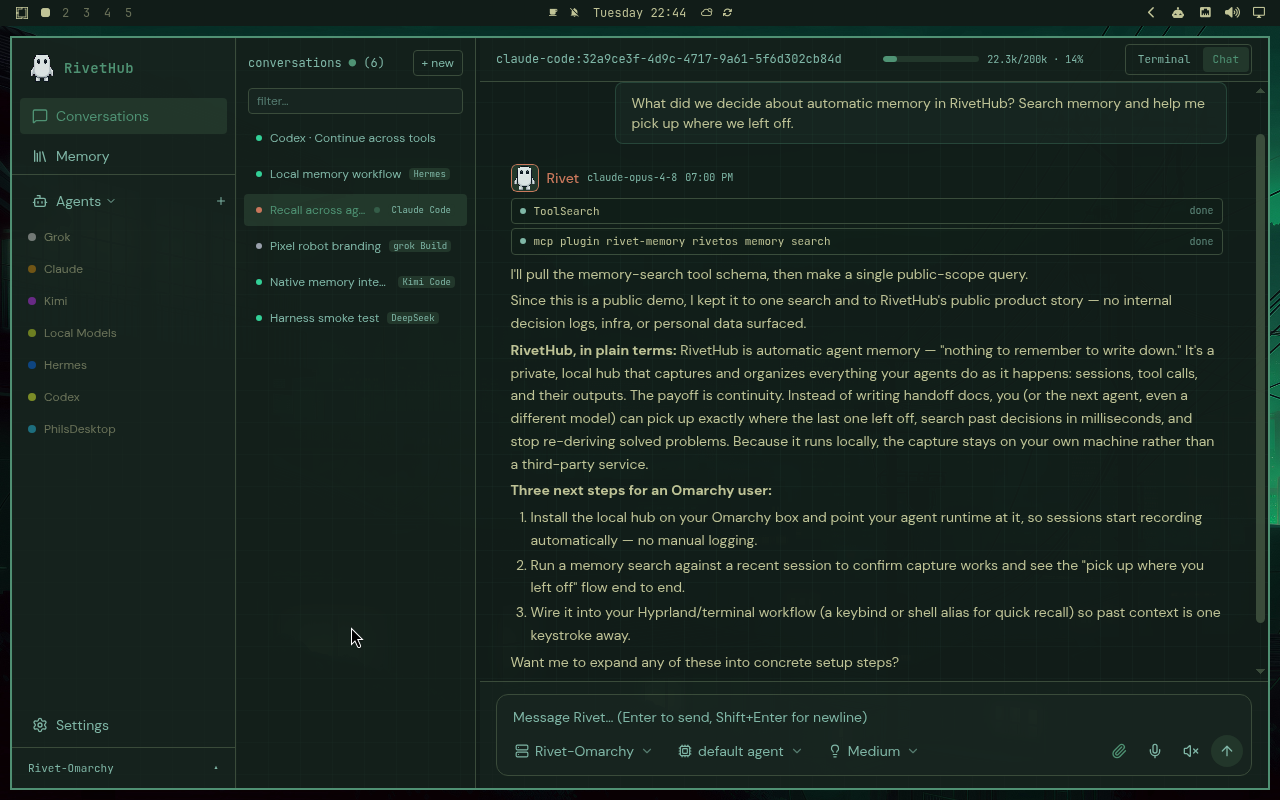
RivetHub showing the agent list and saved conversations from connected tools
Saved sessions from connected tools, side by side.
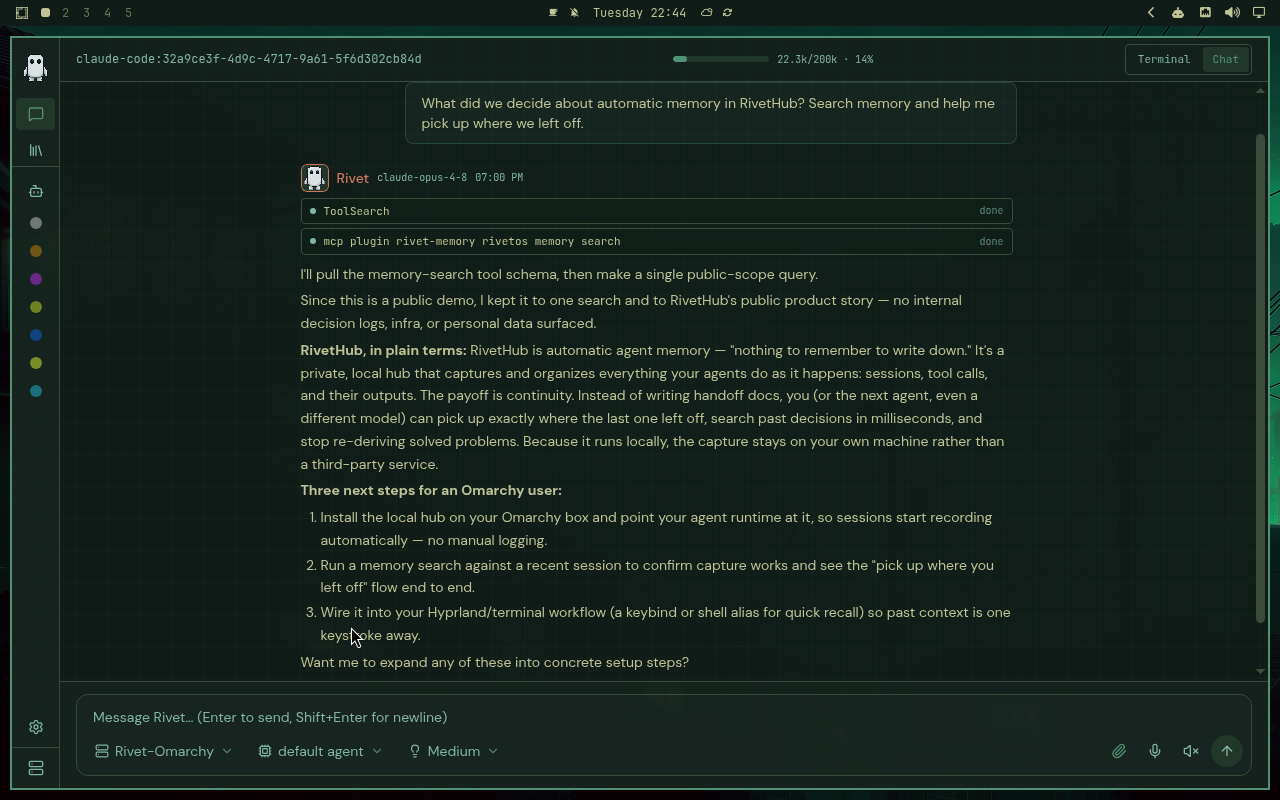
A Claude Code session running a memory search before answering
An agent searching memory before it answers.
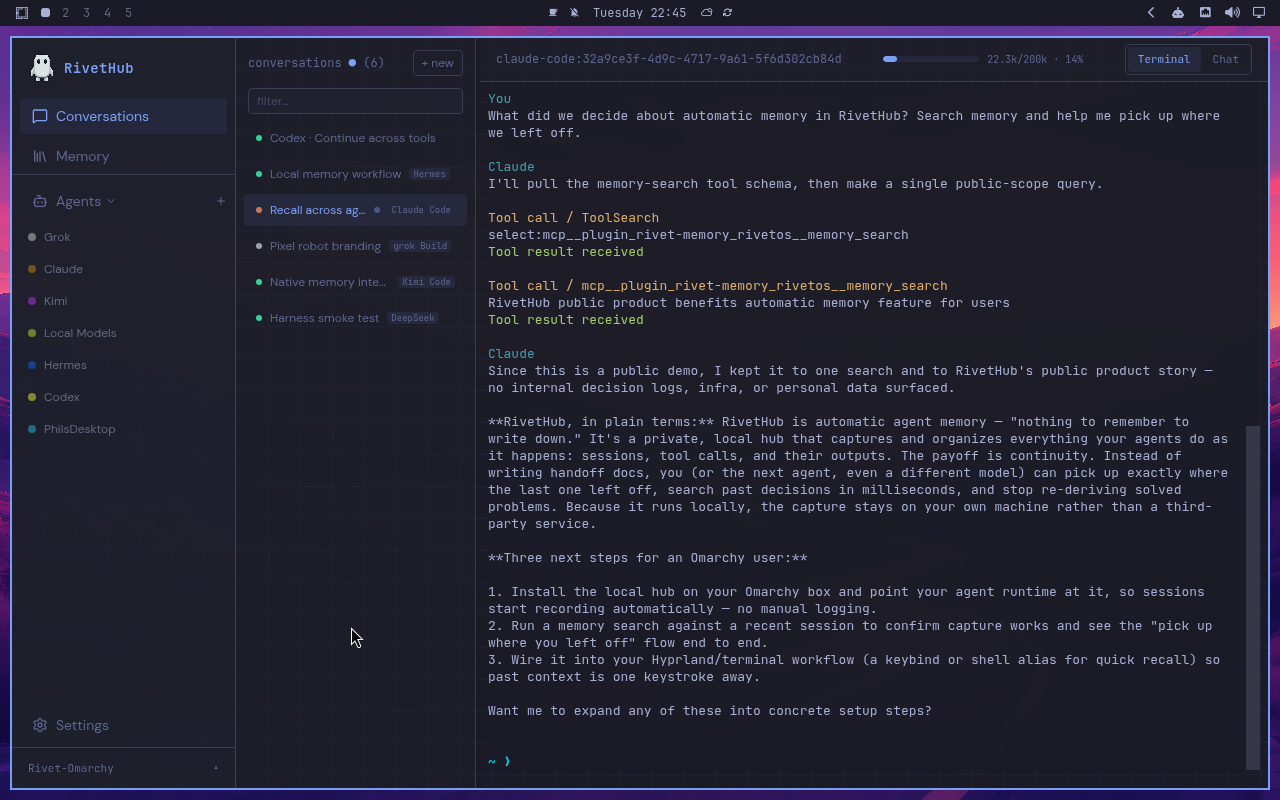
A terminal replaying a saved memory exchange next to the conversation list
Replaying the saved exchange behind an answer.

Real captures from RivetHub 0.5.21 on an Omarchy desktop.

What you actually get

Self-hosted
One installer for Linux or macOS. Runs on hardware you choose. No account required to start.
Local-first memory
Postgres on your hub. Search works out of the box; embeddings are optional and yours to pick, local or cloud.
A mesh you enroll
Add machines when one isn't enough. You enroll what joins; nothing phones home for "the fleet."
MCP-exposed
Recall is a tool call away for any MCP-speaking agent: memory_search, memory_browse, memory_stats.

II · RivetHub

The hub you run it on.

RivetHub is how RivetOS gets onto your machines: the installers, the desktop and Android apps, and a UI for browsing everything your agents have done. Same repo, one product. Two ways to run it.

Path A · start here

Local only

One machine runs the hub and your agents. The installer sets up the hub, wires capture and recall into the supported tools it finds, and leaves you at https://localhost:5174.

on your laptop
$ curl -fsSL https://get.rivethub.io/local.sh | bash
Local install guide →

Path B · always on

Dedicated data hub

Put the hub on a Debian or Ubuntu server, then enroll agent nodes over SSH. Every machine writes to — and recalls from — the same memory.

on the node, once the datahub is up
$ curl -fsSL https://get.rivethub.io/node.sh | sudo bash -s -- --hub owner@192.0.2.10
Server setup guide →

Also: desktop apps for Linux and Windows, Android pairing from Settings → Devices, and rivetos local for the terminal. Downloads →

III · Rivet Cloud

Or let us keep the box running.

Rivet Cloud is hosted memory at rivetos.cloud. Your agents still run where they run today, on the subscriptions you already pay for. We store, embed and summarize what they capture — and you can walk away with all of it.

  • Nothing to operate. No Postgres to tune, no embedding model to host, nightly backups kept for 14 days.
  • Same RivetOS on your side. Install from RivetHub, then paste the connect command from your dashboard.
  • Export any time. A portable Rivet archive you can import into cloud or self-hosted RivetOS.

Hobby

$47/yr

or $4.20/mo billed monthly

  • 10 GB memory storage
  • Hybrid search
  • Compaction summaries

Pro

$120/yr

or $12/mo billed monthly

  • 40 GB memory storage
  • Wiki extraction
  • Priority compaction
See Rivet Cloud plans →

One record

Grow when you need to. Move whenever you want.

Same RivetOS bits in every topology. Start on a laptop, move the hub to a server when you want it always on, or hand it to Rivet Cloud. The record comes with you.

  1. Laptop

    Hub and agents on one machine. Back up with rivetos local backup.

    Add a node →
  2. Data hub

    A server you own; nodes enroll over SSH. Your Postgres, your backups.

    Move to a datahub →
  3. Rivet Cloud

    Hosted Postgres, embeddings and compaction. Export and leave any time.

    rivetos.cloud →

Releases are pinned to tags and checksums. Mesh reference →

Get started

Tell your agent to set it up.

Point it at https://rivethub.io/llms.txt. The brief has the steps for this machine — the agent you already use does the install.

Open the setup brief →
paste this to your agent
Read https://rivethub.io/llms.txt and set up RivetHub on this machine.
or run the laptop installer yourself
$ curl -fsSL https://get.rivethub.io/local.sh | bash

Linux and macOS. Installs Node.js 22+ if you don't have it. Works with Claude Code, Codex, Grok Build, Kimi Code, and Hermes.

Asked often.

What is RivetHub?

The self-hosted hub and human UI for the RivetOS runtime: a personal AI agent runtime and memory plane. It records sessions, tool calls, and outputs from connected tools, and makes that history searchable by you and by those tools over MCP.

Same repo as RivetOS?

Yes. RivetHub is the distro and front door for philbert440/rivetOS. Docs live at rivetos.dev; this site gets a hub running.

Is this SaaS?

No. Self-hosted by default. Rivet Cloud is a separate, optional hosted-memory service with export — your agents still run on your machines either way.

Where does data go?

On your hub. Providers still process the prompts you send them. Cloud embedding or compaction only happens if you configure it, or if you choose Rivet Cloud.

Do I need an embedding model to start?

No. Search works out of the box. Semantic search is an optional upgrade that uses an embedding endpoint you choose and configure on the hub.

Can I run the hub on Windows?

The hub installer supports Linux and macOS. On Windows, the desktop app connects to a hub running elsewhere — your Linux server or another machine on the network.

Set it up once.
Keep the record.

Your hardware. Apache 2.0. No account.